 · 0 reviews
VizanSign
Smart Digital Signage Solutions
About VizanSign
VizanSign is a comprehensive digital signage platform designed to help businesses create, manage, and deploy engaging content across their displays. The software offers a user-friendly four-step process: System Setting, Upload Media, Screen Layout, and Schedule Layout. It supports a wide range of media formats including videos, images, PowerPoint, PDF, Word, and Flash. Users can control players via WiFi, LAN, or USB, and monitor real-time status through clear charts and lists. The drag-and-drop interface simplifies the creation of multi-zone layouts, and scheduling allows for automatic playback based on dates, times, and recurring patterns. VizanSign also provides a range of player hardware compatible with Android, Windows, Linux, and Mac platforms. The platform supports interactive features like touch screens, location-based content, weather-based triggers, motion detection, and even gender/age recognition. As a digital signage solution, it caters to organizations such as town centres, universities, sports grounds, and shopping centres. AiDOOS enhances deployment and adoption by providing a streamlined cloud-based deployment process, automated updates, and scalable infrastructure. AiDOOS offers a robust ecosystem that simplifies setup, ensures reliability, and provides proactive support, enabling businesses to maximize the value of their digital signage investment.
Challenges It Solves
- Managing digital signage content across multiple screens and locations efficiently.
- Creating engaging and dynamic content without requiring technical expertise.
- Scheduling content to display at the right time and place to maximize audience impact.
- Overcoming the complexity of traditional digital signage systems.
Screenshots
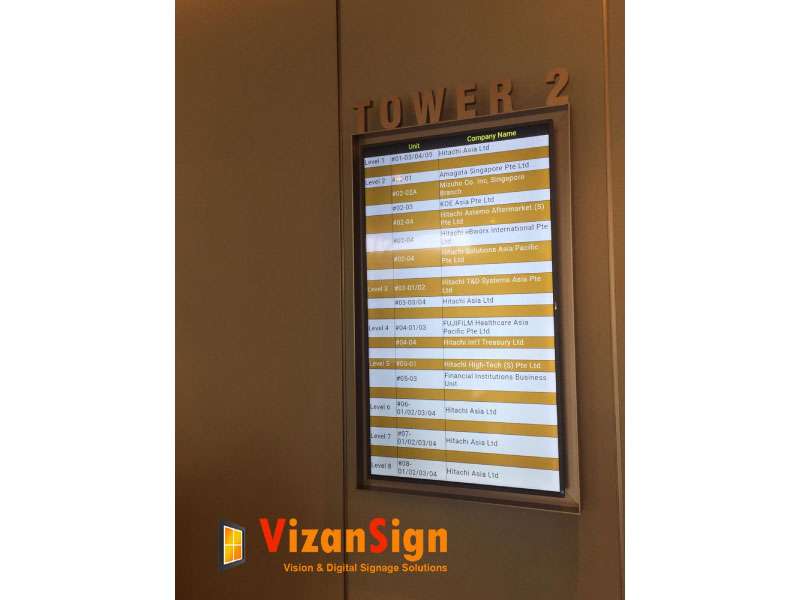
Use Cases
Retail Advertising
Display promotional content and advertisements in retail stores to attract customers and increase sales.
Corporate Communication
Share internal announcements, KPIs, and company news on screens in offices to keep employees informed.
Education
Use digital signage in universities and schools to display campus events, wayfinding, and announcements.
Public Spaces
Deploy interactive wayfinding and information kiosks in town centers, sports grounds, and shopping malls.
Pricing
Custom pricing — built for your team
VizanSign pricing is tailored to your organisation's size, integrations, and requirements. AiDOOS generates your proposal instantly — scoped & ready in seconds.
Key Features
Manage all your digital signage content from a central cloud platform.
Create multi-zone layouts easily with an intuitive drag-and-drop interface.
Schedule content by date, time, and recurring days for automated playback.
Upload and play various media types including videos, images, PowerPoint, Word, PDF, and Flash.
Track the status of all connected players and screens in real-time.
Engage viewers with touch screens, location-based triggers, and motion detection.
What Reviewers Say
What works well
- User-friendly drag-and-drop interface makes it easy to create professional-looking layouts.
- Supports a wide range of media formats, including videos, images, PDF, PowerPoint, and Word.
- Offers flexible scheduling options including daily, date & time, weekly, and monthly.
- Provides robust player hardware compatible with Android, Windows, Linux, and Mac platforms.
Common concerns
- Limited information available about pricing and specific features on the website.
- May require additional hardware investment for full functionality.
Reviews
No reviews yet for VizanSign
AiDOOS-verified review data is collected after deployment. Deploy this product and be among the first to share your experience.
Reviewer Demographics
Top Industries
No data available
Company Size
No data available
Enterprise Readiness
Identity & Access
Data Security
SLA & Availability
Compliance & Portability
Integrations
RSS Feed
Pull in live data from RSS feeds to display on digital signage.
YouTube
Play YouTube videos directly in screen layouts.
PowerPoint
Upload and display PowerPoint presentations on screens.
Word
Display Word documents on digital signage.
Weather API
Integrate real-time weather data for location-based signage.
Display Facebook posts or feeds on screens.
Governance & Compliance
EU AI Act
No data available
Data Processing Agreement
No data available
Sub-processors
No data available
Right to Erasure
No data available
Change Notifications
No data available
NIST AI RMF
No data available
AiDOOS Managed Deployment
Deploy VizanSign in 72 hours
AiDOOS handles setup, CRM integration, SSO config, and user provisioning. Your team goes live — not your IT department.
Prerequisites
- Active VizanSign CMS account
- Digital signage player hardware
- Network connection
Configuration Options
- Custom screen layouts
- Scheduling rules
- Integrations with weather and social media
How VizanSign Compares
| Product | AI & Analytics | Ease of Use | Enterprise Features | Pricing | Integrations | Mobile Experience | Quick Setup | Customer Support | Rating | Price/mo |
|---|---|---|---|---|---|---|---|---|---|---|
|
V
VizanSign This product
|
Poor | Good | Fair | Fair | Fair | Poor | Good | Good | — | $Custom/user |
|
SF
Scalefusion (formerly ProMobi)
|
Good | Excellent | Excellent | Good | Excellent | Excellent | Excellent | Excellent | ★ 4.5 | $Custom/user |
|
SC
ScreenCloud
|
Good | Excellent | Good | Good | Excellent | Good | Excellent | Good | ★ 4.3 | $23/user |
|
OS
OptiSigns
|
Good | Excellent | Good | Excellent | Excellent | Good | Excellent | Excellent | ★ 4.6 | $10/user |
A Virtual Delivery Center for VizanSign
Pre-vetted experts and AI agents in the loop, assembled as a delivery pod. Pay in Delivery Units — universal pricing across roles, seniority, and tech stacks. No hiring, no contracting, no procurement cycle.
- Plans from $2,000 — Starter Pack, 10 Delivery Units, 90 days
- Refundable on unused Delivery Units, anytime — no questions asked
- Re-delivery guarantee on acceptance miss
- Pre-flight delivery sizing — you see the plan before you commit
How a Virtual Delivery Center delivers VizanSign
Outcome-based delivery via AiDOOS’s VDC model. Why VDC vs traditional consulting? →
Outcome-Based
Pay for results, not hours
Milestone-Driven
Clear deliverables at each phase
Expert Network
Access to certified specialists