 ★ 4.5 · 36 reviews
Syskit Point
The governance layer for M365
About Syskit Point
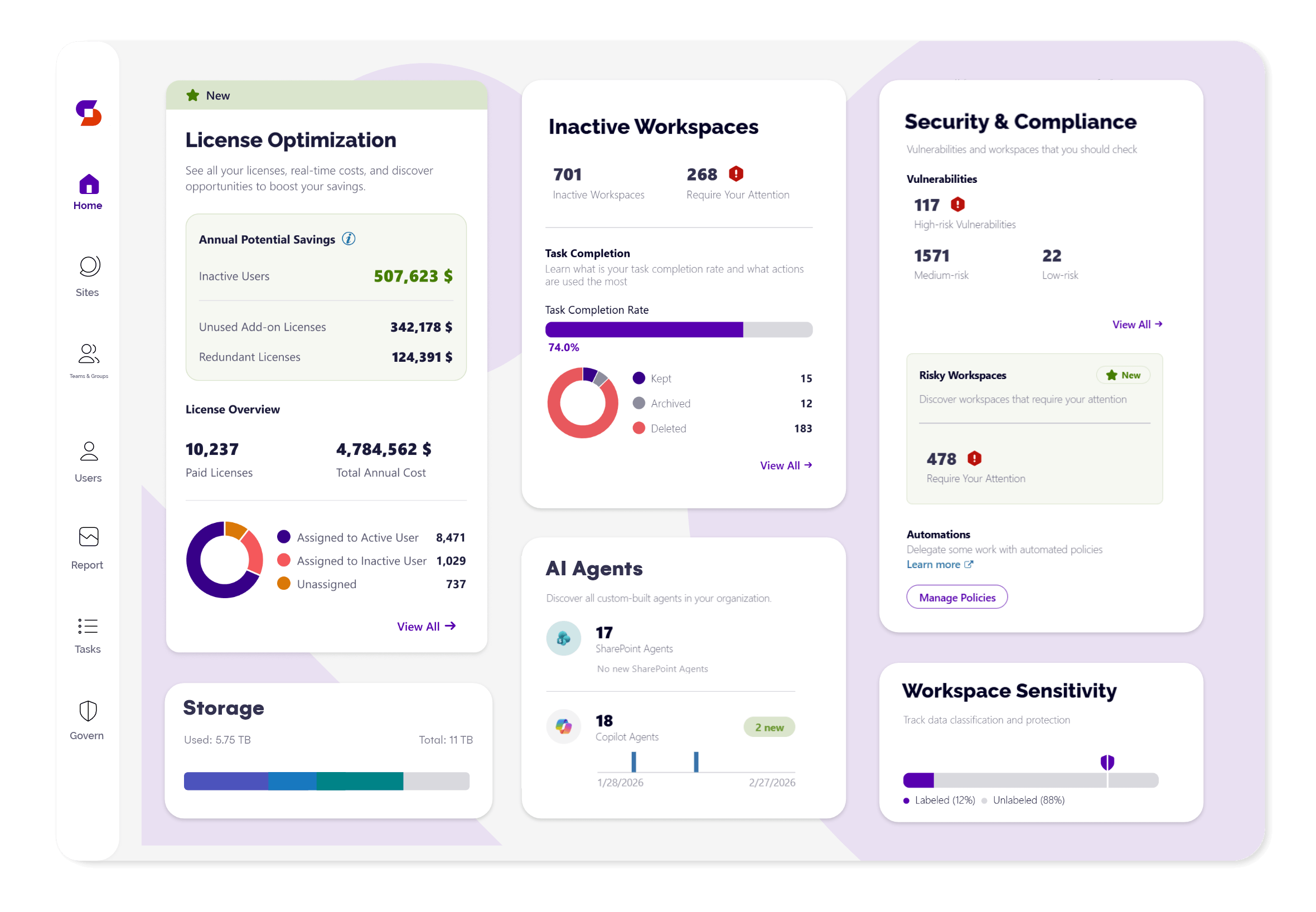
Syskit Point is a Microsoft 365 governance and security platform that gives organizations full visibility and control over their entire Microsoft 365 environment. It centralizes inventory management, access permissions, external sharing, and security monitoring across Teams, SharePoint, OneDrive, and Power Platform. Syskit Point helps IT and security teams detect and remediate over-exposed data, manage user access, automate governance policies, and ensure compliance with regulations. It includes real-time dashboards, auditing, alerts, and detailed reports, enabling teams to proactively address security risks and optimize storage costs. Syskit Point is recognized for its user-friendly interface and is trusted by organizations to reduce security risks, improve collaboration, and support safe AI adoption. With AiDOOS, deployment and adoption are enhanced through automated provisioning, continuous monitoring, and streamlined integration, allowing teams to maximize the value of Syskit Point while minimizing manual overhead.
Challenges It Solves
- Lack of visibility into Microsoft 365 permissions and external sharing leads to data leakage.
- Manual administration across multiple admin centers is time-consuming and error-prone.
- Compliance and audit requests are difficult to fulfill without centralized monitoring and reporting.
- Without proper governance, AI tools like Copilot may expose sensitive data.
Screenshots
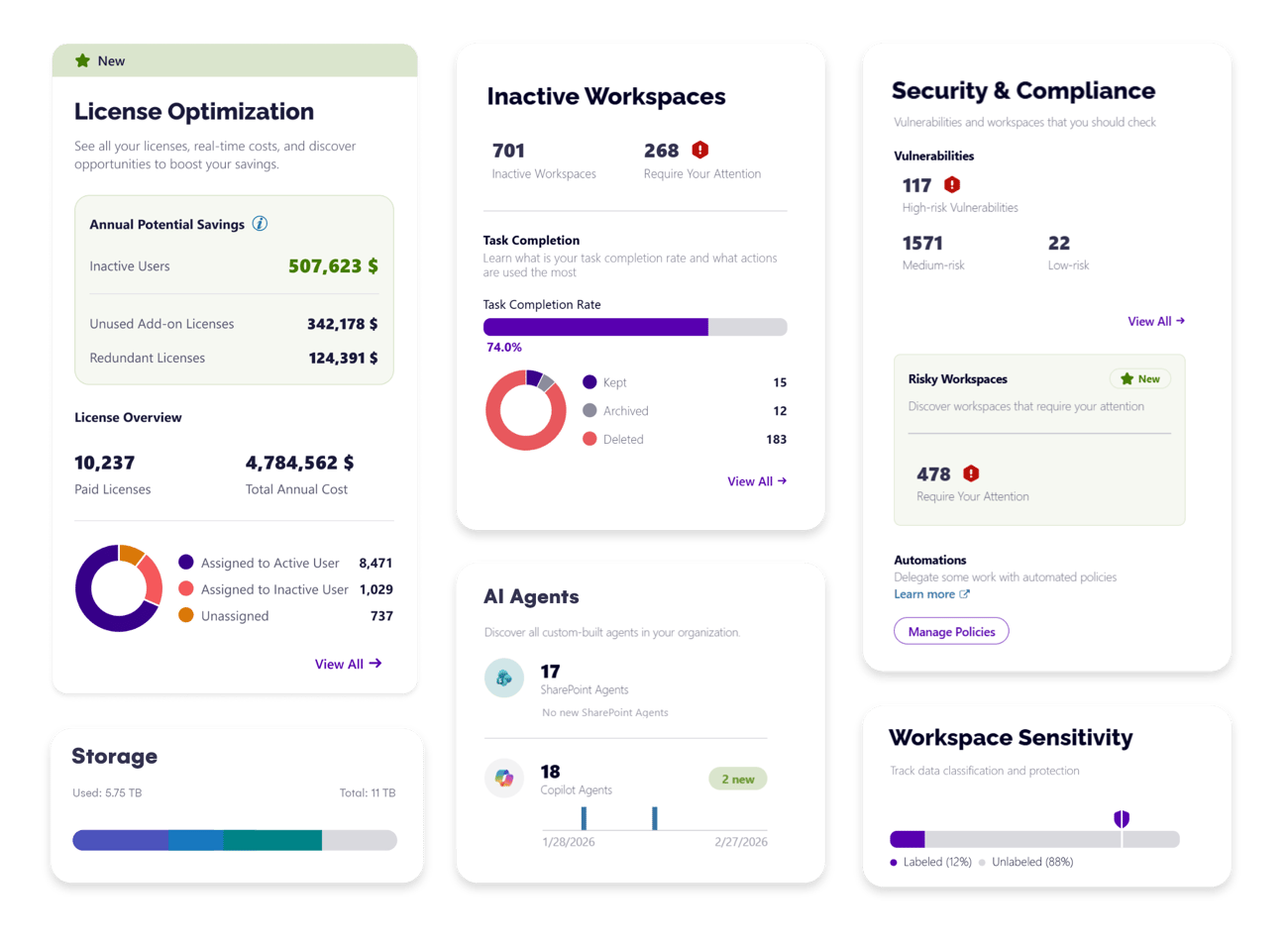
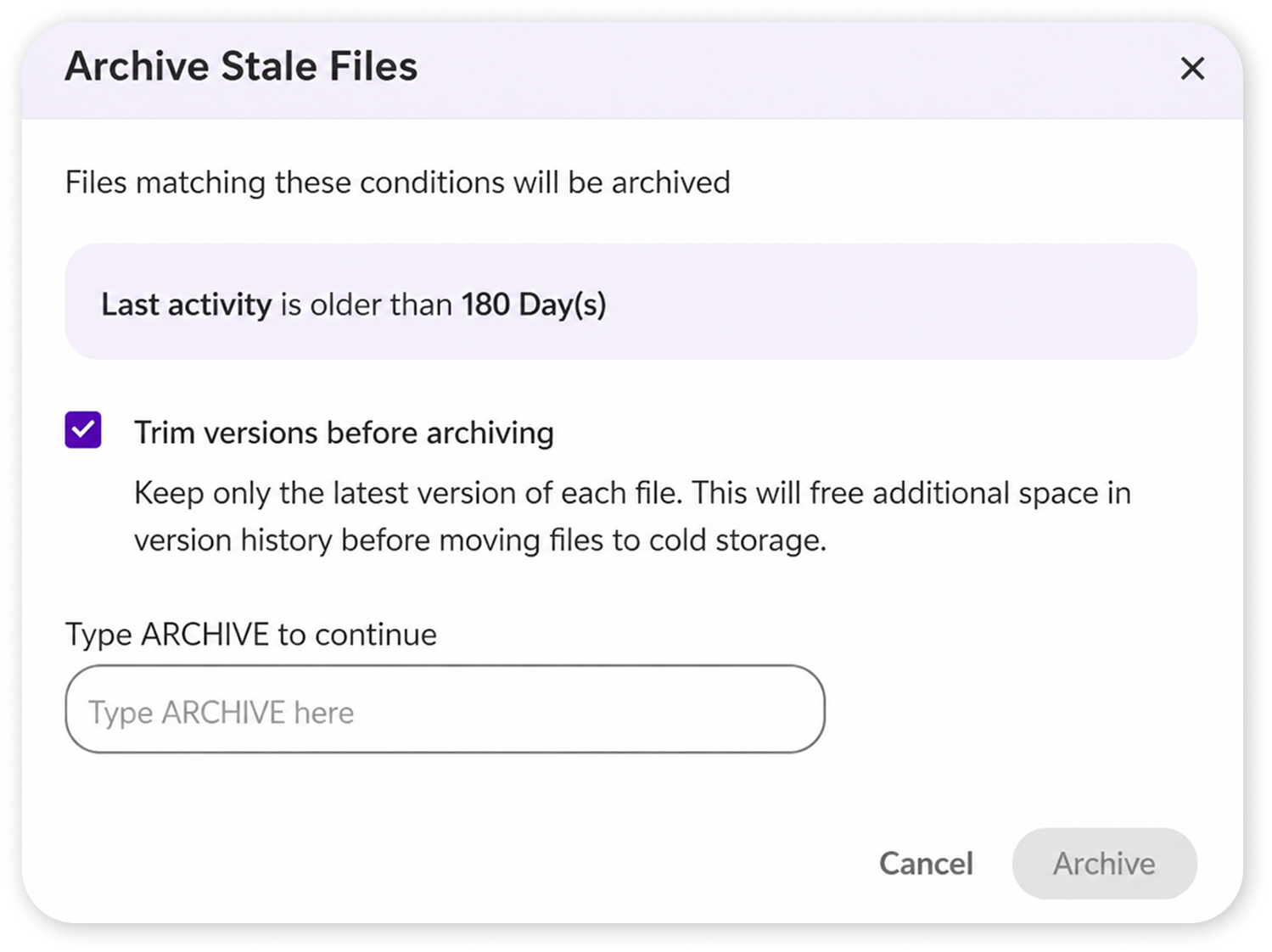
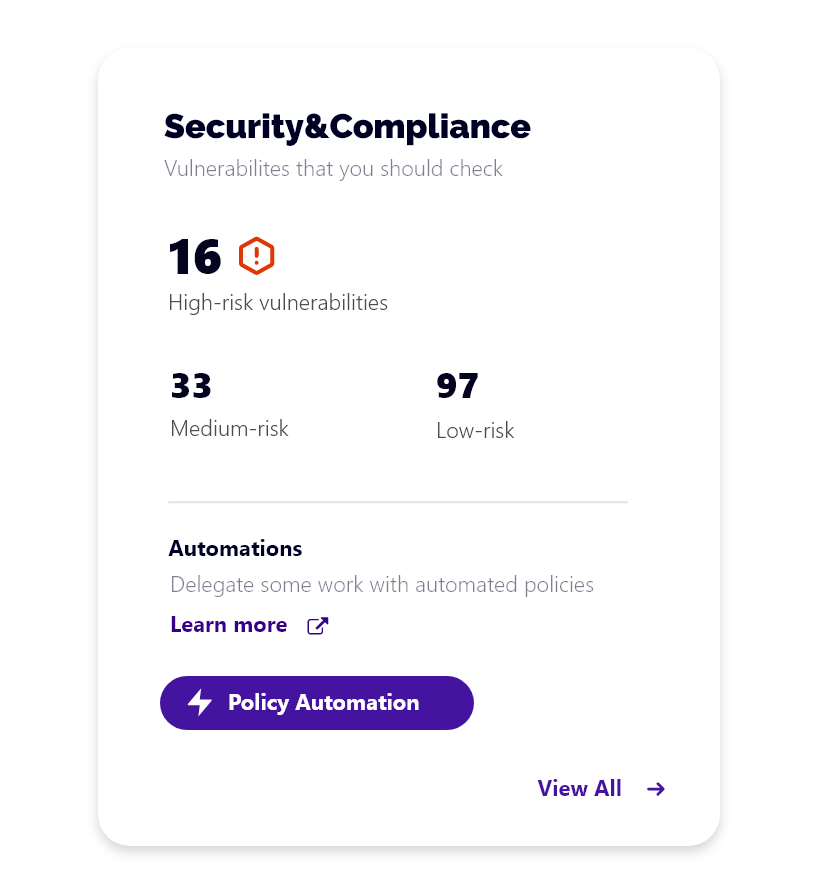
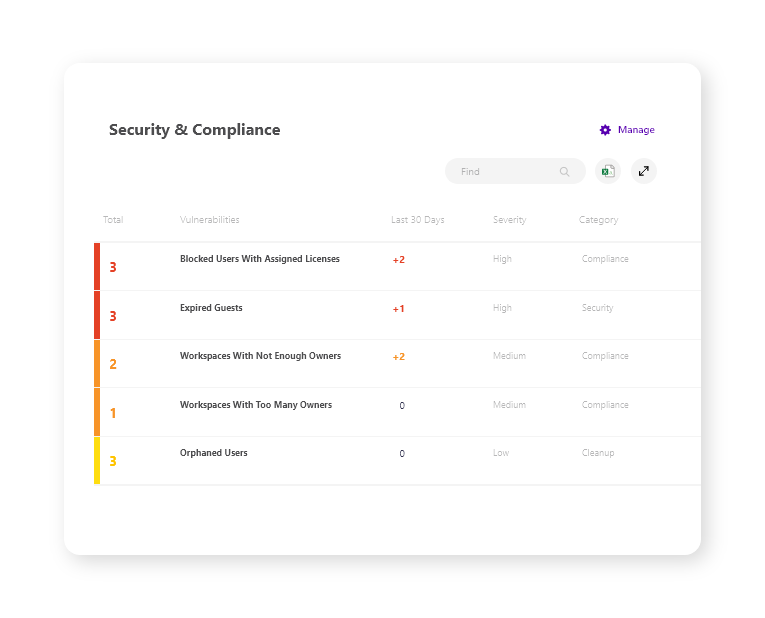
Use Cases
Secure AI Deployment
Ensure Microsoft Copilot and other AI tools access only appropriate data by fixing oversharing and permission issues.
Compliance Reporting
Generate audit-ready reports to demonstrate control over sensitive data to regulators.
Access Control Management
Efficiently manage user access across Teams, SharePoint, and OneDrive, especially during offboarding or role changes.
Pricing
- Access management
- Auditing
- Alerts
- Reports
- All Pro features
- Advanced automation
- Dedicated support
Key Features
Centralized view of all users, teams, sites, and sharing across the Microsoft 365 environment.
Manage user permissions, memberships, and external sharing from a single interface.
Track user and admin activities with detailed audit logs for compliance.
Detect risky activity, oversharing, and unauthorized access to protect sensitive data.
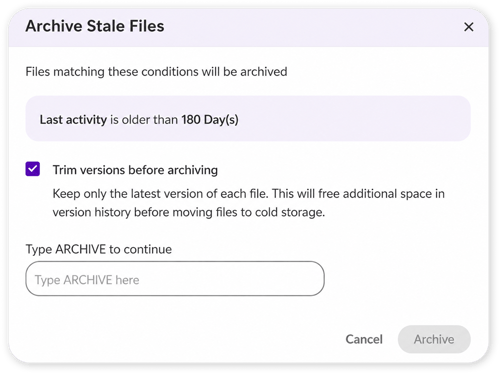
Automate lifecycle policies, access reviews, and remediation tasks.
Prepare Microsoft 365 for AI adoption by identifying and fixing data exposure before it becomes a problem.
What Reviewers Say AI-synthesized from 36 reviews
What works well
- Provides comprehensive visibility and control over Microsoft 365 environments.
- User-friendly interface simplifies complex tasks like access management and auditing.
- Automates governance and reduces security risks, as evidenced by customer case studies.
Common concerns
- May require additional configuration for advanced customization.
- Pricing for enterprise tiers is not publicly disclosed.
Reviews
36 verified reviewsReviewer Demographics
Top Industries
No data available
Enterprise Readiness
Identity & Access
Data Security
SLA & Availability
Compliance & Portability
Integrations
null total appsMicrosoft Entra ID
Integrates with Microsoft Entra ID for user provisioning, access management, and single sign-on.
Microsoft Teams
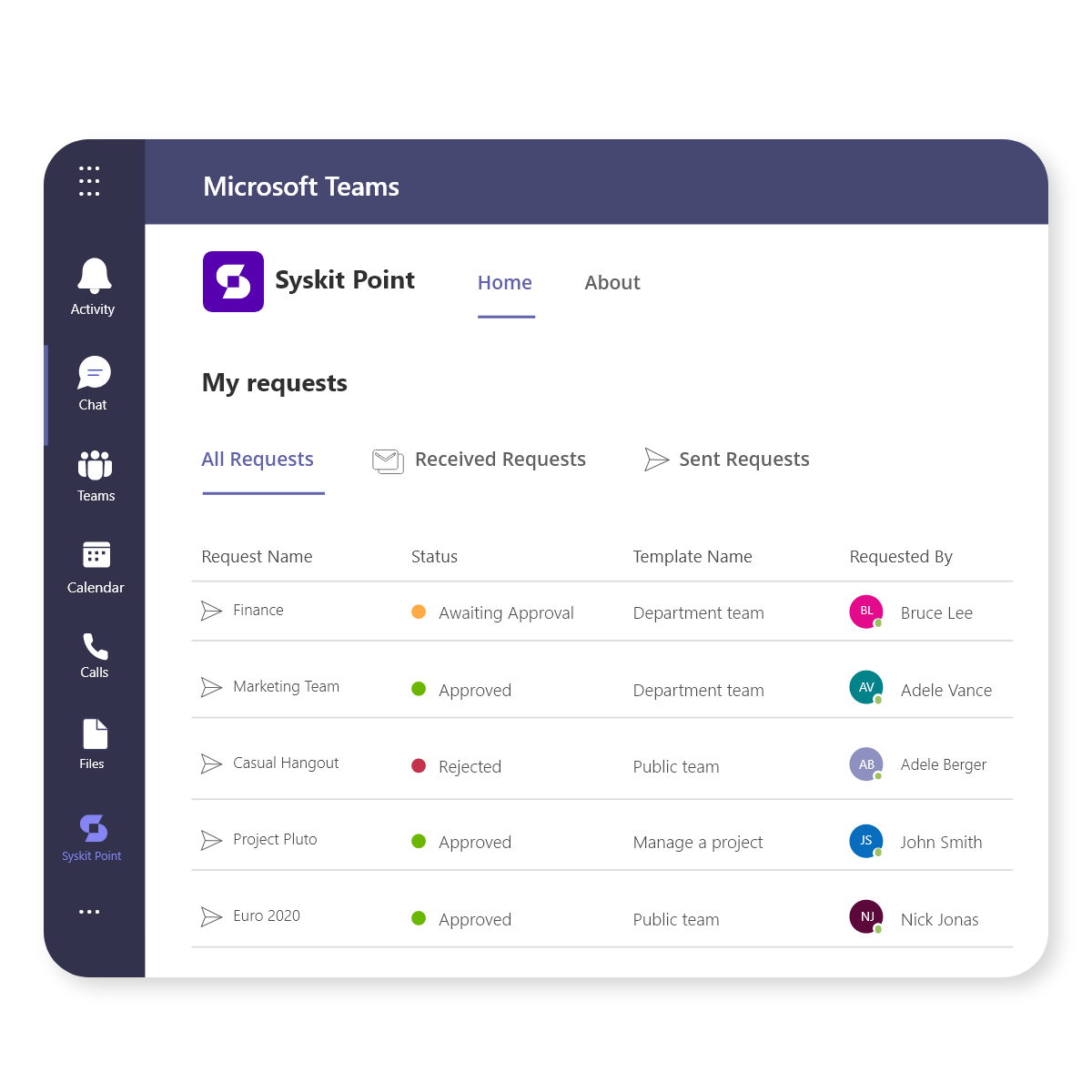
Manages team membership, permissions, and lifecycle within Microsoft Teams.
SharePoint Online
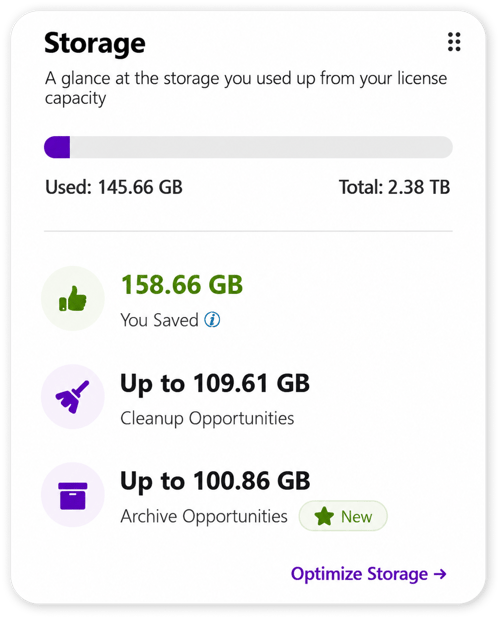
Provides visibility into SharePoint site permissions, external sharing, and storage usage.
Microsoft 365 Groups
Manages group membership, ownership, and lifecycle across Microsoft 365.
Power Platform
Detects and manages environments, apps, flows, and permissions in Power Platform.
Microsoft 365 Security & Compliance Center
Leverages security and compliance signals to enhance governance.
Governance & Compliance
EU AI Act
No data available
Data Processing Agreement
Data Processing Addendum DPA available
Sub-processors
Fully disclosed
Right to Erasure
✓ Supported
Change Notifications
No data available
NIST AI RMF
No data available
AiDOOS Managed Deployment
Deploy Syskit Point in 72 hours
AiDOOS handles setup, CRM integration, SSO config, and user provisioning. Your team goes live — not your IT department.
Prerequisites
- Microsoft 365 tenant with admin credentials
- License for Syskit Point
- Network access from server to Microsoft 365 endpoints
Configuration Options
- Integration with Microsoft Entra ID for SSO
- Configure custom policy templates for governance
- Set up scheduled access reviews and alerts
How Syskit Point Compares
| Product | AI & Analytics | Ease of Use | Enterprise Features | Pricing | Integrations | Mobile Experience | Quick Setup | Customer Support | Rating | Price/mo |
|---|---|---|---|---|---|---|---|---|---|---|
|
S
Syskit Point This product
|
Good | Excellent | Good | Fair | Good | Poor | Excellent | Good | ★ 4.5 | $8/user |
|
AP
AvePoint
|
Good | Fair | Excellent | Fair | Excellent | Poor | Fair | Good | — | Custom |
|
VH
Veeam
|
Good | Good | Excellent | Fair | Good | Poor | Fair | Good | — | Custom |
|
SG
ShareGate
|
Good | Excellent | Good | Good | Good | Fair | Excellent | Good | — | Custom |
A Virtual Delivery Center for Syskit Point
Pre-vetted experts and AI agents in the loop, assembled as a delivery pod. Pay in Delivery Units — universal pricing across roles, seniority, and tech stacks. No hiring, no contracting, no procurement cycle.
- Plans from $2,000 — Starter Pack, 10 Delivery Units, 90 days
- Refundable on unused Delivery Units, anytime — no questions asked
- Re-delivery guarantee on acceptance miss
- Pre-flight delivery sizing — you see the plan before you commit
How a Virtual Delivery Center delivers Syskit Point
Outcome-based delivery via AiDOOS’s VDC model. Why VDC vs traditional consulting? →
Outcome-Based
Pay for results, not hours
Milestone-Driven
Clear deliverables at each phase
Expert Network
Access to certified specialists