Pricing For Talent
Login Free Trial Book a Demo
SiteKiosk · 0 reviews
Schedule Meeting
Marketplace › Marketing › SiteKiosk  · SiteKiosk alternatives

SiteKiosk

Secure Software for Kiosks & Digital Signage

AiDOOS Verified SAAS Marketing
☆☆☆☆☆ 0 reviews · 10,000+
Live in 72 hours 30-day free trial
Pricing
Tailored to you
AiDOOS generates your proposal instantly — scoped & ready in seconds
Schedule Meeting

30-day free trial · No credit card required

Category
Marketing
Deployment
Hybrid
API Access
Yes
AiDOOS Deploy
72 hours

About SiteKiosk

SiteKiosk is a comprehensive kiosk software solution that secures, manages, and powers public-facing devices such as self-service terminals, tablets, and digital signage displays. It offers a hardened browser, remote management capabilities, and a content management system for creating interactive and digital signage campaigns. With support for both Windows and Android, SiteKiosk ensures tamper-proof operation and provides centralized control through a cloud or on-premise server. Its features include automatic system start, access rights management, session control, input filtering, and real-time monitoring. SiteKiosk helps businesses protect their kiosk systems from unauthorized access and malfunctions, while enabling remote configuration, updates, and troubleshooting. Through its intuitive dashboard, administrators can easily deploy and manage large fleets of devices. SiteKiosk also offers powerful design tools and templates for creating engaging user experiences, including interactive product advisors and information kiosks. With its AI-powered features and extensive integration options, SiteKiosk enhances operational efficiency and customer satisfaction. AiDOOS complements SiteKiosk by providing a centralized platform for AI-driven insights and deployment orchestration, enabling seamless adoption and optimization of digital signage and kiosk solutions.

Challenges It Solves

  • Securing public-facing devices against tampering and unauthorized access
  • Ensuring reliable and stable operation of kiosk systems
  • Managing and monitoring a large fleet of kiosk devices remotely
  • Creating and deploying engaging digital signage content

Screenshots
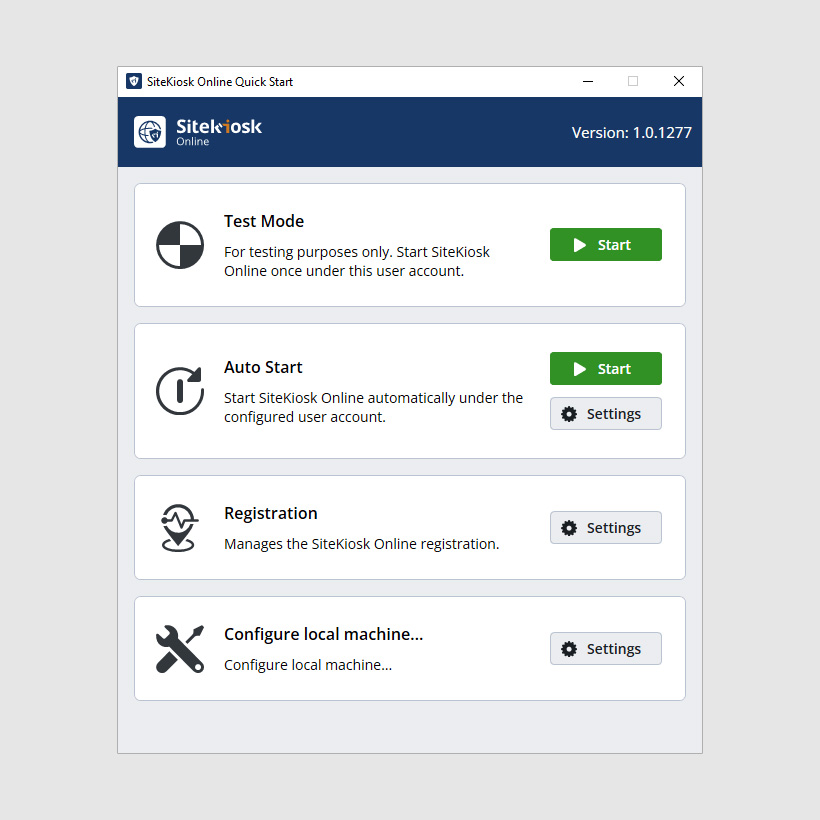
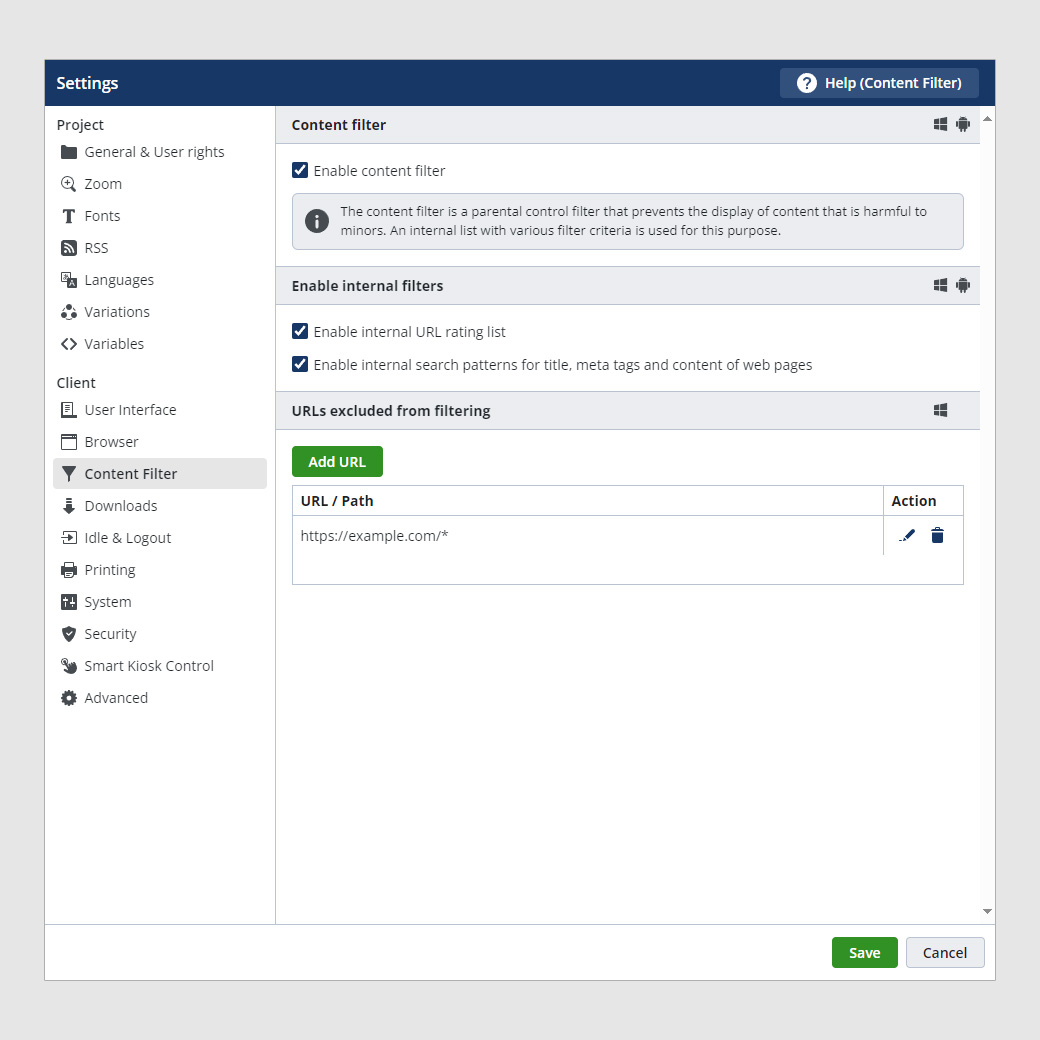
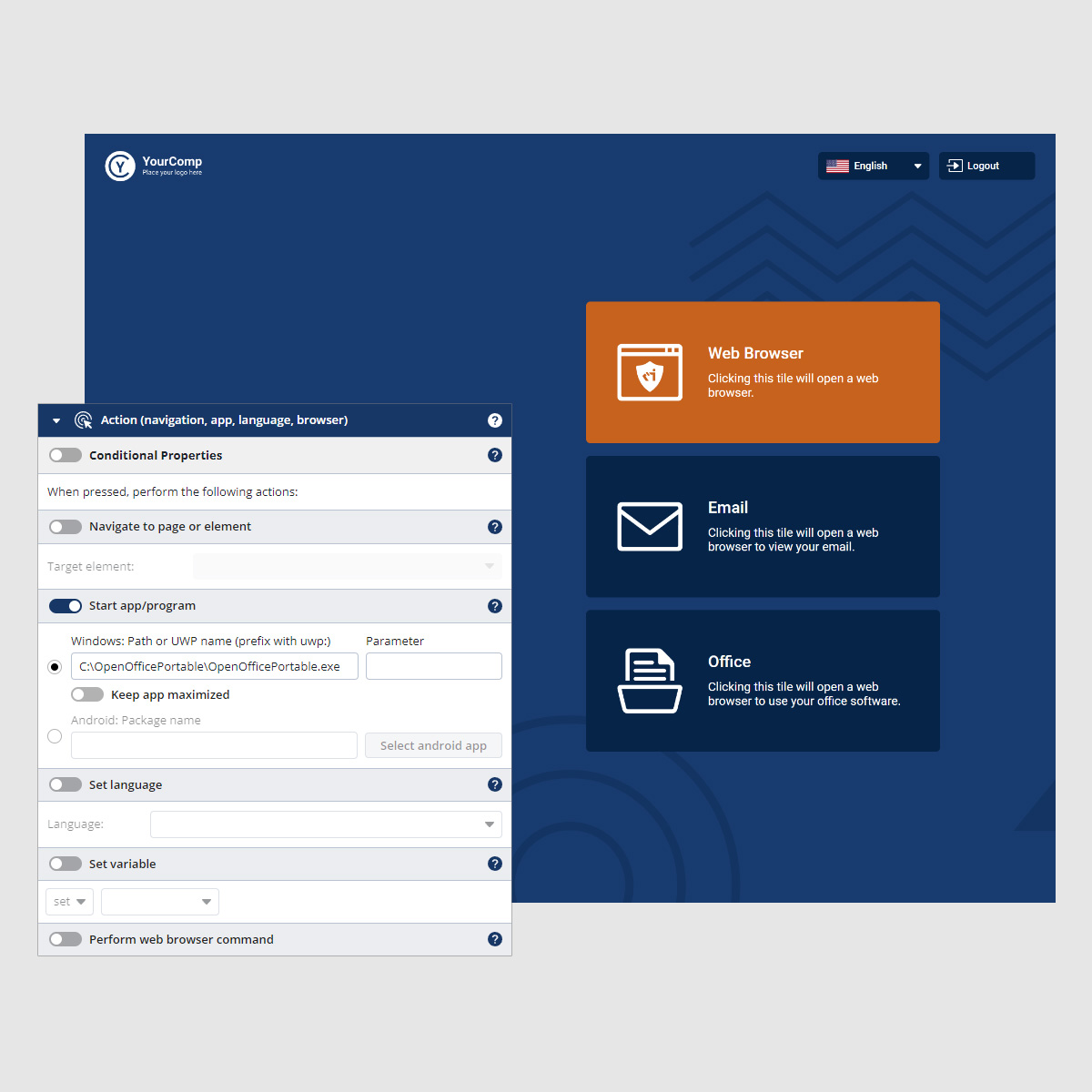
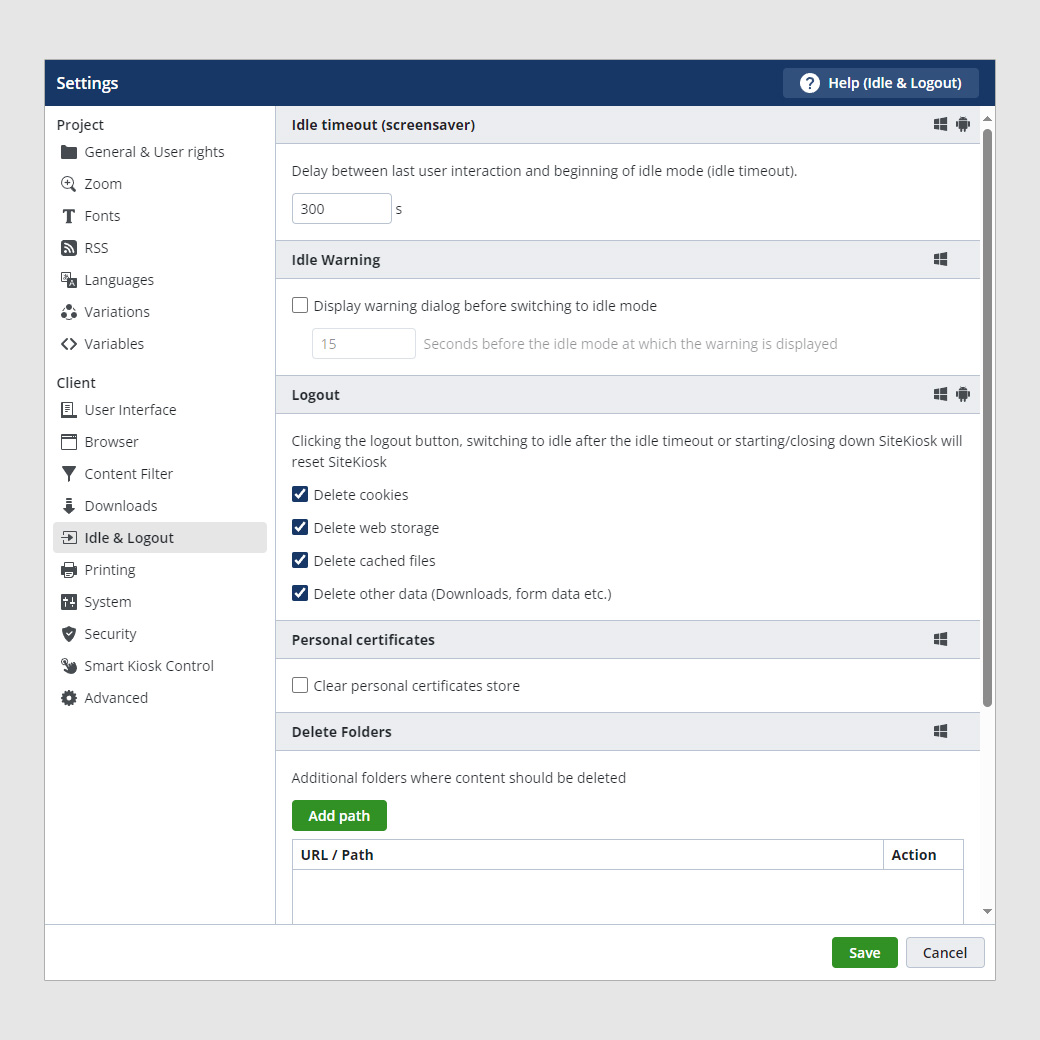
SiteKiosk screenshot 1
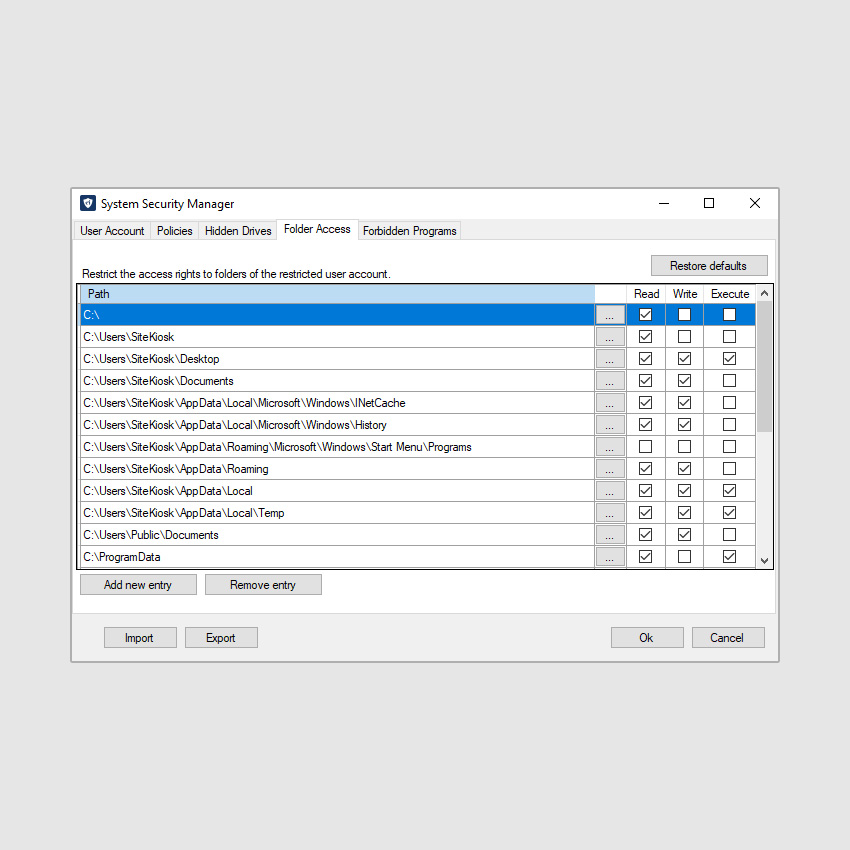
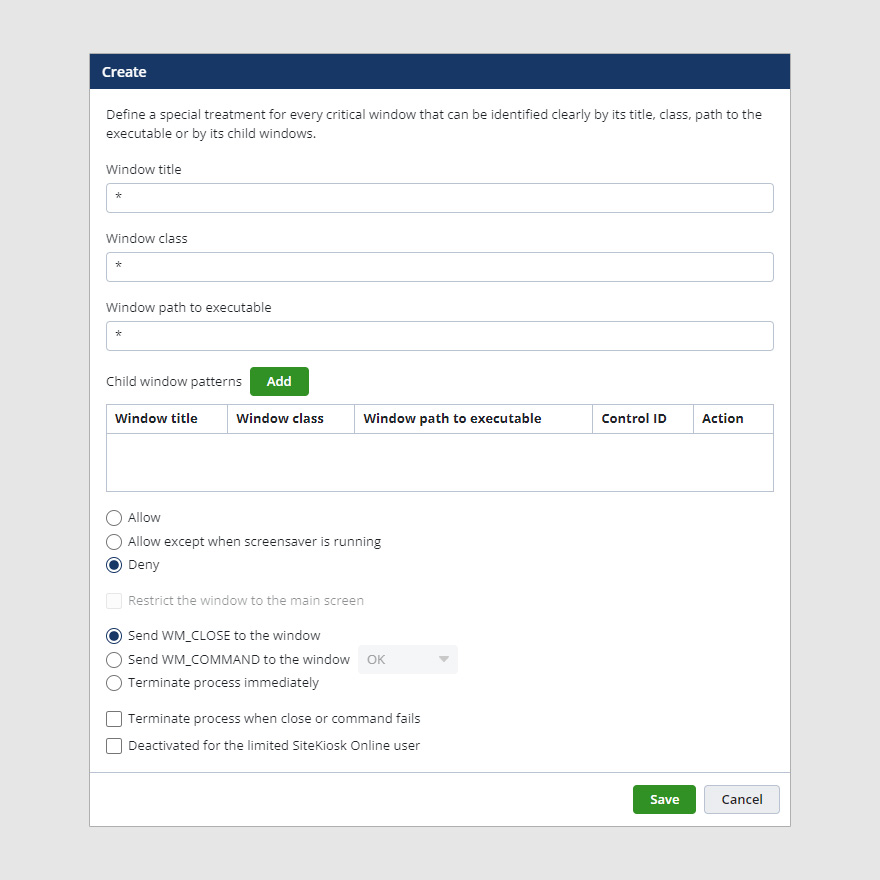
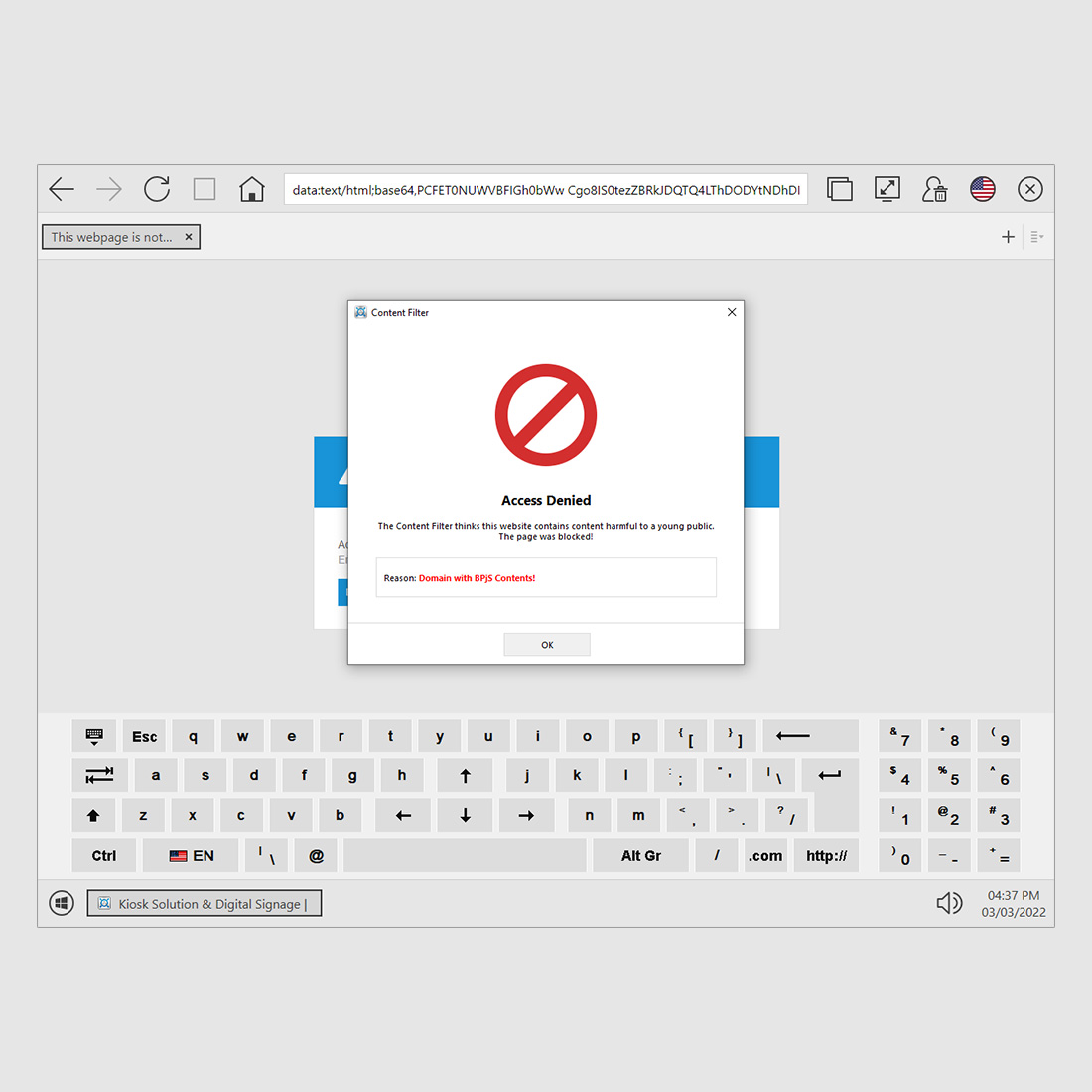
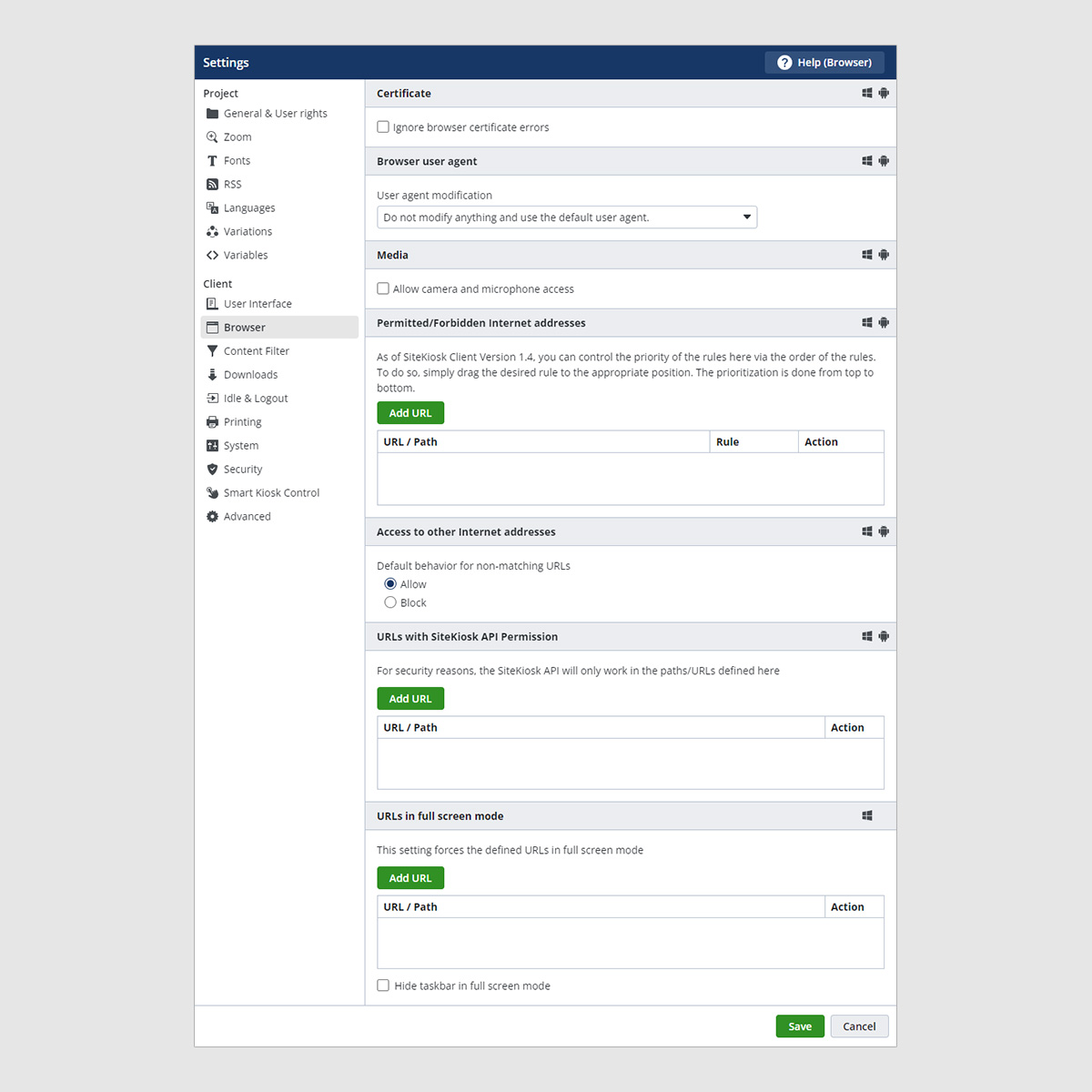
SiteKiosk screenshot 1 SiteKiosk screenshot 2 SiteKiosk screenshot 3 SiteKiosk screenshot 4 SiteKiosk screenshot 5 SiteKiosk screenshot 6 SiteKiosk screenshot 7 SiteKiosk screenshot 8

Use Cases

Digital Signage

Create and manage dynamic digital signage campaigns for advertising and information display.

Interactive Kiosks

Deploy interactive self-service kiosks for wayfinding, product information, and customer engagement.

Employee Self-Service

Provide employees with secure access to HR services and company information via kiosks.

Retail Product Advisor

Guide customers through product selections with interactive kiosks in retail environments.

Pricing

Custom pricing — built for your team

SiteKiosk pricing is tailored to your organisation's size, integrations, and requirements. AiDOOS generates your proposal instantly — scoped & ready in seconds.

Starter Business Enterprise
Schedule a Meeting
30-day free trial available — No credit card required. Full access to all features.
💡 Pricing insight from reviewers: SiteKiosk offers different licensing options per device, with free 30-day trial available.

Key Features

Device Protection

Security features to prevent tampering and ensure safe operation.

Remote Management

Centralized monitoring and control of kiosk devices from a dashboard.

Content Management System

Create and schedule digital signage content with an intuitive interface.

Hardened Browser

Secure web browsing environment with content filtering and access control.

Session Control

Automatic logout after inactivity to protect user privacy.

Multi-Platform Support

Runs on Windows and Android devices, including tablets and kiosks.

What Reviewers Say

What works well

  • Robust security features protect kiosks from tampering
  • Comprehensive remote management and monitoring capabilities
  • Supports both Windows and Android platforms

Common concerns

  • May require technical expertise for initial setup and configuration

Reviews

None
★★★☆☆
out of 5
By segment
Enterprise100%
S
Small-Business (50 or fewer emp.)
"The industry leader"
The potential is endless, and the efficiency is outstanding. Having used SiteKiosk for over a decade, every project we've implemented has been successful. There are new digital signage features and widgets on the horizon, which is exciting. It secures self-service kiosks for any use case and also handles digital signage perfectly.
S
Small-Business (50 or fewer emp.)
"Great tool for kiosk and digital signage management"
It's very straightforward to deploy on kiosks and digital signage screens, and the learning curve is quite short. It could benefit from more widgets for digital signage and the ability to set up users who only update specific content without affecting other settings. Installation and upkeep are simple and hassle-free.
G
Gerente superior de marketing
"A straightforward way to protect devices"
This software offers the essential tools to safeguard our devices in public spaces more efficiently and easily, including email reports, customizable screens, and blocking of critical elements. I have only positive experiences with SiteKiosk; their customer support is outstanding and has rescued me whenever I had questions. Protecting devices in public areas was a top priority for us, and since using SiteKiosk, we've seen how reliably it blocks everything we need. It performs superbly in blocking websites, and for that and all its powerful capabilities, we are very thankful.
F
Founder
"Perfect for managing kiosks"
SiteKiosk is packed with numerous features and utilities that allow you to lock screens, guarantee security, and administer kiosks remotely. This software has never given me any reason to complain; my only suggestion is to incorporate more widgets, but overall it's excellent. My previous management method was quite outdated; with this software, everything is more professional and secure, and much easier to handle. I can customize it exactly as I need.
D
Diseñador gráfico
"Excellent for secure screen locking"
SiteKiosk provides all the essential features to lock screens on various devices in public areas, with full customization options. Its digital signature content and reporting capabilities make it a complete software package. I have never encountered any crashes, errors, or issues that would diminish its value for me. It's user-friendly and I truly appreciate it. With SiteKiosk, I have been able to ensure device security while connecting to wireless networks. It's a top-tier, highly secure business solution.

Reviewer Demographics

Top Industries

No data available

Company Size

No data available

Enterprise Readiness

ISO 27001

Identity & Access

SSO Microsoft Entra ID, LDAP
RBAC permissions for users and groups
Audit Logs

Data Security

At restAES-256
In transitTLS 1.2+
Key mgmtVendor-managed

SLA & Availability

Uptime SLA99.9%
RPO
RTO
Pen test

Compliance & Portability

Data residencyEU, US
Data export
Right to erasure

Integrations

Microsoft Entra ID

Allows users to sign in to SiteKiosk using existing Microsoft Entra ID (formerly Azure AD) credentials, streamlining user management and enhancing security.

Native 1-2 hours ⚡ AiDOOS Pre-wired

LDAP

Integrates with LDAP directories for centralized user authentication and management, allowing SiteKiosk to use existing credentials.

Native 1-2 hours

UltraVNC

Built-in remote access tool for centralized remote control of kiosk devices, enabling troubleshooting and maintenance.

Native < 1 hour ⚡ AiDOOS Pre-wired

RSS Feeds

Allows integration of RSS feeds for displaying dynamic content such as news or updates on kiosk screens.

Native < 1 hour

Sensors

Supports integration with external sensors and devices to enhance interactivity and functionality of kiosk systems.

Third_Party 2-4 hours

Third-Party Web Applications

Allows integration of third-party web applications into the kiosk environment for extended functionality.

Third_Party 1-2 hours

Governance & Compliance

EU AI Act

No data available

Data Processing Agreement

No data available

Sub-processors

No data available

Right to Erasure

No data available

Change Notifications

No data available

NIST AI RMF

No data available

AiDOOS Managed Deployment

Deploy SiteKiosk in 72 hours

AiDOOS handles setup, CRM integration, SSO config, and user provisioning. Your team goes live — not your IT department.

12
Deployments
94%
Adoption rate
4.8/5
Post-deploy sat.
2-4 weeks
Time to value

Prerequisites

  • Windows or Android device
  • SiteKiosk Online license
  • Network connectivity to SiteKiosk cloud server

Configuration Options

  • Remote management via Dashboard
  • LDAP integration
  • Content scheduling
  • Kiosk app design templates

How SiteKiosk Compares

Product AI & Analytics Ease of Use Enterprise Features Pricing Integrations Mobile Experience Quick Setup Customer Support Rating Price/mo
SiteKiosk This product
Good Good Excellent Fair Good Fair Moderate Excellent $Custom/user
KioWare
Fair Good Good Good Fair Fair Good Good $Custom/user
Redia Kiosk
Fair Good Good Good Fair Fair Good Good $Custom/user
Pickit Kiosk
Fair Good Fair Good Fair Good Good Good $Custom/user
Virtual Delivery Center · A new delivery category

A Virtual Delivery Center for SiteKiosk

Pre-vetted experts and AI agents in the loop, assembled as a delivery pod. Pay in Delivery Units — universal pricing across roles, seniority, and tech stacks. No hiring, no contracting, no procurement cycle.

  • Plans from $2,000 — Starter Pack, 10 Delivery Units, 90 days
  • Refundable on unused Delivery Units, anytime — no questions asked
  • Re-delivery guarantee on acceptance miss
  • Pre-flight delivery sizing — you see the plan before you commit

How a Virtual Delivery Center delivers SiteKiosk

Outcome-based delivery via AiDOOS’s VDC model.  Why VDC vs traditional consulting? →

Outcome-Based

Pay for results, not hours

Milestone-Driven

Clear deliverables at each phase

Expert Network

Access to certified specialists

Implementation Timeline

1
Discover
Requirements & assessment
2
Integrate
Setup & data migration
3
Validate
Testing & security audit
4
Rollout
Deployment & training
5
Optimize
Performance tuning
Schedule a Meeting

Frequently Asked Questions

What is SiteKiosk?
SiteKiosk is a kiosk software solution that ensures public-access kiosk devices are tamper-proof and run reliably on Windows and Android. It allows secure web browsing, restricts access to the operating system, and offers remote management and digital signage capabilities. AiDOOS can help deploy and manage SiteKiosk for your enterprise.
What are the system requirements for SiteKiosk Online?
SiteKiosk Online requires a Windows or Android device with internet access. The exact requirements can be found in the SiteKiosk Online Help documentation. For enterprise deployment, AiDOOS can assist with compatibility checks.
How does SiteKiosk protect kiosk devices?
SiteKiosk protects kiosk devices by replacing the Windows shell with a secure shell, blocking access to the OS, filtering user inputs, and providing configurable browser security settings. It also supports automatic session cleanup and emergency mode.
Can I use SiteKiosk without an internet connection?
Yes, SiteKiosk Classic for Windows or Android can be used without internet access. SiteKiosk Online requires internet connectivity to a cloud server or your own on-premise server.
Does SiteKiosk support single sign-on (SSO)?
Yes, SiteKiosk Online supports SSO integration with Microsoft Entra ID and LDAP directories. This allows users to log in with their existing corporate credentials.
What types of content can be displayed using SiteKiosk?
SiteKiosk supports various content types including PDFs, videos, images, text, and web pages. It also allows integration with RSS feeds and external sensors.

Quick Stats

Rating
12
Deployments
72 hours
Live in
99.9%
Uptime SLA
Deployment Complexity
Moderate (3/5)
Schedule a Meeting

Vendor

SiteKiosk
Founded 1996 · 25 people employees · Münster, Germany & Miami, USA
Verified Vendor

Get an Instant Proposal

You'll get a structured implementation plan — scope, timeline, and cost — in seconds.