Pricing For Talent
Login Free Trial Book a Demo
Mode ★ 4.5 · 330 reviews
Schedule Meeting
Marketplace › Marketing › Mode  · Mode alternatives

Mode

Business Intelligence built around data teams

AiDOOS Verified SAAS Marketing
4.5 ★★★★☆ 330 reviews
Live in 72 hours Free trial
Pricing
Tailored to you
AiDOOS generates your proposal instantly — scoped & ready in seconds
Schedule Meeting

Free trial · No credit card required

Category
Marketing
Deployment
Cloud (SaaS)
API Access
Yes
AiDOOS Deploy
72 hours

About Mode

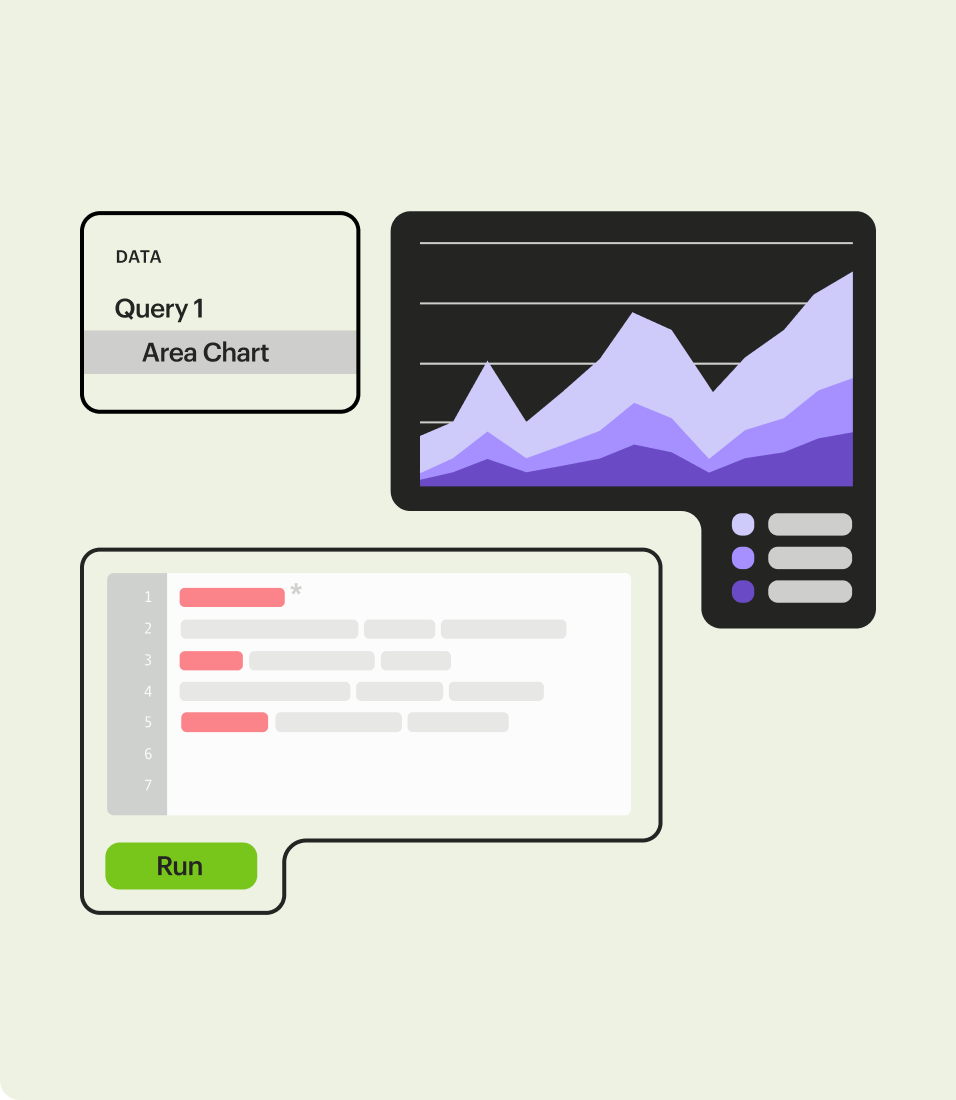
Mode is a cloud-based data platform that unifies ad hoc analysis, self-service reporting, and advanced analytics in a single solution. It is designed for data teams and business users to collaborate on data-driven decision-making. With an intuitive SQL editor, Python and R notebooks, and drag-and-drop visual exploration, Mode supports both technical and non-technical users. The platform connects to major data warehouses like Snowflake, BigQuery, and Redshift, and integrates with modern data tools like dbt. Mode enables organizations to build interactive dashboards, reusable datasets, and custom data applications, all with governance and security controls. AiDOOS enhances Mode's deployment and adoption by providing a managed environment that simplifies installation, scaling, and maintenance. With AiDOOS, teams can rapidly deploy Mode, integrate it with existing workflows, and leverage AI-driven insights to accelerate time-to-value, ensuring that the platform is optimized for the organization's evolving data needs.

Challenges It Solves

  • Disconnected data tools leading to inconsistent metrics and siloed analysis
  • Difficulty scaling self-service reporting while maintaining governance
  • Slow time to insight due to rigid data models and manual reporting processes
  • Lack of collaboration between data teams and business users

Screenshots
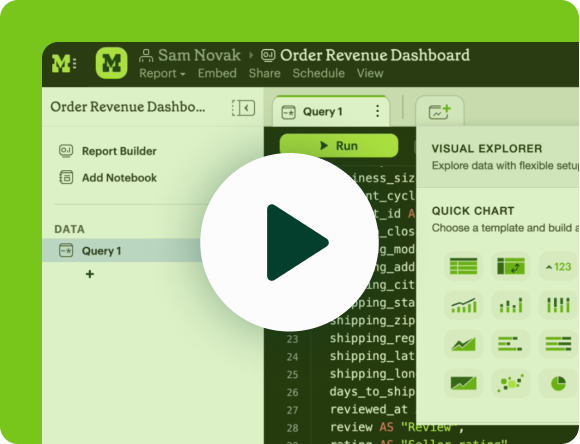
Mode screenshot 1
Mode screenshot 1 Mode screenshot 2 Mode screenshot 3 Mode screenshot 4 Mode screenshot 5 Mode screenshot 6 Mode screenshot 7 Mode screenshot 8

Watch Demo

Mode — Product Overview

Use Cases

Ad Hoc Analysis

Data teams use Mode to perform flexibly and iteratively explore data, test hypotheses, and deliver insights quickly.

Self-Service Reporting

Business teams can build their own dashboards and reports, reducing dependency on data teams.

Advanced Analytics

Leverage Python and R notebooks for sophisticated data science and modeling workflows.

Custom Data Apps

Build and embed custom analytics applications for internal or external users.

Pricing

Custom pricing — built for your team

Mode pricing is tailored to your organisation's size, integrations, and requirements. AiDOOS generates your proposal instantly — scoped & ready in seconds.

Studio Pro Enterprise
Schedule a Meeting
Free trial available — No credit card required. Full access to all features.
💡 Pricing insight from reviewers: Mode follows a usage-based pricing model with a free tier for basic use, and paid plans scale based on features and data volume, similar to competitors like Looker and Tableau.

Key Features

SQL Editor

Dive right into data using SQL to rapidly iterate through queries and deliver results.

Python & R Notebooks

Load SQL results directly into connected Python or R notebooks for advanced analytics.

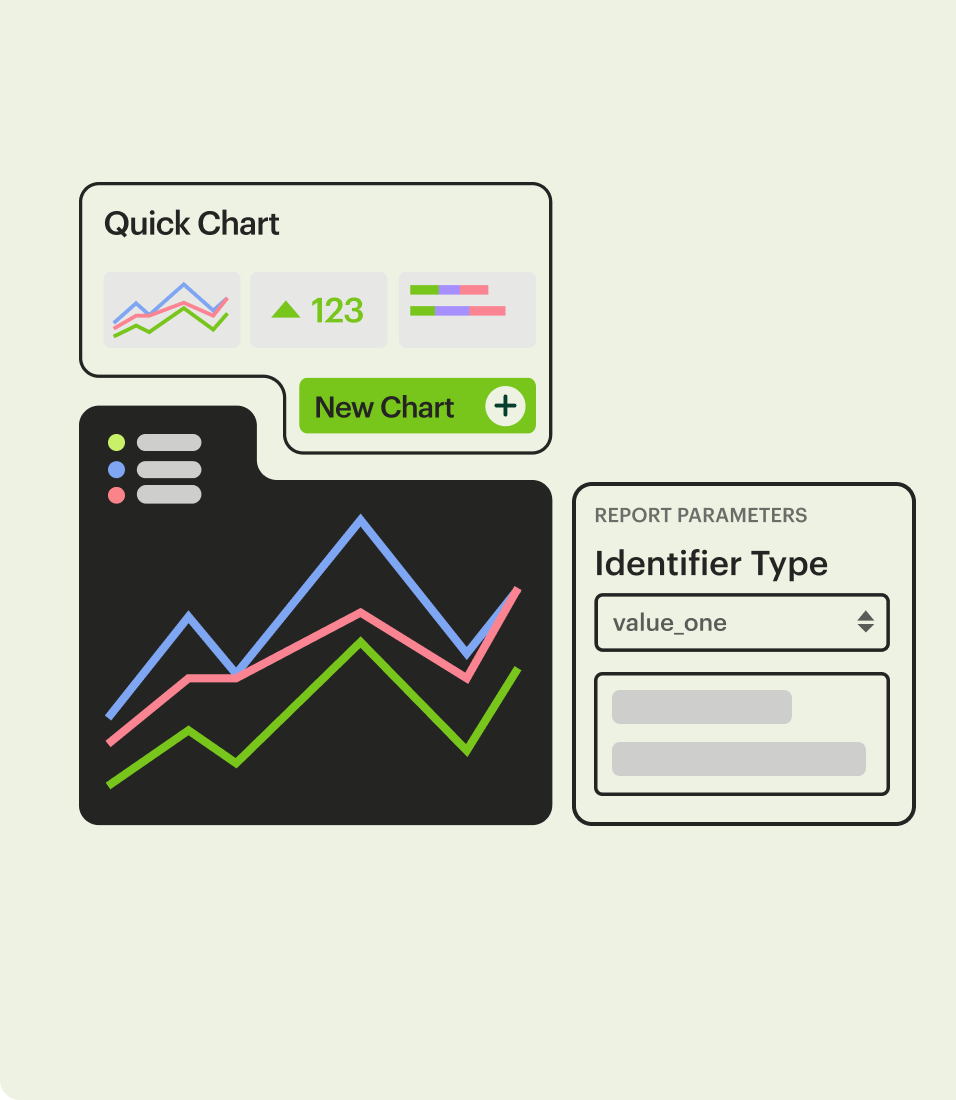
Interactive Dashboards

Build dashboards that anyone can dive into, follow questions, and find answers without tickets.

Visual Exploration

Explore over 100,000 data points visually in the browser and share insightful explorations.

Reusable Datasets

Build and maintain trusted, curated datasets that power every team's exploration in record time.

Writeups

Craft reports complete with explorable charts, output cells, and narrative to recommend next steps.

What Reviewers Say AI-synthesized from 330 reviews

What works well

  • Powerful and flexible SQL/Python/R environment for complex analysis
  • Collaborative features that bridge data teams and business users
  • Easy to set up and use, with a short learning curve
  • Integrates well with modern data stack tools like dbt

Common concerns

  • Can become expensive for larger teams with heavier usage
  • Limited customization and white-labeling on lower tiers
  • Steeper learning curve for non-technical users despite self-service features

Reviews

330 verified reviews
4.5
★★★★☆
out of 5 · 330 reviews
By segment
Enterprise39%
Mid-Market61%
S
Senior Product Analyst - Personal Finance
"Flexible and Useful Tool"
It allows seamless combination of Python outputs with built-in visualizations, and it's excellent for code documentation when dealing with multiple data sources or temp tables. However, every time I switch between chart and table views, the chart needs to refresh, which can be a pain with large datasets – loading can take 5-6 minutes. Processing time is slow for big data, especially user-level data, and the filter function isn't effective if I want to filter the same column with different methods, like including top 10 products with exceptions. It solves the issue of combining SQL and Python outputs in one report and gives me the flexibility to explore data freely.
M
Mid-Market (51-1000 emp.)
"Simple and Direct for Regular Reporting"
I appreciate how straightforward Mode is for getting started and sharing reports from data in a warehouse. Once I got an account, I was productive within minutes. Advanced features like the API and running Python/pandas on queried data are great for power users. Sharing and collaborating on reports isn't as robust as single-player mode; sometimes I wish there were more visualization options, but I've managed to cover 95% of what I need. I use Mode multiple times a week to generate product metrics reports and to prototype SQL-based data engineering jobs. I've set up reports to be sent daily or weekly, so I get a historical set of PDFs in my inbox if I ever want to review past metrics.
A
Analytics Lead
"Great Experience with Mode"
Mode is a convenient query and dashboard tool for generating quick, useful analytics for our teams and executives. It seamlessly integrates SQL, Python/R, and visual analytics on one platform. The support is excellent – live agents are always there to help with querying or UI questions, making the experience very interactive. While most visuals for daily needs are available and straightforward, some advanced options from other BI tools are missing (e.g., clustered stacked bar charts). Still, Mode is very responsive to feedback and continually adds features – pivot tables and calculated fields were once highly requested and now exist. This tool is easy to learn and immensely powerful. It's great for data visualization, querying, dashboards, and generating business intelligence. I can quickly create data 'presentations' to show trends, explain changes, highlight leaders and laggards, share knowledge, and explore data. It's a powerful tool that still produces easy-to-understand outputs for a wide audience.
M
Mid-Market (51-1000 emp.)
"Comprehensive Data Reporting Solution"
The simplicity of creating report visualizations and sharing them is outstanding. However, there's a delay for data warehouse changes to appear in Mode. It's helping us convert our data into a format that other employees can easily digest, enabling them to make data-driven decisions.
A
Associate Data Science Analyst
"Top-Notch Data Analytics Platform"
The standout feature of Mode is creating visualizations and reports from SQL query results. It lets me build various chart types directly within Mode, so I don't need extra tools for quick insights. So far, I haven't encountered any downsides, though I do miss the previous logo and font style. Also, exporting query results as CSV is limiting; Excel would be better. Mode bridges the gap between writing SQL queries on one platform and visualizing on another. With Mode, I can run SQL queries and gain immediate insights through built-in data visualizations.
M
Marketing
"Accessing Raw Data Behind Charts in Mode"
As an analyst, I love that with every chart in Mode, the underlying raw data is just one click away. This makes it easy to examine individual cases from large datasets and analyze them qualitatively. My main gripe is the lack of comprehensive tutorials on building reports, creating calculated fields, or making charts, and there's no guidance on using the Python notebook. Generating reports repeatedly for large datasets in Excel is tedious and repetitive; with Mode, I can automate this and get updated reports instantly by clicking Run. It bridges the gap between BigQuery and Excel, offering the best of both.
M
MX Agent.
"Excellent!"
I appreciate Mode because it's a versatile tool that gives me the details I need about our customers' orders. The filtering options are superb – I can search by customer email, name, or order number! I haven't found any issues with Mode. It loads quickly, and so far, my experience has been great. All the information I need is centralized, speeding up and simplifying my daily tasks. Mode is crucial for our operations; I use it daily to monitor shipment status and assign carriers. It even displays unit serial numbers, which is a fantastic feature.
E
Enterprise (> 1000 emp.)
"Very Useful for Analysis and Dashboards (But Recent Updates Slowed It Down)"
It's incredibly easy to use, being online with drag-and-drop features for creating graphs and dashboards, making it intuitive. Compared to Tableau, which requires much more technical knowledge, Mode is far more user-friendly. However, executing queries can be quite slow, hindering analytical efficiency. Now, even creating charts or filtering data within visuals takes a long time, which is very inefficient. We need automated dashboards or analyses that run in the cloud for the whole team and allow further filtering if needed. That would make it much easier to use.
E
Enterprise (> 1000 emp.)
"Review of Mode"
It's fast. For simple tasks, it's user-friendly. However, many capabilities are missing, requiring a lot of trial and error when building dashboards.
P
Principal Product Manager
"Robust and Flexible Tool Promoting Data-Driven Decisions"
Mode effectively serves both data analysts and business users seeking self-service analytics. As a principal product manager, I have direct visibility into how many users are engaging with the features from my latest releases. The interface is clean and tailored to various roles. The scheduling and alerting options are particularly beneficial. I frequently rely on it to monitor feature adoption across my platform. It also supports organization-wide deployment with SSO, simplifying rollout. However, bringing less technical users on board is a challenge; it doesn't cater well to those expecting pure drag-and-drop functionality. While connecting to existing data sources is straightforward, admin support is essential for authenticating those connections. Previously, we struggled to understand usage patterns of key features we launched globally. Mode solved this by providing easy querying and visualization tools, making our A/B tests and experimental results much more insightful.

Reviewer Demographics

Top Industries

No data available

Enterprise Readiness

SOC 2 Type II
GDPR
HIPAA

Identity & Access

SSO Google SSO, Microsoft SSO, SAML SSO
RBAC None
Audit Logs

Data Security

At restAES-256
In transitTLS 1.2+
Key mgmtVendor-managed

SLA & Availability

Uptime SLA99.9%
RPO
RTO
Pen test

Compliance & Portability

Data residencyUS, EU
Data export
Right to erasure

Integrations

Snowflake

Native integration. Mode connects directly to Snowflake for fast, secure analytics.

Native < 1 hour ⚡ AiDOOS Pre-wired

Amazon Redshift

Native integration. Connect Mode to Amazon Redshift for scalable data warehousing and BI.

Native < 1 hour ⚡ AiDOOS Pre-wired

Google BigQuery

Native integration. Mode connects to Google BigQuery for serverless, highly scalable analytics.

Native < 1 hour ⚡ AiDOOS Pre-wired

Segment

Integrates with Segment to sync event data into your warehouse for analysis in Mode.

Third_Party 1-2 hours

Fivetran

Integrates with Fivetran to automate data pipeline and load data into Mode's supported warehouses.

Third_Party 1-2 hours

dbt

Native integration. Mode leverages dbt Semantic Layer to define governed metrics and accelerate analytics.

Native 1-2 hours

Slack

Integrates with Slack to share Mode dashboards and reports directly in channels or DMs.

Native < 1 hour

Looker

A competing BI platform. Often compared with Mode for its data exploration and modeling capabilities.

Third_Party 1-2 hours

Governance & Compliance

EU AI Act

No data available

Data Processing Agreement

Standard Contractual Clauses DPA available

Sub-processors

No data available

Right to Erasure

No data available

Change Notifications

No data available

NIST AI RMF

No data available

AiDOOS Managed Deployment

Deploy Mode in 72 hours

AiDOOS handles setup, CRM integration, SSO config, and user provisioning. Your team goes live — not your IT department.

12
Deployments
94%
Adoption rate
4.8/5
Post-deploy sat.
1-2 weeks
Time to value

Prerequisites

  • Active Mode account
  • Admin access for SSO setup
  • Database credentials for connecting to warehouse

Configuration Options

  • SSO via SAML provider
  • Warehouse connectivity (Snowflake, Redshift, BigQuery)
  • Role-based permission templates

How Mode Compares

Product AI & Analytics Ease of Use Enterprise Features Pricing Integrations Mobile Experience Quick Setup Customer Support Rating Price/mo
Mode This product
Good Good Good Fair Good Poor Good Good ★ 4.5 $Custom/user
Looker
Good Good Excellent Poor Good Fair Fair Good $Custom/user
Tableau
Good Good Excellent Poor Excellent Good Fair Good $Custom/user
Power BI
Good Excellent Excellent Good Excellent Good Excellent Good $Custom/user
Virtual Delivery Center · A new delivery category

A Virtual Delivery Center for Mode

Pre-vetted experts and AI agents in the loop, assembled as a delivery pod. Pay in Delivery Units — universal pricing across roles, seniority, and tech stacks. No hiring, no contracting, no procurement cycle.

  • Plans from $2,000 — Starter Pack, 10 Delivery Units, 90 days
  • Refundable on unused Delivery Units, anytime — no questions asked
  • Re-delivery guarantee on acceptance miss
  • Pre-flight delivery sizing — you see the plan before you commit

How a Virtual Delivery Center delivers Mode

Outcome-based delivery via AiDOOS’s VDC model.  Why VDC vs traditional consulting? →

Outcome-Based

Pay for results, not hours

Milestone-Driven

Clear deliverables at each phase

Expert Network

Access to certified specialists

Implementation Timeline

1
Discover
Requirements & assessment
2
Integrate
Setup & data migration
3
Validate
Testing & security audit
4
Rollout
Deployment & training
5
Optimize
Performance tuning
Schedule a Meeting

Frequently Asked Questions

What is Mode?
Mode is a modern business intelligence platform that unites data teams and business teams around ad hoc analysis and self-service reporting. It supports SQL, Python, and R, and connects to major data warehouses like Snowflake, Redshift, and BigQuery.
What are the pricing plans for Mode?
Mode offers a free Studio plan for basic use, a Pro plan with more features, and an Enterprise plan with advanced security and support. Pricing is based on usage and features; contact Mode for detailed quotes.
Does Mode support SSO?
Yes, Mode supports SSO via SAML, Google, and Microsoft, available on Pro and Enterprise plans.
Can Mode be deployed on-premises?
Mode is a cloud-based SaaS platform. It is not offered as an on-premises deployment.
How secure is Mode?
Mode is SOC 2 Type II certified, GDPR compliant, and offers HIPAA compliance for eligible customers. Data is encrypted in transit with TLS 1.2+ and at rest with AES-256.
What are the main competitors to Mode?
Key competitors include Looker, Tableau, and Power BI. Each offers different strengths; Mode is known for its SQL-friendly interface and collaboration features.

Quick Stats

★ 4.5
Rating
12
Deployments
72 hours
Live in
99.9%
Uptime SLA
Deployment Complexity
Easy (2/5)
Schedule a Meeting

Vendor

Mode Analytics, Inc.
Founded 2013 · San Francisco, California
Verified Vendor

Get an Instant Proposal

You'll get a structured implementation plan — scope, timeline, and cost — in seconds.