 · 0 reviews
Kerlig
AI-powered writing assistant that elevates productivity across macOS applications
About Kerlig
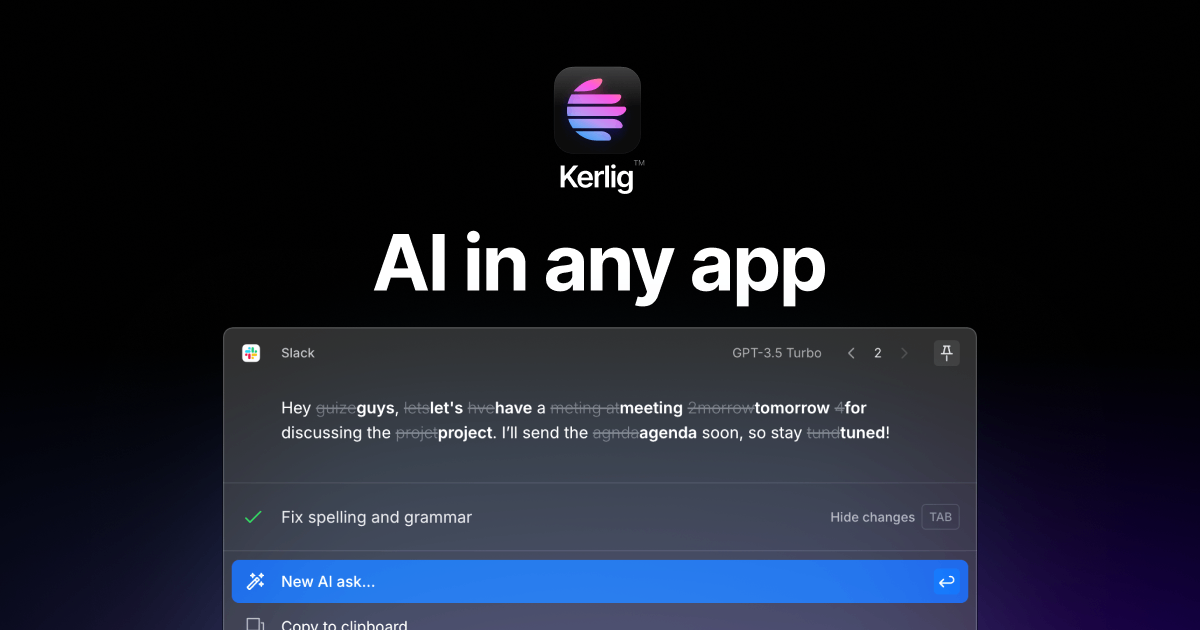
Kerlig is an AI writing assistant specifically engineered for macOS users, designed to enhance written communication across professional applications. The tool seamlessly integrates with popular business platforms including Slack, Figma, Gmail, Outlook, LinkedIn, and VSCode, enabling users to access advanced language capabilities directly within their workflow. Kerlig empowers professionals to draft, edit, and refine written content with AI assistance, reducing time spent on composition while maintaining quality and consistency. The platform leverages advanced language models to provide contextual writing suggestions, tone adjustments, and content optimization. By centralizing AI writing assistance across multiple applications, Kerlig eliminates the need to switch between tools, streamlining productivity. AiDOOS enhances Kerlig deployment by providing scalable infrastructure, integration governance, and optimization of cross-platform functionality, ensuring reliable performance across enterprise environments.
Challenges It Solves
- Time-consuming manual writing and editing across multiple business applications
- Inconsistent communication tone and quality across different platforms
- Switching between multiple tools disrupts workflow and reduces productivity
- Difficulty maintaining professional writing standards under time pressure
- Lack of contextual writing assistance within native applications
Use Cases
Professional Email Composition
Draft and refine business emails in Gmail and Outlook with AI-powered suggestions, ensuring professional tone and clarity.
Slack Communication Enhancement
Improve team messaging clarity and professionalism across Slack channels using real-time writing assistance.
LinkedIn Content Creation
Create engaging LinkedIn posts and professional updates with optimized language for maximum engagement.
VSCode Documentation Writing
Write clear technical documentation and code comments with AI assistance for better code clarity.
Figma Design Collaboration
Enhance design feedback and collaboration messages within Figma using consistent professional language.
Pricing
Pricing available on request
Kerlig pricing is customized based on your team size, integrations, and requirements. AiDOOS will get you a scoped proposal — for free.
Key Features
Write seamlessly across all your favorite applications
Access AI assistance without leaving your current workflowIntelligent recommendations based on application context
Generates platform-specific writing optimized for each toolAdapt your writing voice for any situation
Transform content from casual to professional in secondsGet AI suggestions as you type
Enhance clarity and grammar while maintaining natural voiceUnified writing experience across seven major platforms
Consistent AI assistance in Slack, Gmail, Outlook, LinkedIn, Figma, VSCodeInstant access to AI writing capabilities
Trigger assistance with custom keyboard shortcuts anytimeReviews
No reviews yet for Kerlig
AiDOOS-verified review data is collected after deployment. Deploy this product and be among the first to share your experience.
Enterprise Readiness
Integrations
7 total appsCompose and refine professional emails with AI writing suggestions and tone adjustment
Enhance team messaging with real-time writing assistance and context-aware suggestions
Professional email composition and editing with AI-powered clarity and tone optimization
Create engaging professional content optimized for LinkedIn's platform dynamics
Improve design collaboration and feedback communication within design projects
Assist with technical documentation, comments, and code-related writing
Native macOS integration enabling system-wide availability through keyboard shortcuts
A Virtual Delivery Center for Kerlig
Pre-vetted experts and AI agents in the loop, assembled as a delivery pod. Pay in Delivery Units — universal pricing across roles, seniority, and tech stacks. No hiring, no contracting, no procurement cycle.
- Plans from $2,000 — Starter Pack, 10 Delivery Units, 90 days
- Refundable on unused Delivery Units, anytime — no questions asked
- Re-delivery guarantee on acceptance miss
- Pre-flight delivery sizing — you see the plan before you commit
How a Virtual Delivery Center delivers Kerlig
Outcome-based delivery via AiDOOS’s VDC model. Why VDC vs traditional consulting? →
Outcome-Based
Pay for results, not hours
Milestone-Driven
Clear deliverables at each phase
Expert Network
Access to certified specialists