"Customer Feedback Surveys Provide Valuable Client Insights"
I love being able to send out Customer Feedback Surveys to our clients to gain feedback regarding our services. It has been very helpful to see what the clients didn't know we offered, and helps us gain insight on better ways to market our services. The only feedback I have is that when I was replying to the surveys, I tried to insert an image of a coupon but couldn’t. I ended up having to send it directly from my personal email instead. The biggest benefit right now is that it helps us see which service lines we need to market more effectively. It’s also improving our ROI, because we’re seeing more clients booking those services. It also shows us who responded that they haven’t used a specific service line yet but are interested. That gives us a direct contact list for that service.
"Highly Customizable Forms with Reliable Barcode Scanner"
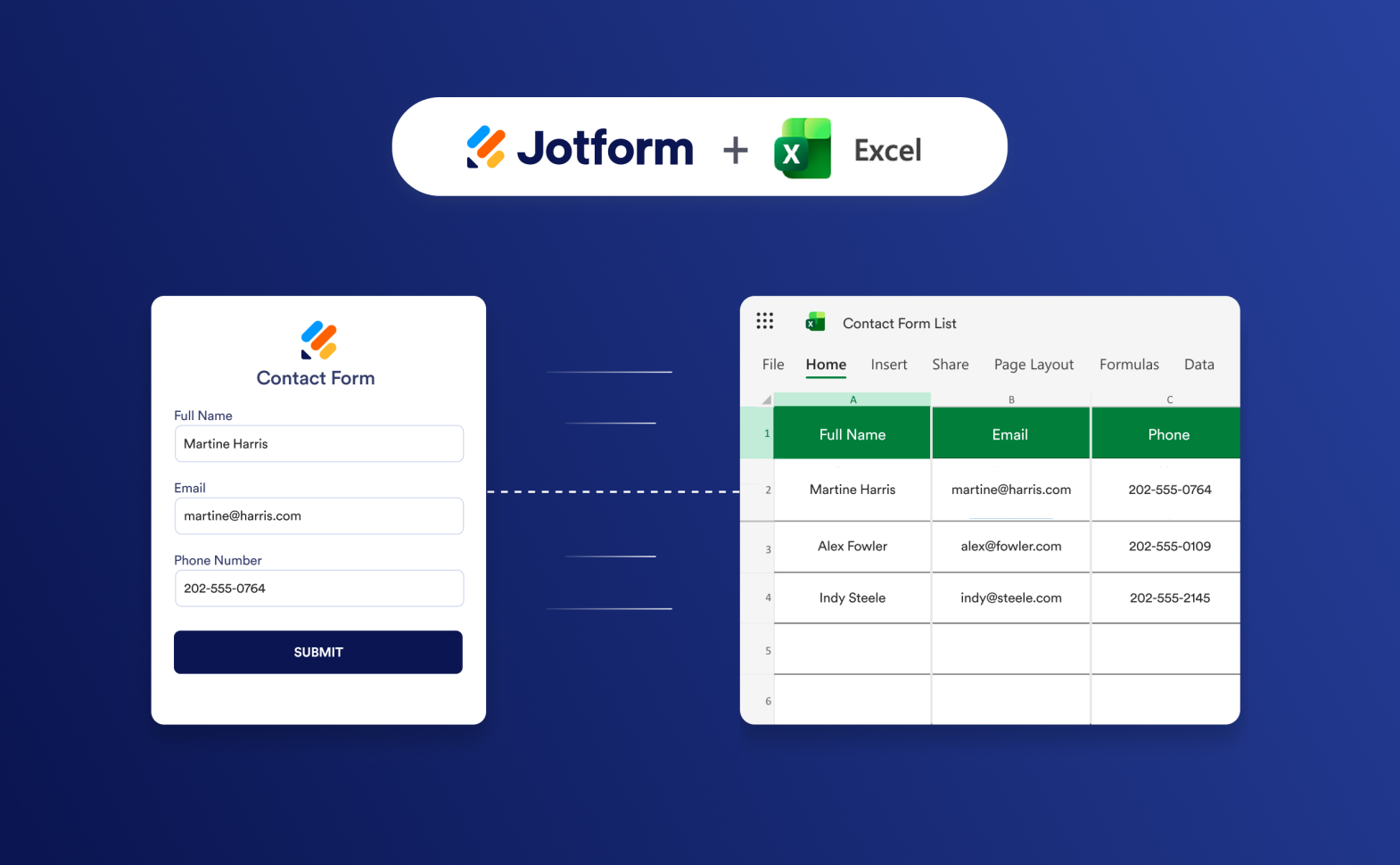
What I liked most about Jotform was how easily I could customize my data collection tool exactly the way I needed. The barcode scanner module worked really well in the form I created. I also found it very helpful that I could link everything back to an Excel file or an existing program. I guess the pricing would be my least favorite thing about Jotform. I think smaller projects/users would benefit from fixed pricing rates especially when it comes to collaboration in forms and workspaces. I would love to just purchase multiuser functions without having to contact support or do any onboarding. Jotform helps me and my team collect MEP asset information on-site and funnel that data back into a spreadsheet for the building’s owner. The form reduces our data-collection time thanks to how easy it is to use, and because we can track barcodes using the scanner.
"Simple, Customizable Forms with Templates, Add-Ons, and Easy PayPal Integration"
I like that it is simple and easy to use – even for a luddite. It has many options available – from simple surveys to registration forms. It has saved me a ton of time by allowing me to simply move or rearrange features instead of having to start every form from scratch. I like that Jotform is easily customizable, comes with many free templates, and has available add-ons. It is simple to integrate with PayPal or other payment processors, and has easy-to-read and customizable output forms. In the few years I've been using Jotform – both free and paid versions – I have never experienced any downtime. I dislike that I can't have more than one payment processor attached to my account (or at least none that I've been able to find). For example, I might like to have a donation form that goes to one account, while registrations need to be funneled to another. Jotform allows me to use one site for many different benefits. I am able to use it both for simple surveys or information collection, a user information bank, and also for registrations for conferences and events.
"Powerful Yet Intuitive Forms—Jotform Streamlines Resident Communication"
Jotform is the best combination of powerful yet very simple and intuitive to use. Also, the people we send our forms to give it high praise, again for its ease of use. It's a win-win for everyone. We integrate it in our Condo to communicate with Residents, and the software performs flawlessly every time. Pricing is reasonable and suitable for needs both big and small. Onboarding was easy and again very intuitive. I see they also have an A.I. feature. For me, the software is already very easy to use, but I'm sure the A.I. makes it even easier. All in all, I'd highly recommend Jotform! I see no downside to using Jotform. It streamlines so many processes for us. Jotform lets us refine the questions we need to ask and put them in the best form possible to receive high quality information back.
"Jotform AI Agent: No-Code, Natural-Language Chatbot Delivers Tailored Responses Quickly"
In plain English, the Jotform AI Agent is a no-code, intelligent chatbot that you can embed on your site in minutes. Unlike clunky old bots that force users to click preset buttons, this one understands natural human language. It doesn’t just spit out canned responses; it actively listens, interprets the context of the question, and provides tailored answers based solely on the information you feed it. It does not ask the visitor's email that would have been a marketing lead. I am providing Book Indexing Services through my website. The agent isn’t just a Q&A machine; it’s a sales funnel. You can program it to automatically qualify leads by asking specific questions: “What genre is your book?” or “When is your publication deadline?” Once the bot gathers this intel, it can instantly create a service request ticket or email the client a customized quote, seamlessly turning a casual visitor into a warm lead.
"Jotform Enables Fast, No-Code Professional Forms with Powerful Customization"
What I like most about Jotform is its ease of use and extensive form customization options. It allows me to create professional forms quickly without writing any code, while still offering enough flexibility for more advanced workflows. Drag-and-drop form builder that's simple and intuitive. Large collection of ready-to-use templates for different use cases. Conditional logic for creating dynamic and personalized forms. Wide range of integrations with CRM, payment, and productivity tools. Automatic response collection and notifications. For me, the most valuable feature is the drag-and-drop form builder. It makes it easy to build registration forms, surveys, feedback forms, and data collection workflows in just a few minutes, even without technical expertise. The biggest benefit is productivity. Jotform simplifies form creation, automates data collection, and integrates well with other business tools, allowing teams to gather and manage information efficiently without custom development. The biggest drawback is the pricing model as usage grows. The platform works very well, but organizations with high submission volumes or advanced workflow requirements may need to upgrade to premium plans sooner than expected. Analytics and reporting could be more comprehensive without relying on third-party integrations. Jotform solves the problem of creating and managing online forms without custom development. Instead of building forms from scratch or manually collecting information, Jotform provides an easy way to design forms, automate data collection, and integrate responses with other business tools. Simplifies the creation of registration, feedback, survey, and contact forms. Automates data collection and reduces manual data entry. Supports conditional logic to create personalized form experiences. Integrates with CRM, payment, and productivity platforms. Centralizes responses for easier tracking and analysis. In my day-to-day work, I use Jotform to collect customer feedback, event registrations, internal requests, and business information. The automated workflows help eliminate repetitive administrative tasks and ensure that responses are organized in one place. The biggest benefit is efficiency. Jotform saves time, improves data accuracy, and allows teams to collect and process information much faster without the need for custom-built solutions.
M
Media, Marketing and Communications Officer
"User-Friendly, Flexible Form Builder—Minor Limits on Advanced Features and Speed"
What I like most about Jotform is its ease of use and flexibility. The drag-and-drop builder makes it simple to create professional forms without any coding, and the extensive collection of templates, integrations, and automation features saves time and boosts efficiency. It also offers reliable data collection and an intuitive overall experience. One downside is that some advanced features are only available on higher-tier plans, which can feel limiting for smaller organizations. Occasionally, complex forms can take a bit longer to load, and this can be inconsistent at times. Customizing certain advanced workflows may also require some trial and error. Overall, however, these issues are relatively minor compared to the platform's strengths. Jotform solves the challenge of efficiently collecting and managing information by replacing manual, paper-based, or email-driven processes with automated online forms. It has saved me time and reduced errors. It keeps submissions organized and makes it easier to collect feedback, registrations, and applications. Overall, it has improved my productivity and allowed me to focus on higher-value tasks instead of administrative work.
"Easy Setup, Perfect for Managing Registrations"
I appreciate that Jotform is user-friendly both for me and my customers. The interface is very straightforward, and it's easy to create a form that leaves no confusion. I can spend less time building a form and more time teaching. Initial setup was very simple; it took only a few minutes, and I was able to create everything I needed. I dislike that the free plan is limited to 100 submissions per month. I understand businesses need to generate revenue, so free plan limitations are necessary, but 100 submissions a month is quite restrictive. They could possibly limit the number of forms, which they already do, but allow more submissions. We've found that using bit.ly with Jotform lets us track clicks. Jotform provides a single place for gathering information to create schedules. It's easy for me and my customers, with a simple layout that leaves no questions. I spend less time creating forms and more on teaching.
F
Founder – Muzammil Graphic | Interior and Graphic Designer | Transforming Spaces and Brands Visually
"Creating Professional Forms Is Quick and Effortless with Jotform"
Jotform makes it surprisingly simple to create professional forms without any coding. I recently built a registration form with conditional logic, file uploads, and automatic email notifications, and the entire setup took much less time than anticipated. The drag-and-drop builder is smooth, templates are helpful, and the new AI features are genuinely useful for generating forms and improving questions instead of starting from scratch. It feels like a comprehensive solution rather than just a basic form builder. Most of my experience has been positive, but some advanced features are only available on higher plans. I would also appreciate more flexibility in AI-generated workflows and more generous limits on the free plan for users managing multiple forms. It replaces manual data collection with a much more organized process. Instead of gathering information through emails or messages, I can create a single form, automatically collect responses, and keep everything in one place. The AI-assisted form creation also speeds up initial setup by suggesting a good structure and field wording, which saves time and reduces small errors. Overall, it helps me work faster, stay organized, and provides a smoother experience for form respondents.
"AI App Builder Expands Jotform's Capabilities Beyond Standard Forms"
Jotform is most valuable when an idea isn't mature enough to warrant a full development cycle. With Form Builder and Conditional Logic, we can modify questions, pages, and follow-up messages based on earlier answers without needing engineering to adjust the main flow. This changes the speed of experimentation from a product and growth perspective. We can turn a hypothesis into something usable while the question is still relevant, instead of waiting a week for frontend work, validations, storage, and notifications only to abandon the concept after fifty submissions. Card Form offers a clean step-by-step experience, Conditional Logic hides irrelevant questions, and the team can publish a functional first version without pretending it's the final product. Jotform Apps extends this approach beyond a standalone form. We used it for an onboarding program that combined registration, session booking, starter materials, documents, and feedback into a single lightweight app. The newer AI App Builder pushes Jotform further, but I see the generated structure as just a starting point. Someone must review the flow, simplify the copy, check the logic, and ensure the experience matches user needs. Widgets are useful when the native builder doesn't cover a specific interaction, but they introduce another dependency that requires careful consideration. We had a selection widget that looked fine on desktop but became awkward on certain phones. It didn't break the form completely, which made it easier to overlook, but it created enough friction to affect completion. Since then, we test third-party widgets like any external integration: mobile behavior, accessibility, loading, and what happens if the widget is no longer maintained. The builder enables fast experimentation, but speed can become an excuse to skip basic quality checks if the team isn't careful. We used Jotform to validate a new service once the landing page, paid traffic, and an older lead list were already in place. Even with those components running, we didn't know which segment had enough urgency for a real sales conversation or which objections needed deeper research. To answer that, we built a short Card Form and used Conditional Logic to adjust questions based on company size and the problem each respondent selected. Prefill and URL parameters helped preserve the traffic source and campaign variant, and every submission flowed into Jotform Tables with a simple score based on urgency, volume, and their current tool. Our first version required a phone number, and conversion was lower than expected. Form Analytics made the drop-off obvious, so we made the field optional and changed "Request a demo" to "Help us understand your process," which fit the experiment stage much better. From there, Jotform Workflows sent the highest-scoring submissions to HubSpot and alerted the team on Slack. Lower-intent respondents received a research invitation instead of being pushed into a sales sequence they hadn't requested. Within two weeks, we stopped treating every lead as having the same intent, improved conversation quality, and adjusted positioning before asking engineering to build the permanent flow. Jotform didn't make the product decision for us, but it gave us enough working software and real user behavior to make that decision with evidence rather than internal opinions.
 ★ 4.7 · 5351 reviews