 · 0 reviews
Fullview
See what your customers see. Fullview combines one-click cobrowsing and session replays so support teams can diagnose faster, resolve in fewer touches, and stop asking customers to explain.
About Fullview
Fullview is a cobrowsing and session replay platform built for customer support teams. It gives agents instant visual context on every ticket, enabling them to see exactly what the customer sees without requiring downloads, meeting links, or codes. Session replays automatically record user interactions before a ticket is created, allowing agents to replay clicks, scrolls, and errors to understand the issue without asking clarifying questions. Fullview also provides real-time console logs, including network errors and JavaScript exceptions, to help debug technical issues. The platform integrates directly with popular helpdesks like Zendesk, Intercom, Salesforce, and HubSpot, so agents can start cobrowsing or watch replays without leaving their ticketing system. Additionally, Fullview offers an AI customer service agent that can autonomously answer questions and guide users visually, deflecting up to 70% of tickets automatically. The product is SOC 2 and GDPR compliant, with customizable privacy controls. AiDOOS enhances deployment and adoption by providing tailored integration services, ensuring seamless setup and maximizing the value of Fullview's visual context capabilities for support teams.
Challenges It Solves
- Support agents lack visual context about customer issues, leading to long resolution times.
- Customers are frequently asked to explain what they see on their screen, causing frustration.
- Technical issues are hard to reproduce without access to console logs and user session history.
- Switching between multiple tools (chat, screen share, ticketing) slows down support workflows.
Screenshots


-p-2600%20(1).png)
Use Cases
Customer Support Troubleshooting
Support agents use cobrowsing to see the customer's screen and guide them through issues in real time.
Bug Detection and Debugging
Session replays with console logs help engineering teams identify and fix bugs without needing reproduction steps.
Customer Onboarding
Guide new users through product setup and key features using cobrowsing, improving time-to-value.
Automated AI Support
Deploy the AI agent to autonomously answer common questions and guide users, reducing ticket volume.
Pricing
Custom pricing — built for your team
Fullview pricing is tailored to your organisation's size, integrations, and requirements. AiDOOS generates your proposal instantly — scoped & ready in seconds.
Key Features
Start a live cobrowsing session directly from your helpdesk ticket with one click.
Automatically record and replay user sessions to see exactly what happened before the ticket.
Access real-time console logs including network errors and JavaScript exceptions during cobrowsing or replay.
Works directly within Zendesk, Intercom, Salesforce, and HubSpot without leaving the ticket.
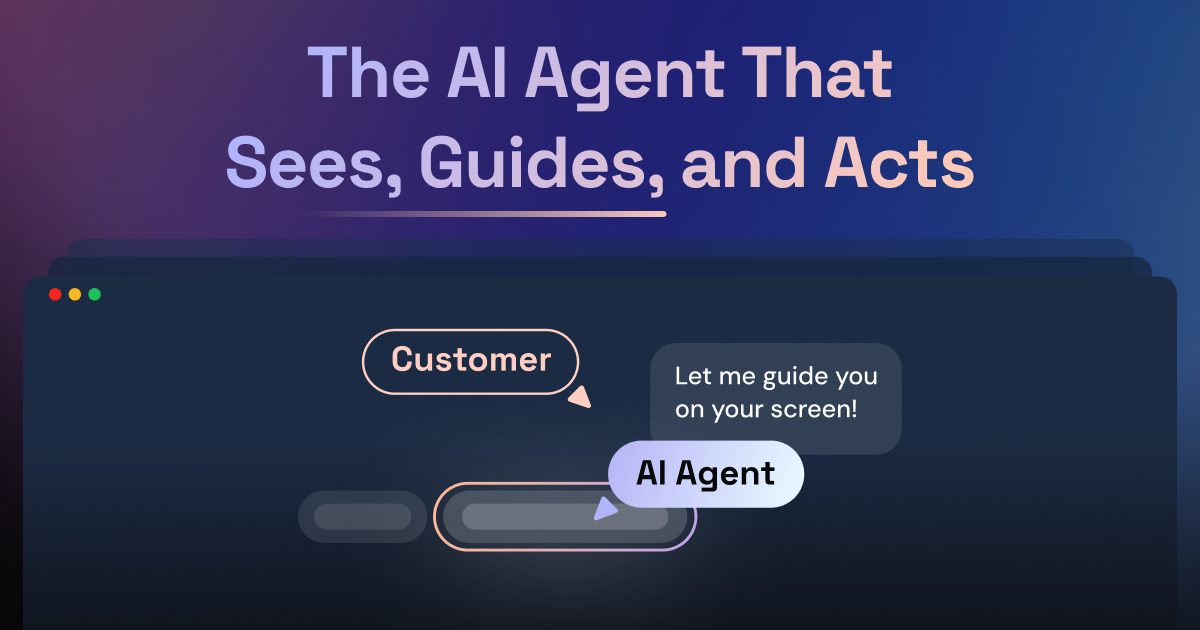
Autonomous AI agent that can answer questions and guide users visually to deflect tickets.
Mask sensitive fields, restrict page recording, and manage agent permissions with full audit trails.
What Reviewers Say
What works well
- Provides instant visual context, reducing need for back-and-forth questions.
- Integrates seamlessly with major helpdesk platforms like Zendesk and Intercom.
- Combines cobrowsing and session replay in a single platform.
Common concerns
- Pricing is not publicly listed; requires contacting sales for a quote.
- Limited information on number of available integrations beyond major helpdesks.
Reviews
No reviews yet for Fullview
AiDOOS-verified review data is collected after deployment. Deploy this product and be among the first to share your experience.
Enterprise Readiness
Identity & Access
Data Security
SLA & Availability
Compliance & Portability
Integrations
4 total appsZendesk
Start cobrowsing sessions and view session replays directly from Zendesk tickets.
Intercom
Integrate cobrowsing and session data directly into Intercom conversations.
Salesforce
View customer sessions and start cobrowsing from Salesforce Service Cloud.
HubSpot
Cobrowse and replay sessions directly from HubSpot Service Hub.
Governance & Compliance
EU AI Act
No data available
Data Processing Agreement
No data available
Sub-processors
No data available
Right to Erasure
No data available
Change Notifications
No data available
NIST AI RMF
No data available
AiDOOS Managed Deployment
Deploy Fullview in 72 hours
AiDOOS handles setup, CRM integration, SSO config, and user provisioning. Your team goes live — not your IT department.
Prerequisites
- Active subscription with Fullview
- Admin access to helpdesk (Zendesk/Intercom/etc.)
- Web application with JavaScript snippet integration capability
Configuration Options
- Privacy settings (masking fields, restricting pages)
- Agent permissions and session access controls
- Integration with specific helpdesk platform
How Fullview Compares
| Product | AI & Analytics | Ease of Use | Enterprise Features | Pricing | Integrations | Mobile Experience | Quick Setup | Customer Support | Rating | Price/mo |
|---|---|---|---|---|---|---|---|---|---|---|
|
F
Fullview This product
|
Good | Excellent | Good | Good | Good | Fair | Excellent | Excellent | — | Custom |
|
SF
Surfly
|
Fair | Good | Good | Good | Fair | Fair | Good | Good | — | Custom |
|
SM
ScreenMeet
|
Fair | Good | Good | Good | Fair | Fair | Good | Good | — | Custom |
|
FS
FullStory
|
Excellent | Good | Excellent | Fair | Good | Fair | Moderate | Good | — | Custom |
A Virtual Delivery Center for Fullview
Pre-vetted experts and AI agents in the loop, assembled as a delivery pod. Pay in Delivery Units — universal pricing across roles, seniority, and tech stacks. No hiring, no contracting, no procurement cycle.
- Plans from $2,000 — Starter Pack, 10 Delivery Units, 90 days
- Refundable on unused Delivery Units, anytime — no questions asked
- Re-delivery guarantee on acceptance miss
- Pre-flight delivery sizing — you see the plan before you commit
How a Virtual Delivery Center delivers Fullview
Outcome-based delivery via AiDOOS’s VDC model. Why VDC vs traditional consulting? →
Outcome-Based
Pay for results, not hours
Milestone-Driven
Clear deliverables at each phase
Expert Network
Access to certified specialists