 · 0 reviews
ExSign
Simplify email signature management in Microsoft 365 with ExSign Email Signature software.
About ExSign
ExSign is an email signature management software developed by Hosting Controller, designed to provide centralized control over email signatures and disclaimers for Microsoft Exchange Server and Microsoft 365 environments. It allows administrators to create, manage, and apply consistent, professional signatures across the entire organization using pre-defined rules. ExSign offers a web-based portal for easy management, role-based access control for delegation, and supports both server-side and client-side signature application. It integrates with Active Directory to pull user profiles, ensuring accurate contact details. The software is available in two editions: one for on-premises Exchange Server (requiring a physical machine) and a cloud-based service for Microsoft 365 (no hardware required). ExSign helps turn every email into a marketing channel by enabling the addition of banners, logos, and social media icons. With features like multi-level access, pre-built templates, and reporting analytics, ExSign aims to streamline signature governance and compliance. The product is available with a free trial, and deployment can be done on-premises for Exchange or via cloud for Microsoft 365. Hosting Controller positions ExSign as a solution that enhances brand consistency and reduces the burden on IT staff.
Challenges It Solves
- Inconsistent email signatures across the organization
- Manual signature creation and management is time-consuming
- Ensuring compliance with legal disclaimers and branding
- Lack of centralized control over signature content
Screenshots





Watch Demo
Use Cases
Consistent Branding
Ensure every email sent from the organization carries the same professional signature with logos and branding elements.
Compliance and Legal Disclaimers
Centrally define and apply legal disclaimers to all outgoing emails to meet regulatory requirements.
Marketing Campaigns
Use email signatures as a marketing channel by adding promotional banners and social media icons.
Pricing
Custom pricing — built for your team
ExSign pricing is tailored to your organisation's size, integrations, and requirements. AiDOOS generates your proposal instantly — scoped & ready in seconds.
Key Features
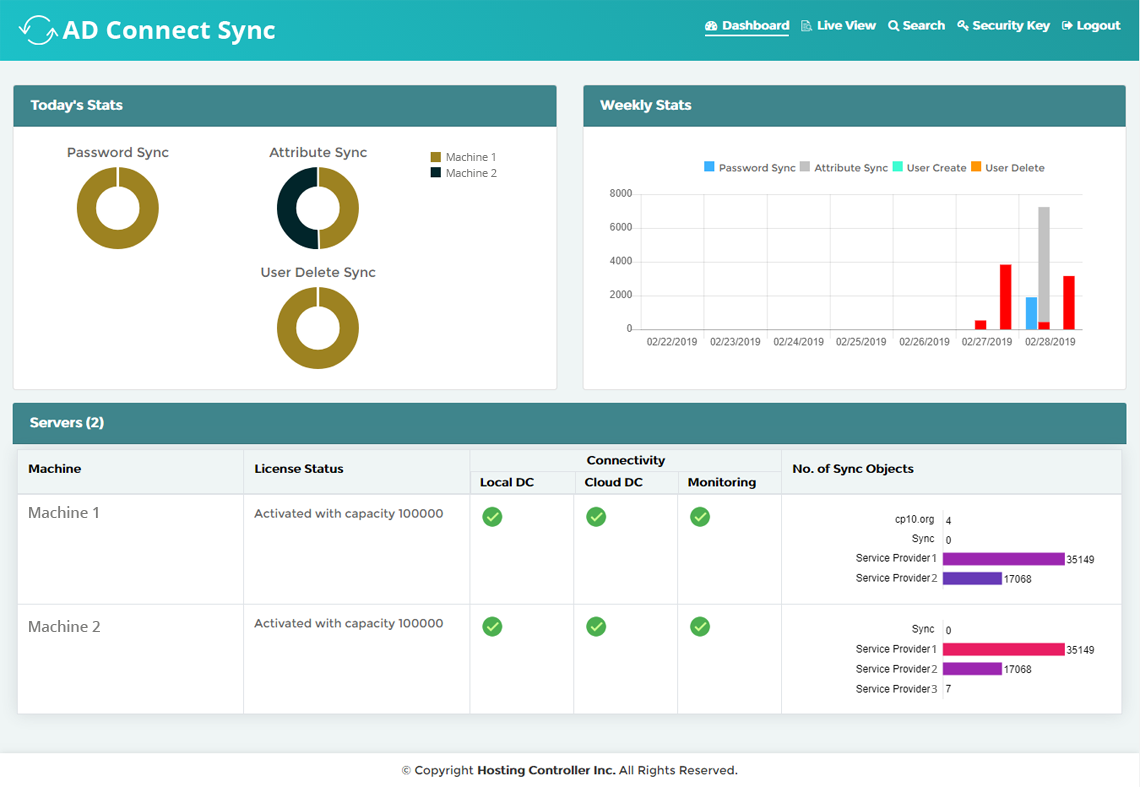
Manage all email signatures and disclaimers from a single web portal.
Easily deploy signatures using ready-to-use templates.
Add promotional banners, logos, and social media icons to signatures.
Delegate signature management to different teams with fine-grained access levels.
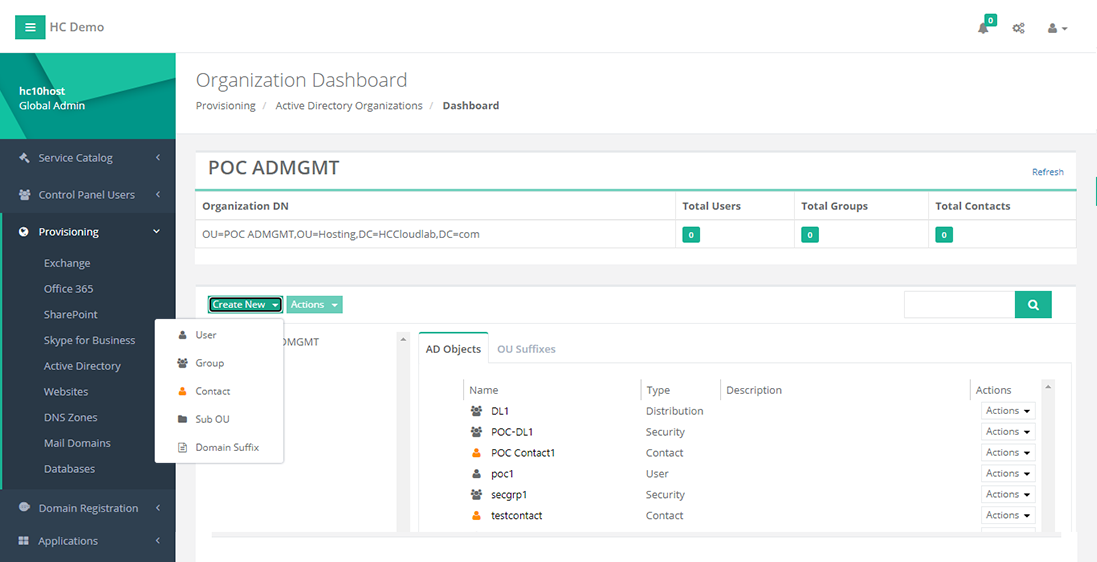
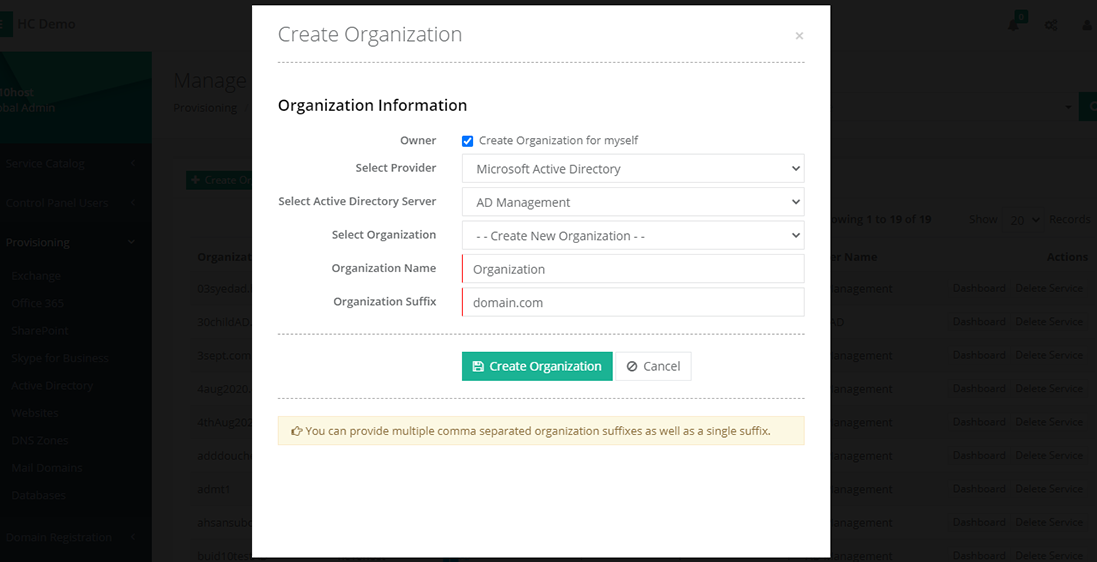
Pull user profiles directly from Active Directory to ensure accurate contact details.
Get insights and reports on signature usage and compliance.
What Reviewers Say
What works well
- Centralized management of email signatures
- Supports both on-premises Exchange and Microsoft 365
- Easy to use with pre-built templates
- Integrates with Active Directory for accurate user data
Common concerns
- Requires installation of transport agent on Exchange servers
- Cloud version may lack some features compared to on-premises
- Limited language support (only English and Arabic)
Reviews
No reviews yet for ExSign
AiDOOS-verified review data is collected after deployment. Deploy this product and be among the first to share your experience.
Enterprise Readiness
Identity & Access
Data Security
SLA & Availability
Compliance & Portability
Integrations
Microsoft Exchange Server
Applies signatures and disclaimers to emails in Exchange Server 2010, 2013, 2016, 2019.
Microsoft 365
Applies signatures to Microsoft 365 mailboxes via server-side or client-side deployment.
Active Directory
Pulls user profile data and attributes directly from Active Directory for accurate signatures.
ProofPoint
ExSign is compatible with ProofPoint email security, ensuring signatures work alongside email filtering.
Android
Client-side signatures work on Android email clients, embedding signatures in composed emails.
iOS
Client-side signatures work on iOS email clients, embedding signatures in composed emails.
Outlook
Client-side signatures insert directly into emails composed in Outlook.
Governance & Compliance
EU AI Act
No data available
Data Processing Agreement
No data available
Sub-processors
No data available
Right to Erasure
No data available
Change Notifications
No data available
NIST AI RMF
No data available
AiDOOS Managed Deployment
Deploy ExSign in 72 hours
AiDOOS handles setup, CRM integration, SSO config, and user provisioning. Your team goes live — not your IT department.
Prerequisites
- Microsoft Exchange Server 2010 or later, or Microsoft 365 tenant
- Windows Server environment with Exchange installed for on-premises
- Administrator access to Exchange and Active Directory
- Network connectivity for cloud deployment
Configuration Options
- Central web portal for management
- Rule-based signature application
- Multi-level access control role-based permissions
- Integration with Active Directory for user data
How ExSign Compares
| Product | AI & Analytics | Ease of Use | Enterprise Features | Pricing | Integrations | Mobile Experience | Quick Setup | Customer Support | Rating | Price/mo |
|---|---|---|---|---|---|---|---|---|---|---|
|
E
ExSign This product
|
Fair | Good | Good | Good | Good | Good | Good | Good | — | $Custom/user |
|
CE
CodeTwo Email Signatures
|
Fair | Good | Good | Fair | Good | Good | Good | Good | — | $Custom/user |
|
EX
Exclaimer
|
Fair | Good | Good | Fair | Good | Good | Good | Good | — | $Custom/user |
|
SY
Symprex
|
Fair | Good | Good | Fair | Good | Good | Good | Good | — | $Custom/user |
A Virtual Delivery Center for ExSign
Pre-vetted experts and AI agents in the loop, assembled as a delivery pod. Pay in Delivery Units — universal pricing across roles, seniority, and tech stacks. No hiring, no contracting, no procurement cycle.
- Plans from $2,000 — Starter Pack, 10 Delivery Units, 90 days
- Refundable on unused Delivery Units, anytime — no questions asked
- Re-delivery guarantee on acceptance miss
- Pre-flight delivery sizing — you see the plan before you commit
How a Virtual Delivery Center delivers ExSign
Outcome-based delivery via AiDOOS’s VDC model. Why VDC vs traditional consulting? →
Outcome-Based
Pay for results, not hours
Milestone-Driven
Clear deliverables at each phase
Expert Network
Access to certified specialists