 ★ 4.5 · 1462 reviews
Exclaimer
Email Signature Software for Microsoft 365, Exchange & Google
About Exclaimer
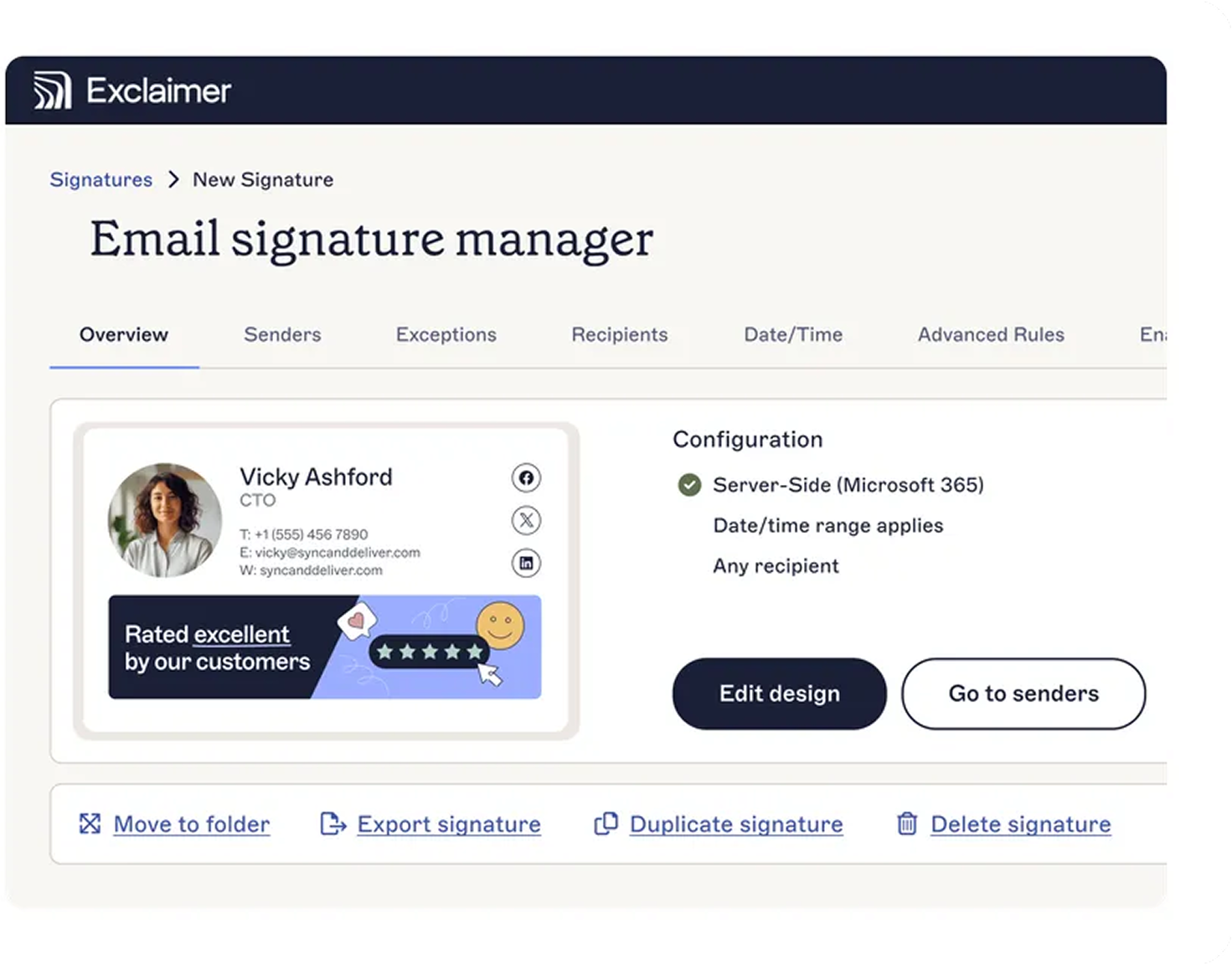
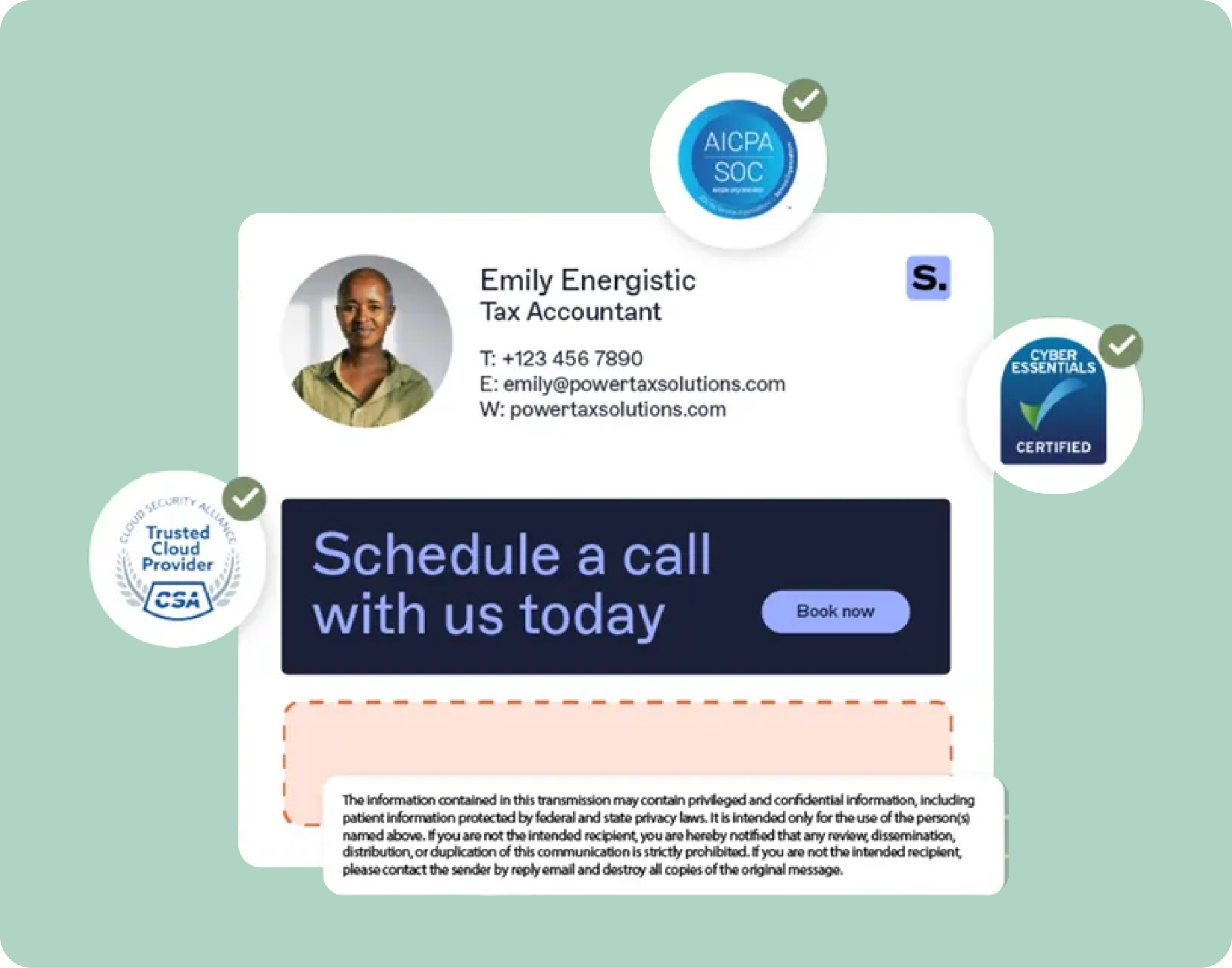
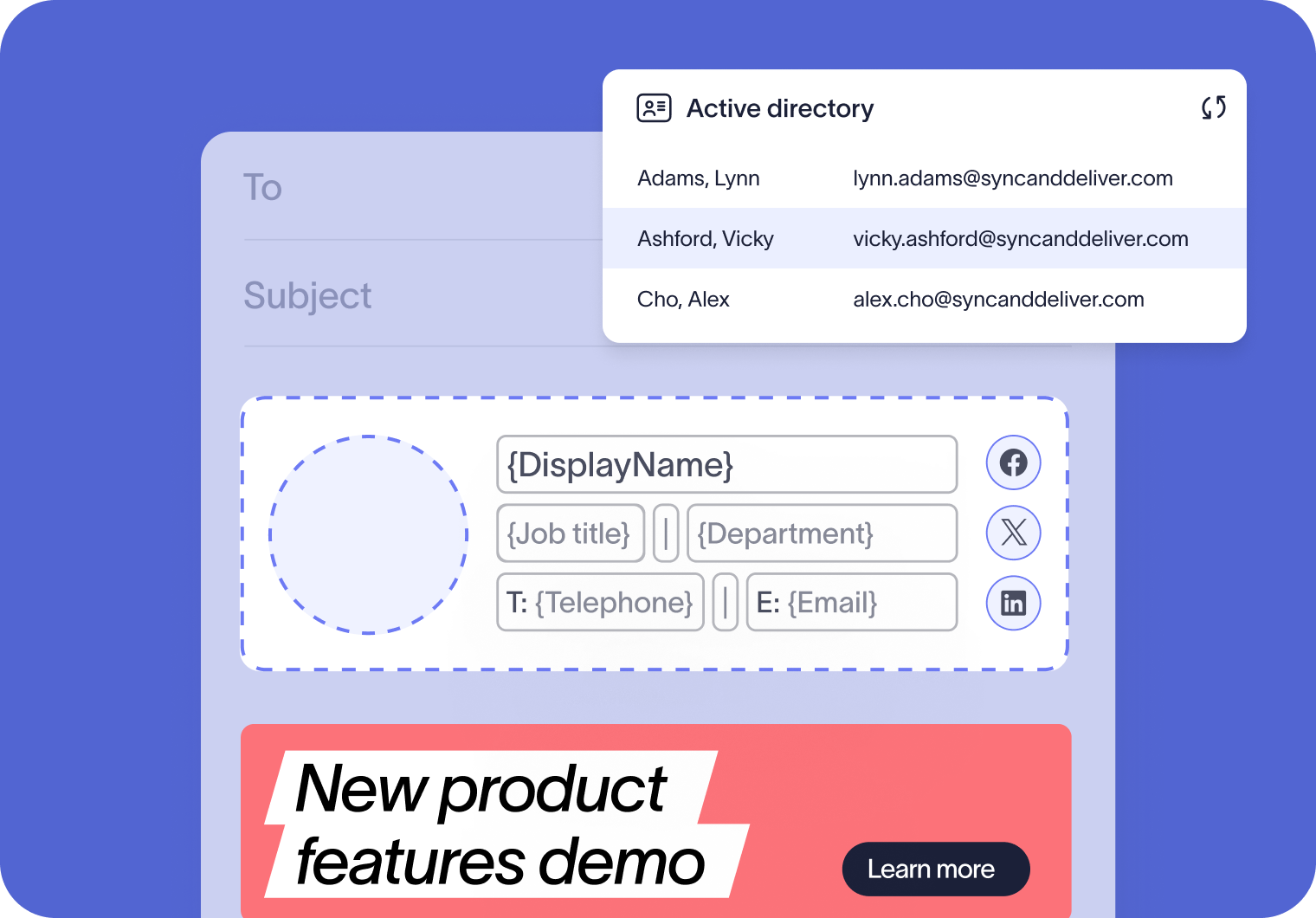
Exclaimer is a leading email signature management platform that enables organizations to centrally design, control, and deploy professional email signatures across their entire workforce. It integrates seamlessly with Microsoft 365, Google Workspace, and Microsoft Exchange, allowing IT administrators to automate the application of consistent, branded signatures without relying on end-users. Key features include advanced template design, dynamic rules for different audiences, directory synchronization to keep contact details up-to-date, and compliance tools to automatically append legal disclaimers. Exclaimer supports both cloud and client-side deployment, ensuring signatures are applied on every device and email client. With robust security certifications including SOC 2 Type II, ISO 27001, GDPR, and HIPAA, it guarantees data privacy and regulatory compliance. The platform is trusted by over 80,000 businesses and 9 million email accounts worldwide. By leveraging AiDOOS, organizations can accelerate deployment, streamline adoption, and optimize the return on their email signature management investment through expert implementation and ongoing support.
Challenges It Solves
- Inconsistent email signatures across the organization
- Time-consuming manual signature updates
- Compliance risks due to missing disclaimers
- Lack of brand control in employee emails
Screenshots
Use Cases
IT Management
IT teams use Exclaimer to centrally manage email signatures, reducing support tickets and ensuring consistency.
Marketing Branding
Marketing teams leverage Exclaimer to enforce brand consistency and run campaigns via email signatures.
Sales Enablement
Sales teams use personalized signatures with booking links and social proof to boost engagement.
Compliance and Legal
Organizations use Exclaimer to append mandatory disclaimers and meet regulatory requirements.
Pricing
Custom pricing — built for your team
Exclaimer pricing is tailored to your organisation's size, integrations, and requirements. AiDOOS generates your proposal instantly — scoped & ready in seconds.
Key Features
Manage all email signatures from a single dashboard.
Automatically sync user data from Azure AD, Google Directory, and other HRIS systems.
Apply tailored signatures based on audience, department, or region.
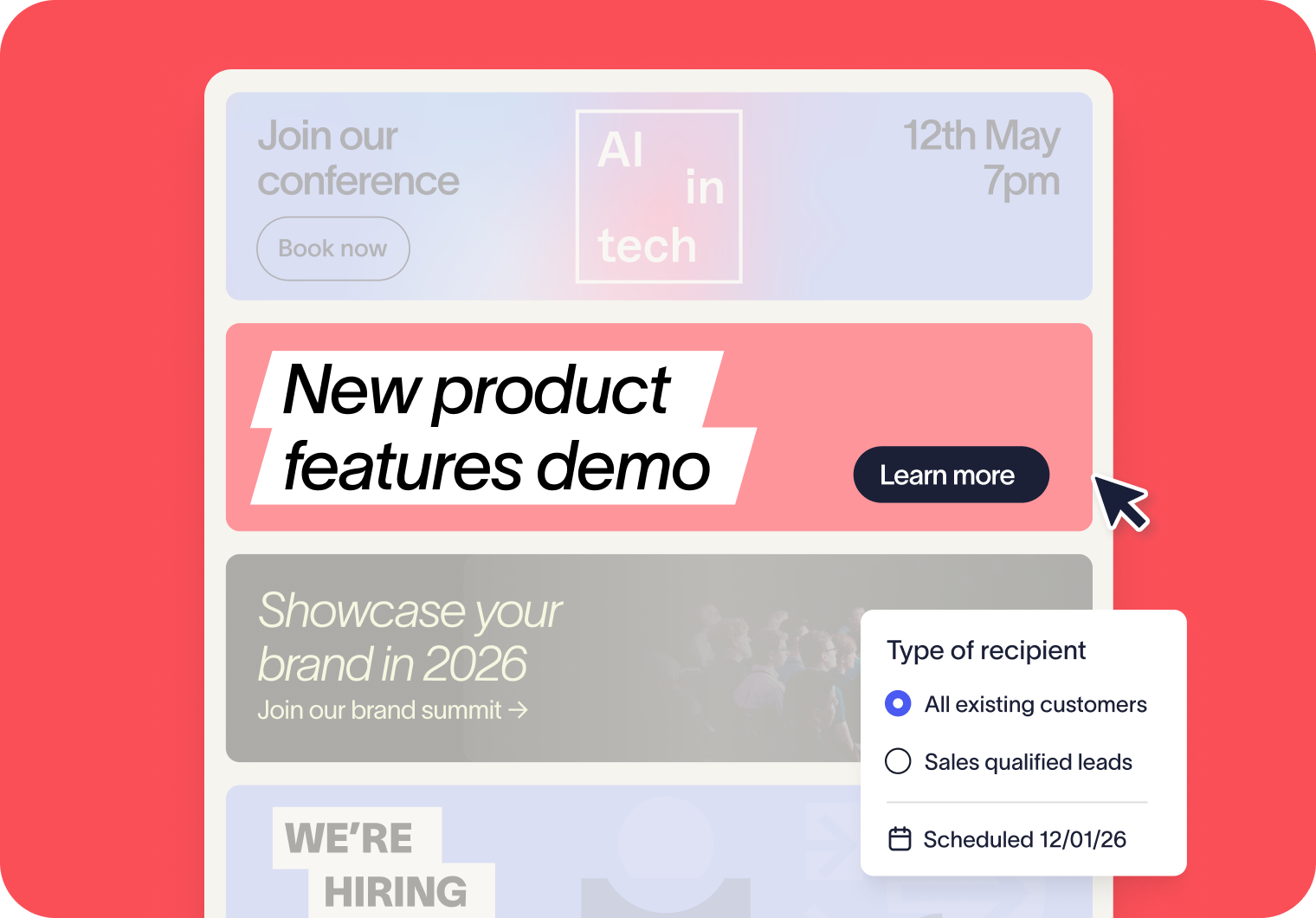
Schedule and deploy marketing banners and promotional messages.
Automatically append legal disclaimers and confidentiality notices.
Measure email signature performance and campaign effectiveness.
What Reviewers Say AI-synthesized from 1462 reviews
What works well
- Centralized management simplifies signature updates across the organization.
- Seamless integration with Microsoft 365 and Google Workspace.
- Strong security and compliance certifications.
Common concerns
- Pricing is not publicly listed, requiring a quote.
- Advanced features may require a learning curve.
Reviews
1462 verified reviewsReviewer Demographics
Top Industries
No data available
Company Size
No data available
Enterprise Readiness
Identity & Access
Data Security
SLA & Availability
Compliance & Portability
Integrations
Microsoft 365
Centralize and automate email signatures across Microsoft 365.
Google Workspace
Centralize and automate email signatures across Google Workspace.
Microsoft Exchange
Manage email signatures across on-premises Exchange and hybrid environments in one place.
Salesforce
Use Salesforce data to target email signatures and banners to specific audiences.
HubSpot
Use HubSpot lists to target email signatures and banners to the right audiences.
Display the latest LinkedIn posts in email signatures to extend reach and drive engagement.
Calendly
Add Calendly links to email signatures so recipients can schedule meetings easily.
Workday
Sync employee details from Workday to keep email signatures accurate and up to date automatically.
Governance & Compliance
EU AI Act
No data available
Data Processing Agreement
Data Processing Agreement DPA available
Sub-processors
No data available
Right to Erasure
No data available
Change Notifications
No data available
NIST AI RMF
No data available
AiDOOS Managed Deployment
Deploy Exclaimer in 72 hours
AiDOOS handles setup, CRM integration, SSO config, and user provisioning. Your team goes live — not your IT department.
Prerequisites
- Microsoft 365 or Google Workspace administrator access
- Valid Exclaimer subscription (free trial or paid)
- A supported email platform (Outlook, Gmail, etc.)
- Directory sync configured (Entra ID, Google Workspace, or Okta)
Configuration Options
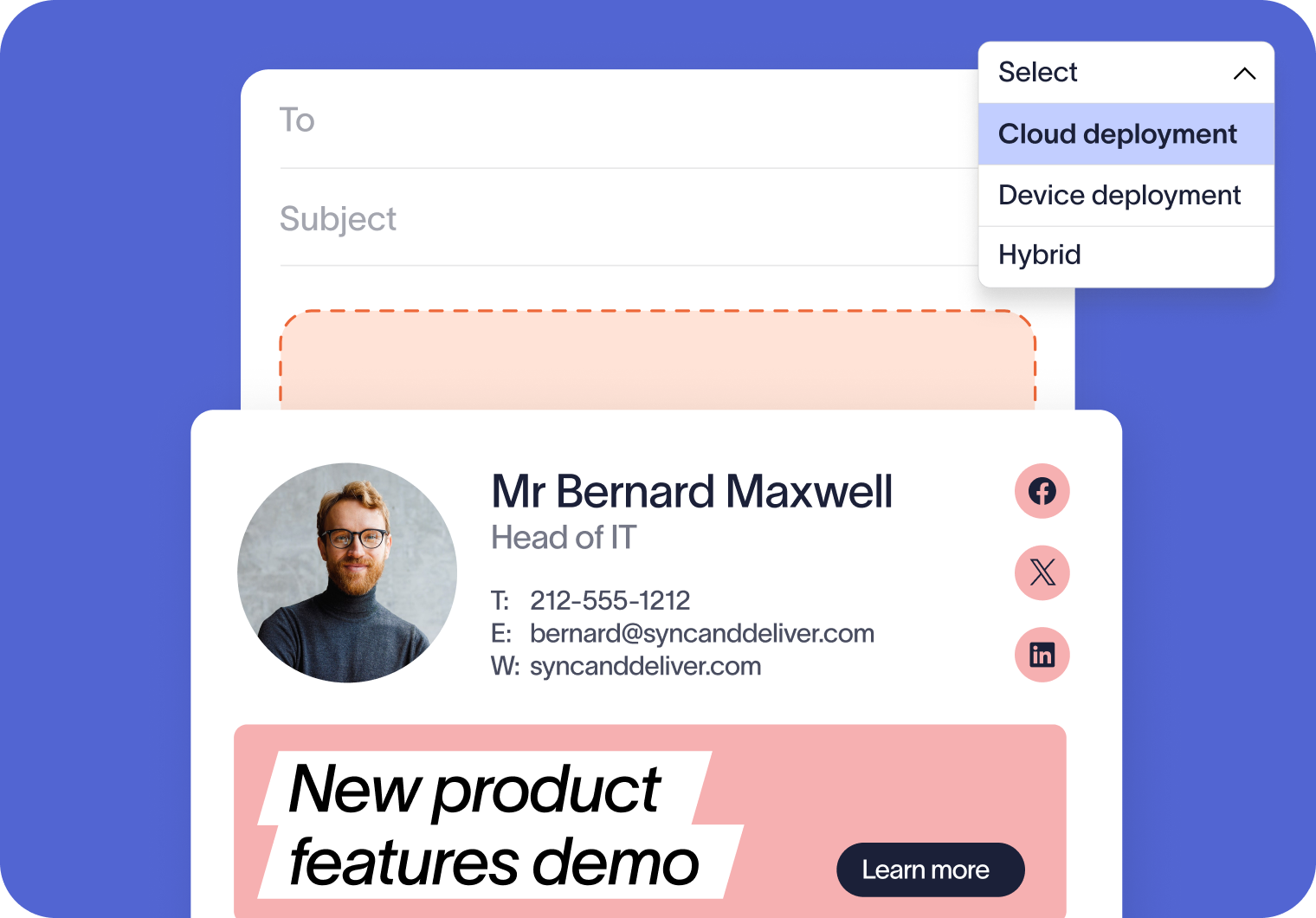
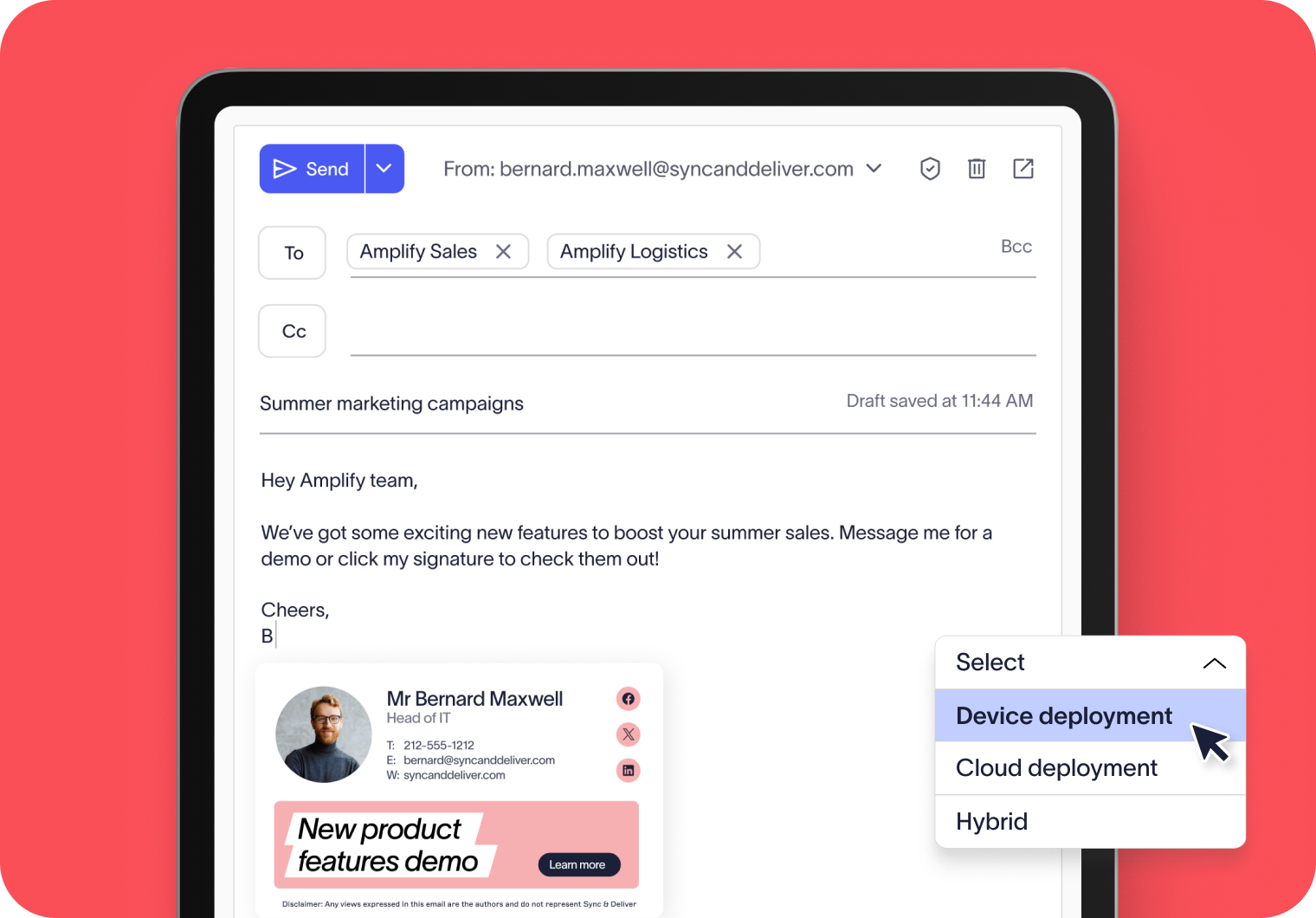
- Cloud deployment (server-side)
- Device deployment (client-side)
- Hybrid deployment (both)
- Custom signature templates and branding
How Exclaimer Compares
| Product | AI & Analytics | Ease of Use | Enterprise Features | Pricing | Integrations | Mobile Experience | Quick Setup | Customer Support | Rating | Price/mo |
|---|---|---|---|---|---|---|---|---|---|---|
|
E
Exclaimer This product
|
Good | Excellent | Excellent | Good | Excellent | Fair | Excellent | Excellent | ★ 4.5 | $Custom/user |
|
CE
CodeTwo Email Signatures
|
Fair | Good | Good | Good | Good | Fair | Good | Good | — | $Custom/user |
|
XI
Xink
|
Fair | Good | Fair | Good | Good | Fair | Good | Good | — | $Custom/user |
|
SI
Sigstr (Now Terminus)
|
Good | Good | Good | Fair | Good | Fair | Good | Good | — | $Custom/user |
A Virtual Delivery Center for Exclaimer
Pre-vetted experts and AI agents in the loop, assembled as a delivery pod. Pay in Delivery Units — universal pricing across roles, seniority, and tech stacks. No hiring, no contracting, no procurement cycle.
- Plans from $2,000 — Starter Pack, 10 Delivery Units, 90 days
- Refundable on unused Delivery Units, anytime — no questions asked
- Re-delivery guarantee on acceptance miss
- Pre-flight delivery sizing — you see the plan before you commit
How a Virtual Delivery Center delivers Exclaimer
Outcome-based delivery via AiDOOS’s VDC model. Why VDC vs traditional consulting? →
Outcome-Based
Pay for results, not hours
Milestone-Driven
Clear deliverables at each phase
Expert Network
Access to certified specialists