Pricing For Talent
Login Free Trial Book a Demo
DashThis ★ 4.8 · 92 reviews
Schedule Meeting
Marketplace › Marketing › DashThis  · DashThis alternatives

DashThis

Automated Marketing Reporting for Agencies and Teams

AiDOOS Verified SAAS Marketing
4.8 ★★★★★ 92 reviews · 18k+ users, 122+ countries
Live in 72 hours 14-day free trial
Starting from
$44
per user / month
Schedule Meeting

14-day free trial · No credit card required

Category
Marketing
Deployment
Cloud (SaaS)
Integrations
30++ Apps
AiDOOS Deploy
72 hours

About DashThis

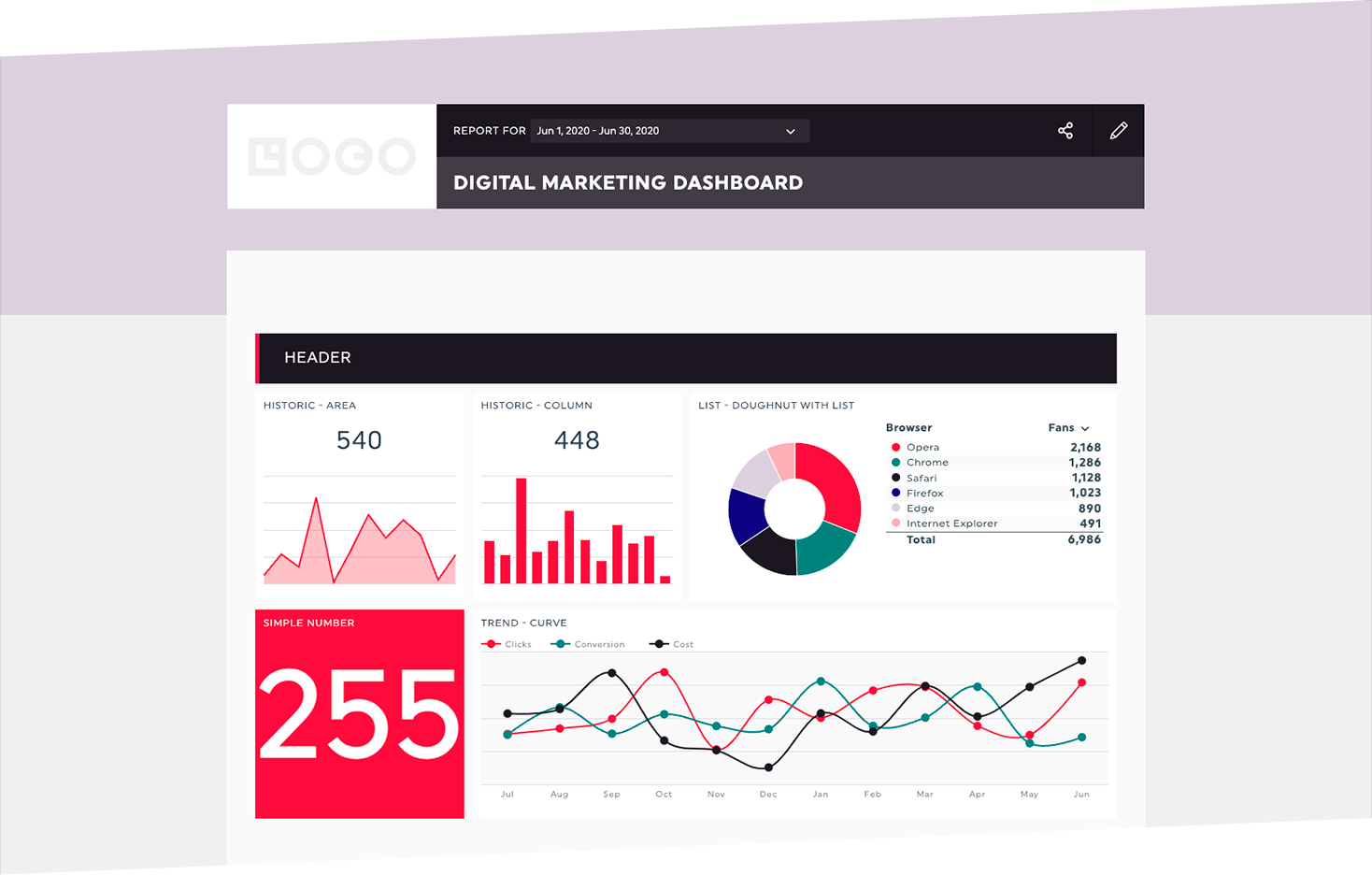
DashThis is a cloud-based automated marketing reporting tool designed for marketing agencies and in-house teams. It connects to over 30 popular marketing platforms, including Google Analytics, Google Ads, Facebook Ads, LinkedIn, and Shopify, to aggregate all marketing data into a single, customizable dashboard. Users can quickly build client-ready reports using preset templates, custom widgets, and KPI bundles, eliminating the need for manual data gathering and spreadsheet manipulation. DashThis automates report distribution, allowing scheduled email sending or password-protected URL sharing, ensuring clients always have up-to-date insights. The platform includes AI Insights that automatically highlight key wins, performance drops, and optimization opportunities, making it easier to derive actionable intelligence. With unlimited access to integrations and the ability to create custom templates, DashThis scales with agencies of any size, offering flexible pricing based on the number of dashboards needed. AiDOOS enhances deployment and adoption by providing a comprehensive suite of services, including implementation, training, and ongoing support, ensuring that teams can maximize the value of DashThis from day one. AiDOOS also assists in integrating DashThis with existing workflows and customizing reports to meet specific client requirements, thereby accelerating ROI and user adoption.

Challenges It Solves

  • Manual data collection from multiple platforms is time-consuming and error-prone.
  • Creating client-ready reports takes hours and requires technical skills.
  • Reporting delays cause missed opportunities for timely decision-making.
  • Scaling reporting across many clients is inefficient without automation.

Screenshots
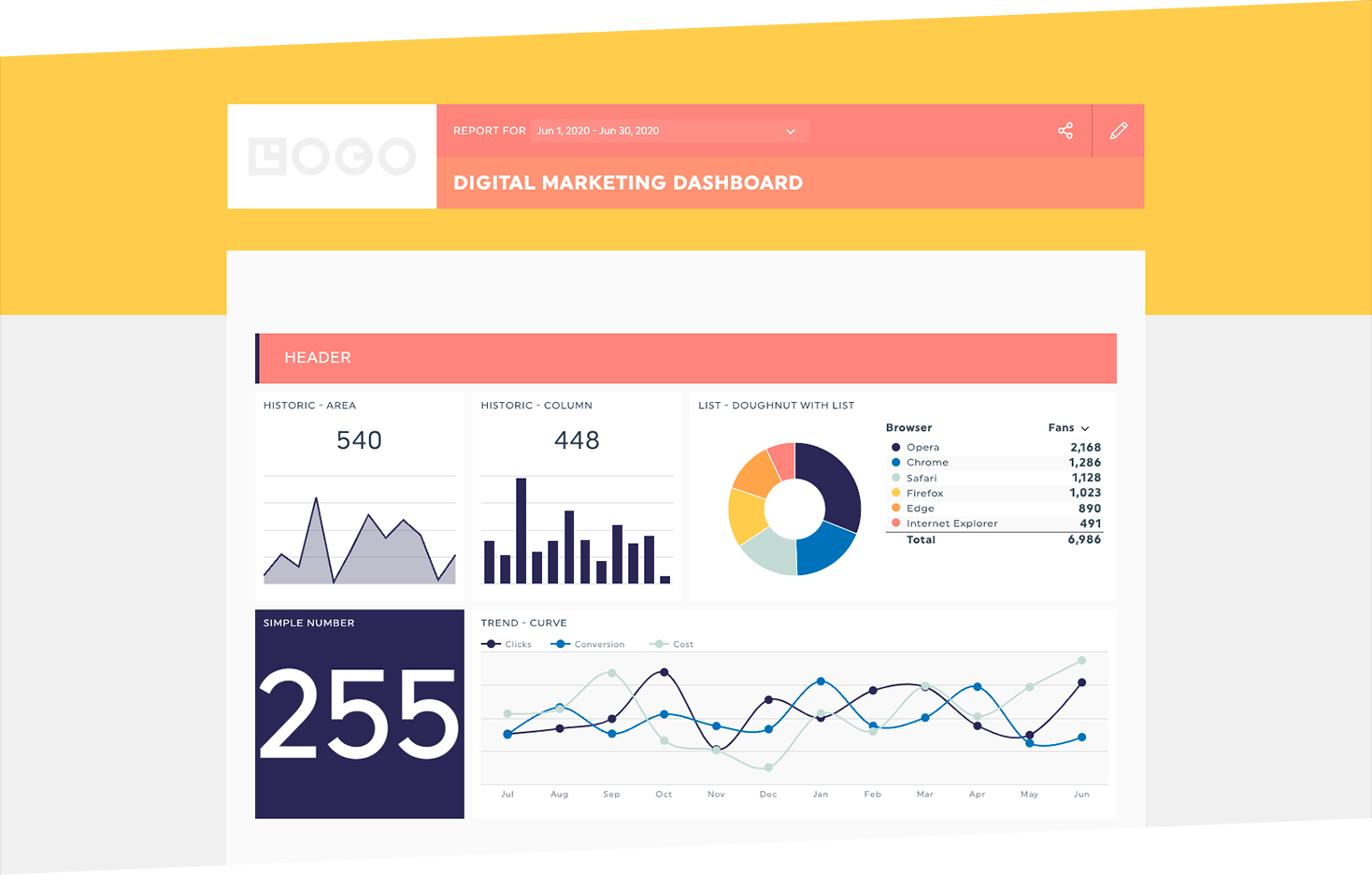
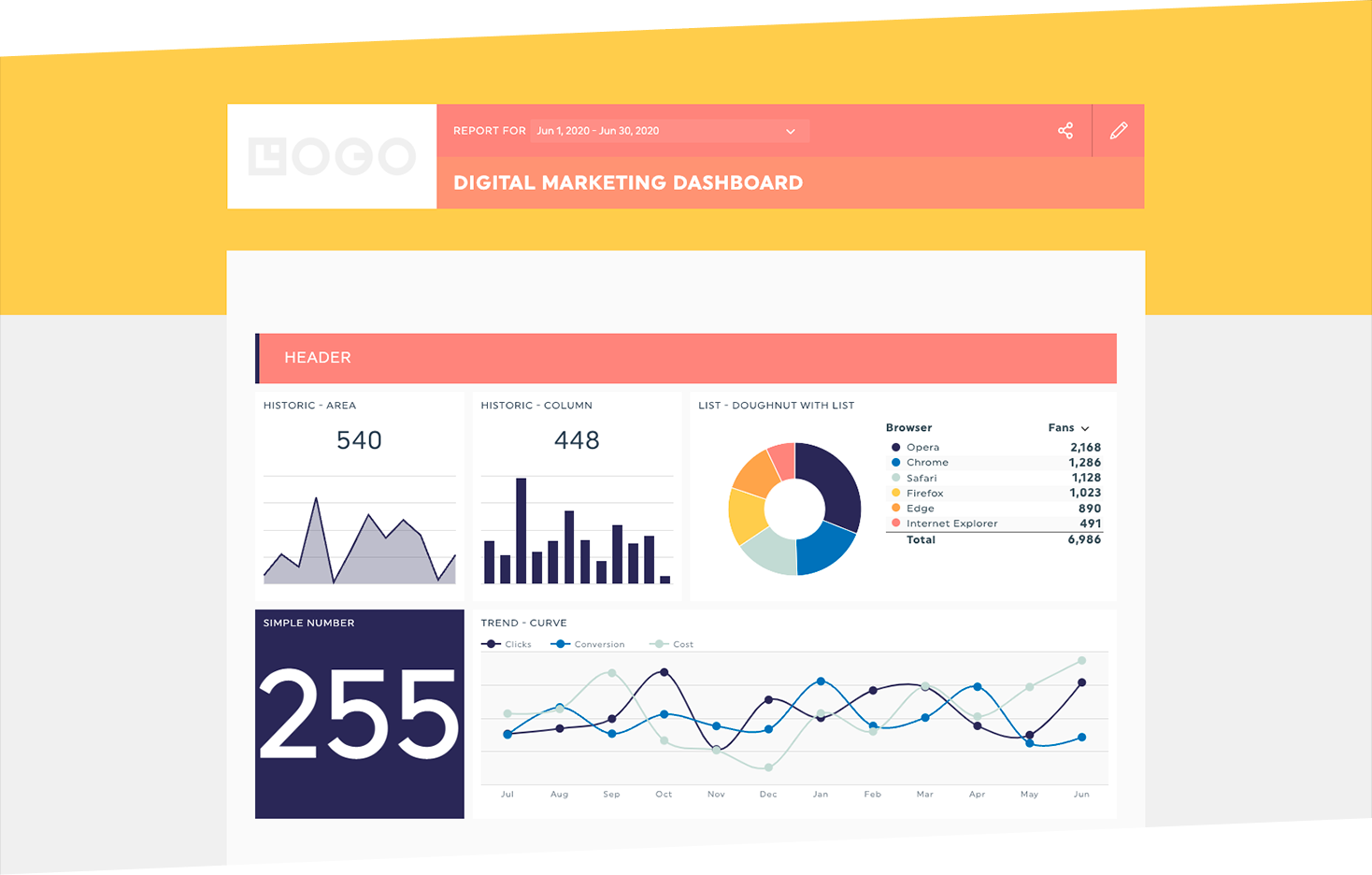
DashThis screenshot 1
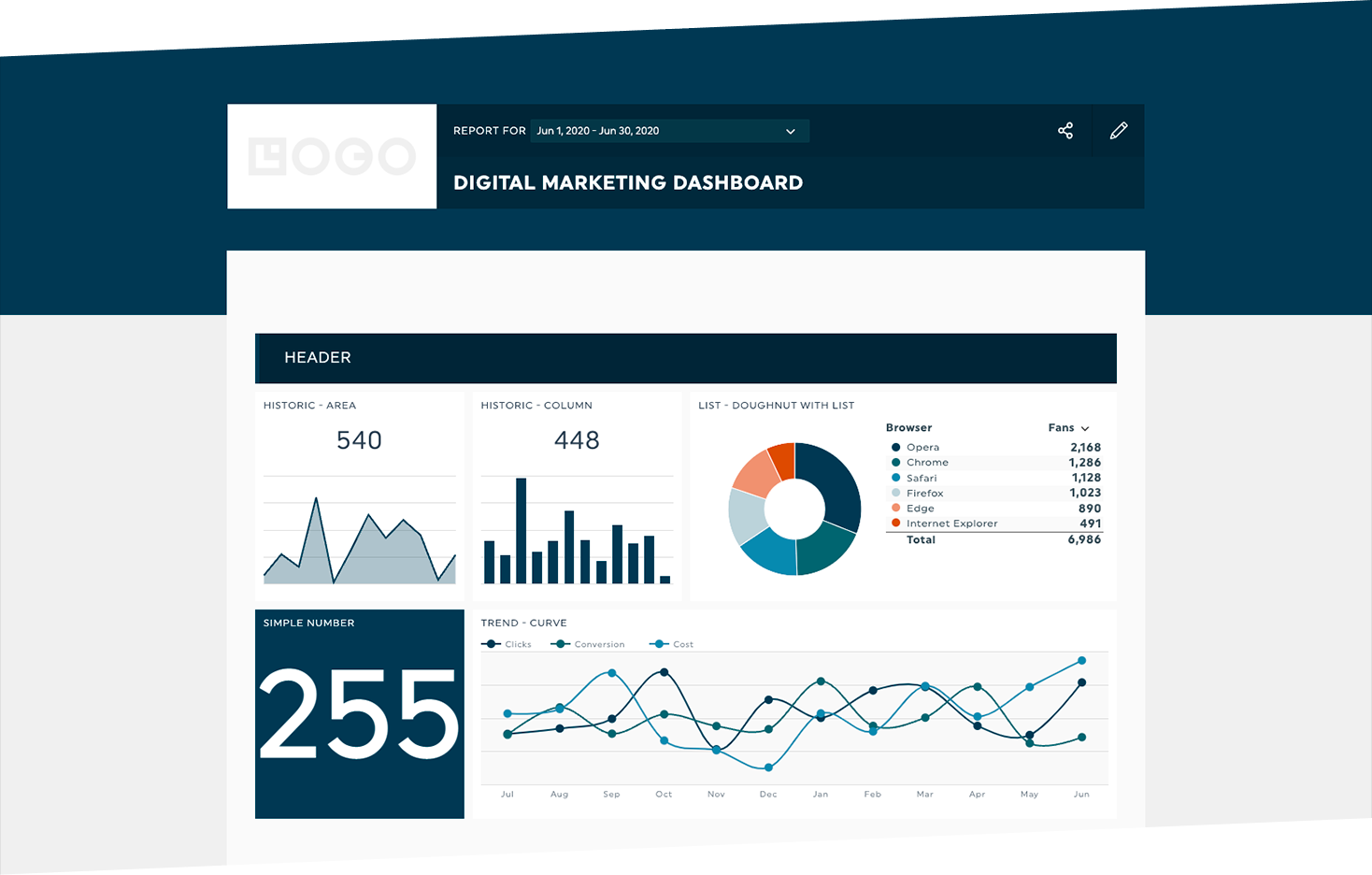
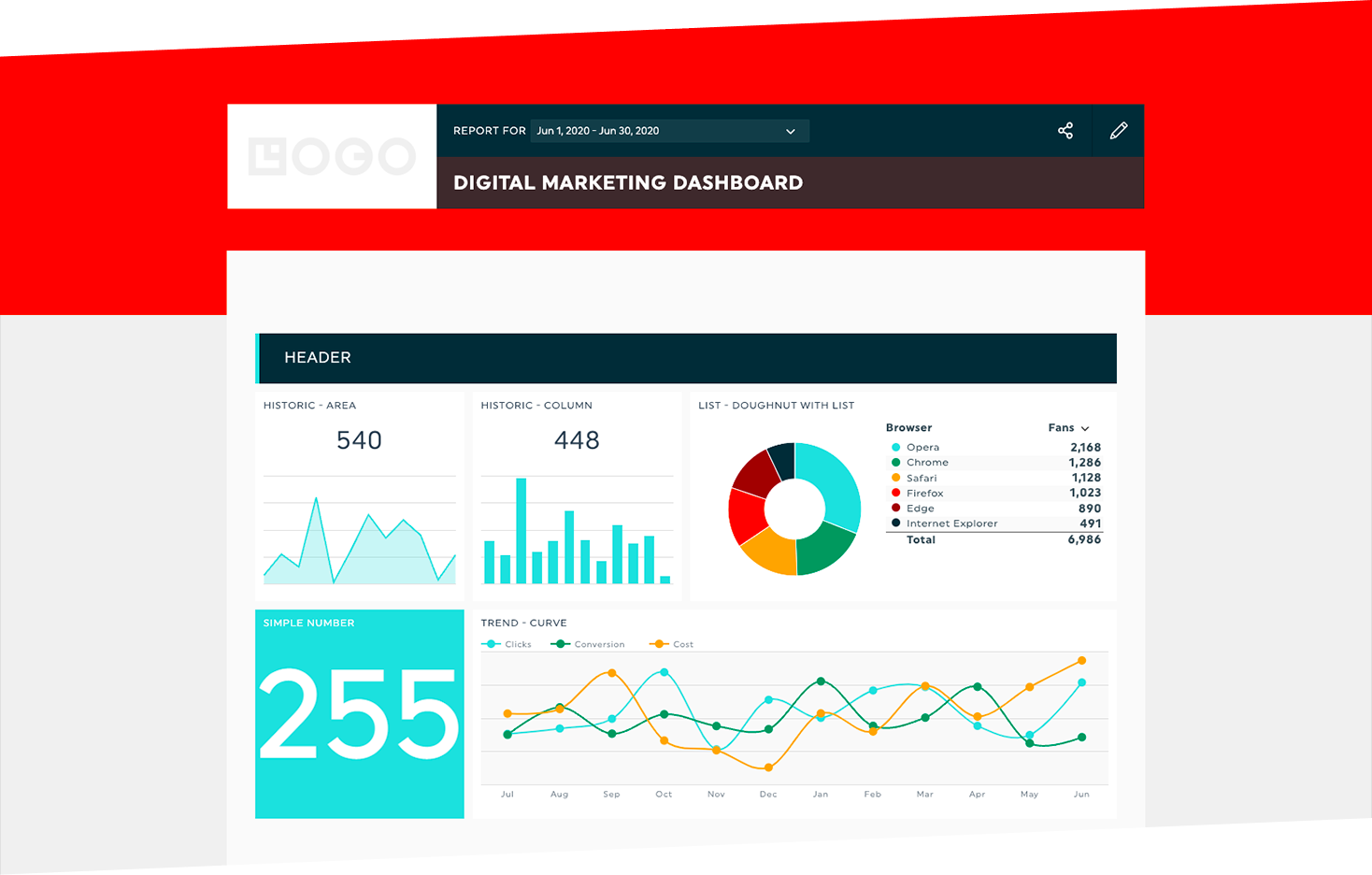
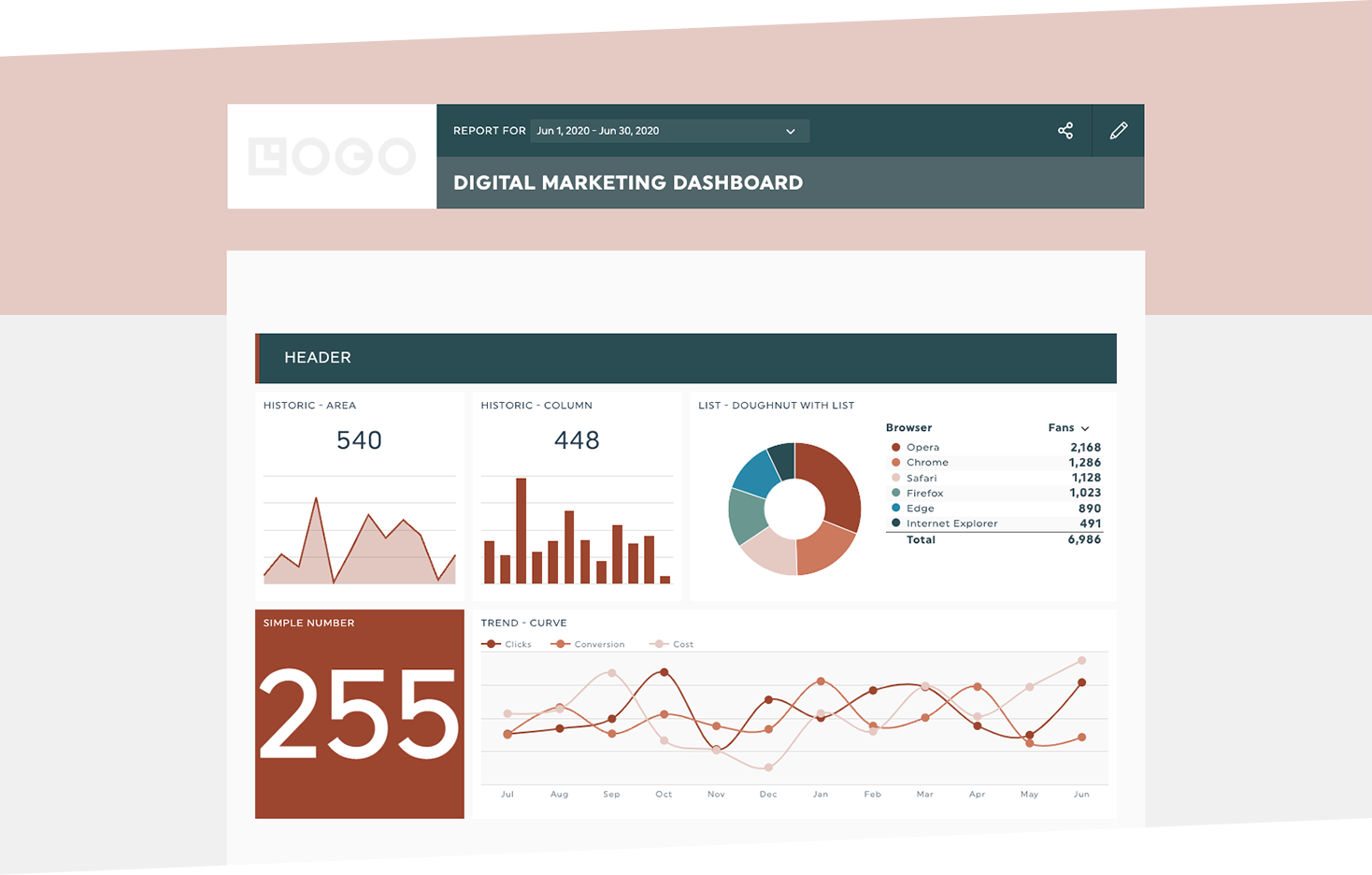
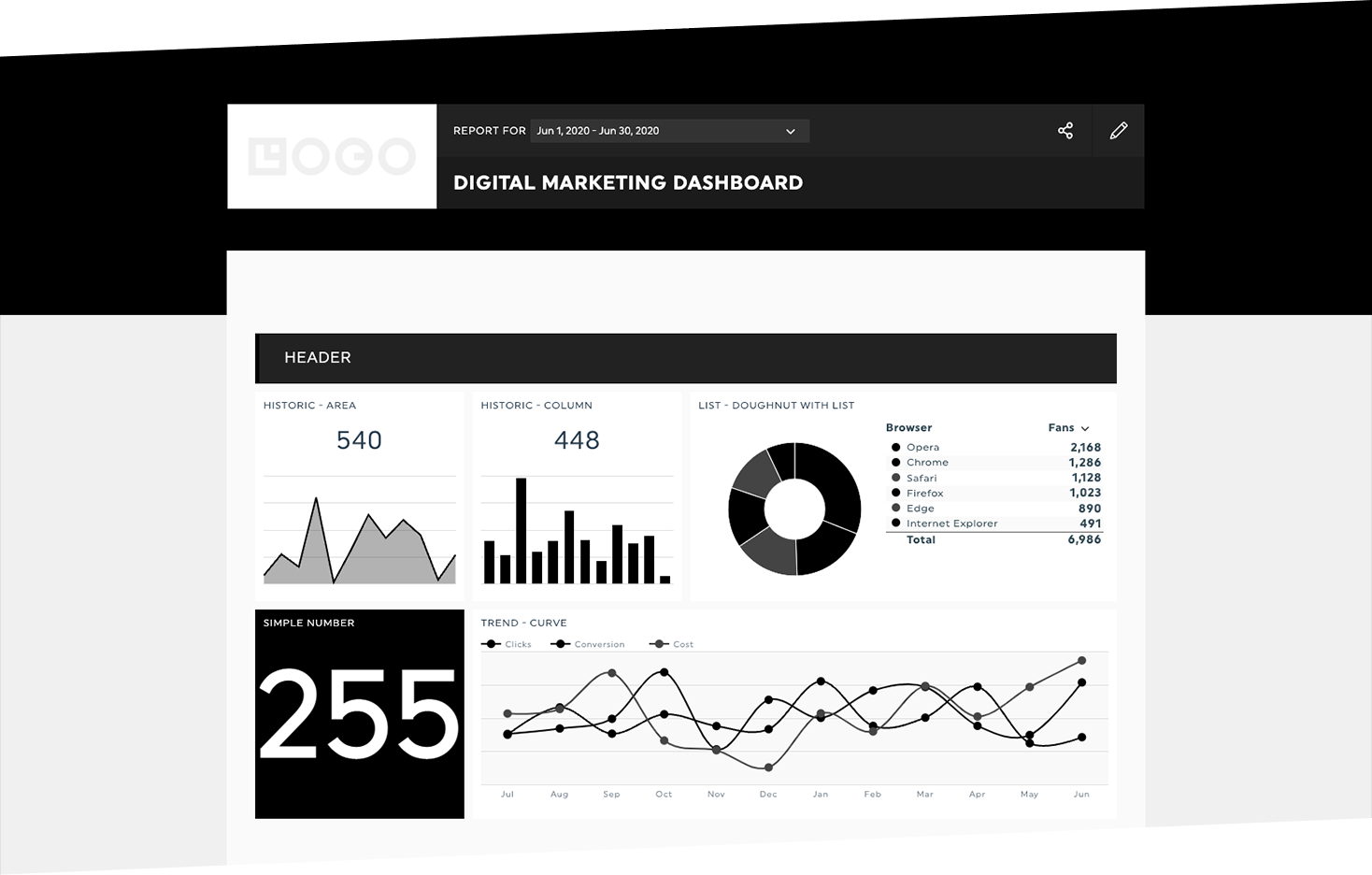
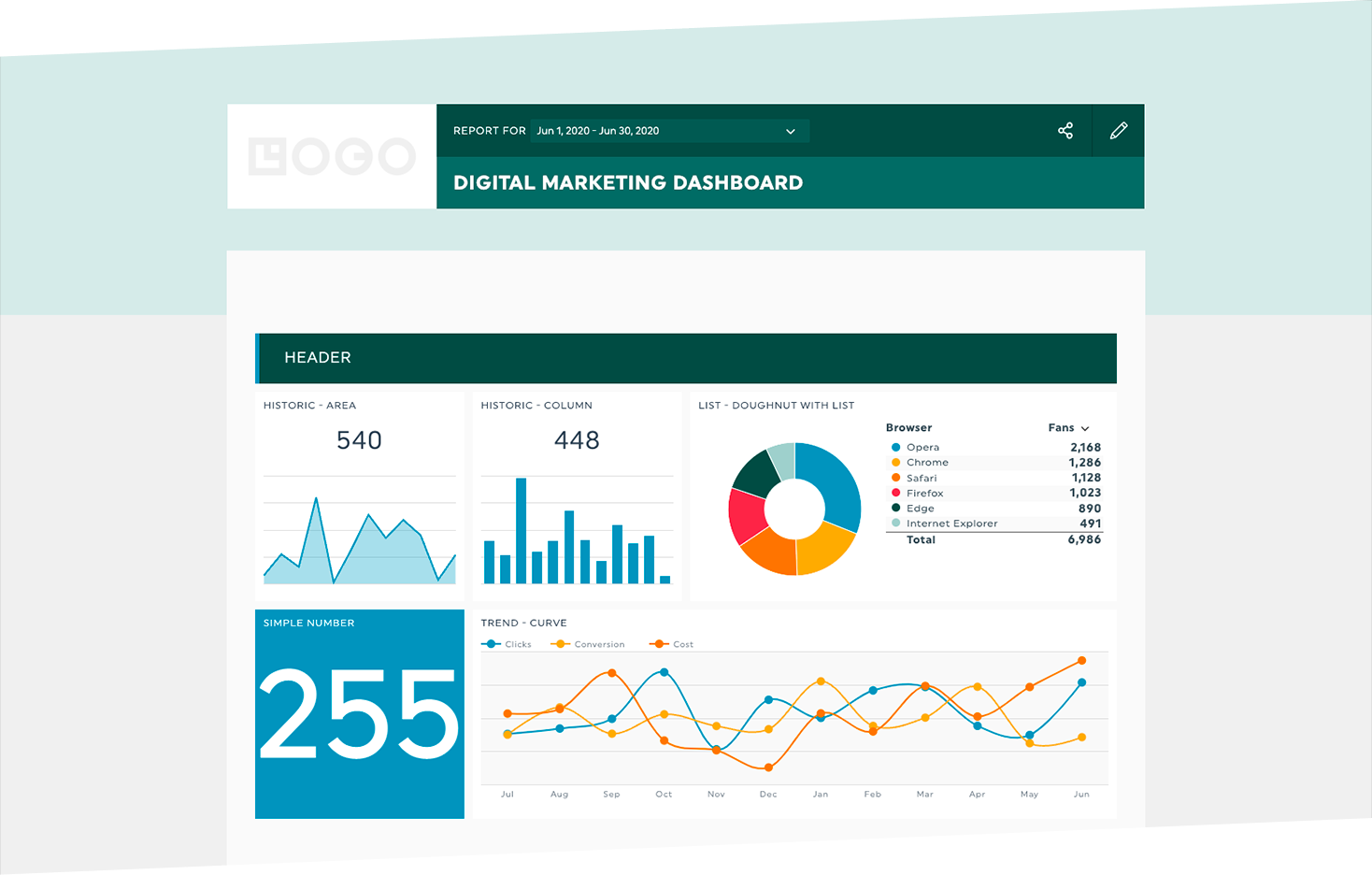
DashThis screenshot 1 DashThis screenshot 2 DashThis screenshot 3 DashThis screenshot 4 DashThis screenshot 5 DashThis screenshot 6 DashThis screenshot 7 DashThis screenshot 8

Use Cases

Agency Client Reporting

Marketing agencies create branded, automated reports for multiple clients, consolidating all campaign data into shareable dashboards.

Internal Marketing Reporting

In-house marketing teams monitor KPIs across channels, align on achievements, and identify areas for improvement.

Executive Dashboard

High-level executives get a simplified view of the company's marketing performance, focusing on trends and ROI.

PPC Campaign Analysis

Digital marketers track paid campaign metrics from platforms like Google Ads and Bing, comparing performance and optimizing spends.

Pricing

Individual
For individuals or small teams needing up to 3 dashboards and 15 data sources.
$44/user
billed monthly ·
  • 3 dashboards
  • 15 sources
  • All integrations
  • Automated reports
  • Client accounts
  • Standard support
Professional
For growing agencies needing 10 dashboards and 40 sources.
$139/user
billed monthly ·
  • 10 dashboards
  • 40 sources
  • All integrations
  • Automated reports
  • Client accounts
  • Priority support
14-day free trial available — No credit card required. Full access to all features.
💡 Pricing insight from reviewers: Pricing starts at $44/month for 3 dashboards and scales with the number of dashboards needed, making it cost-effective for agencies.

Key Features

AI Insights

Automatically analyzes marketing dashboards to highlight key wins, issues, and opportunities.

30+ Native Integrations

Connect to leading marketing platforms like Google Analytics, Facebook Ads, Shopify, and more.

All-in-One Dashboards

Combine data from multiple sources into a single, unified dashboard with automatic updates.

Custom KPI Widgets

Design custom graphs, charts, and calculated widgets to display data exactly how you want.

Automated Reporting

Schedule automatic report delivery via email, PDF, or secure URL sharing.

Preset Templates

Start with pre-built templates for SEO, PPC, social media, and more to create reports in minutes.

What Reviewers Say AI-synthesized from 92 reviews

What works well

  • Easy to use and customize dashboards, saving time.
  • Seamless integration with major marketing platforms.
  • Automated report distribution improves client communication.

Common concerns

  • Pricing can become expensive as you add more dashboards.
  • Some users report limitations in customization compared to other tools.

Reviews

92 verified reviews
4.8
★★★★★
out of 5 · 92 reviews
By segment
Enterprise17%
Mid-Market83%
S
SEO Analyst
"Straightforward and Precise Client Reporting"
This tool allows me to report to clients accurately and with ease. The only limitation is the set limit on the number of widgets you can add. I use it for reporting to clients.
C
Content Manager
"Great Tool for Centralizing Our Analytics and Metrics"
DashThis has made reviewing our analytics and metrics incredibly simple. Instead of opening multiple programs and navigating through their various windows, everything is available in one place. We can also customize the metrics we see using a wide array of widgets. The downside is that it requires familiarity with the programs it pulls data from. If a team member isn't well-versed in one of those platforms, it can cause reporting issues. So, it's more of a knowledge gap than a performance problem. DashThis helps us consolidate all our metrics and analytics in a single convenient location.
C
Communication Officer
"Very Intuitive – Customizable Templates and Time-Saving Widget Bundles"
Extremely easy to use, the templates can be customized, and the widget bundles save me loads of time when creating dashboards. My sole complaint is that some integrations are lacking. It helps me save a considerable amount of time on client reporting, and my clients appreciate the look of the dashboards.
S
Small-Business (50 or fewer emp.)
"Simple Social Media Reporting with Customizable Dashboards"
I really appreciate how easy it was to set up an online dashboard with our own custom URL on DashThis. It's user-friendly and packed with customizable features that we can adapt to suit our clients' preferences. Clients can log in and view real-time performance metrics for platforms like Google Ads, Meta Ads, and TikTok Ads. Nothing else. I use DashThis for live client reporting on Google, Meta, and TikTok Ads. I love the straightforward setup, custom URLs, and tailored features, which make it simple and flexible for our needs.
A
Administrative Assistant
"Great Integrations, Responsive Widgets, and Human Touch in Support"
I appreciate the wide range of integrations with other SaaS products and the fact that the widgets are responsive. Recently, I used the AI chat feature, and when it couldn't resolve my issue, a real person followed up and fixed it – which is rare these days with AI-driven customer service. I do wish there were more integrations, like a Jotform form submission counter widget. It allows us to gather data from various sources and present it in a consolidated report for management.
S
Small-Business (50 or fewer emp.)
"A Time-Saver with Room for Enhancement"
DashThis saves us a significant amount of time by aggregating key metrics in one place. The automation capabilities are excellent, streamlining our reporting workflow. The dashboards are tidy and straightforward, providing clients with the essential insights. However, I'd prefer to be able to copy entire sections at once, especially historical data, instead of copying each metric individually. It would also be helpful to easily copy-paste sections and update existing dashboards when adding a new campaign, rather than doing it manually. Overall, I find DashThis intuitive and reliable, allowing us to create professional client-facing dashboards efficiently.
P
Production Manager
"Cost-Effective Reporting with Solid Integrations and Proactive Support"
The interface is pleasant to look at and the overall user experience is smooth. The integrations with Google Ads, Google Analytics, LinkedIn Ads, and Meta Ads are quite useful. The platform performs without any hiccups. For smaller clients, the pricing is very reasonable. Their support team is quick to respond and has been helpful in adjusting our subscription to add or remove dashboards. The AI summary, wins, and issues features are handy. We're, however, unable to apply advanced filters based on conversion names in Google Ads, and we can't embed Looker Studio reports, which sometimes have more sophisticated filtering options. We'd also love to see an integration with Simpli.fi to extend DashThis's use to our programmatic advertising clients. All in all, it's helping us build clean, informative dashboards for our small clients at minimal cost.
F
Founder and Digital Advertising Manager
"Ten Years Strong with DashThis – Excellent Tool and Support Team, Alaric is a Star!"
DashThis has been fantastic for communicating with clients about their ad performance across multiple platforms. The ability to tailor reports to each client's needs is a major benefit. I can easily display key metrics and let clients log in to see their data, keeping them informed. The CRM data import feature has also been a game-changer. I really like the new customization options and rules. Their support has been consistently excellent, with the same person, Alaric, along with the whole team, always ready to assist with kindness and expertise over the years. I love how simple and intuitive it is, similar to using an Apple product. This makes it ideal for agencies since it doesn't require a highly technical person to operate, unlike other expensive and complex tools I've tried. I also appreciate that they can customize packages to fit specific needs. Getting started was easy with the preset templates, and the support team is always available if you need help. The main thing I'd like improved is the data delay. I know there's a lag, but for me, that's significant. Since I work in advertising and send weekly updates, I often resort to taking screenshots instead of using DashThis directly. I use DashThis for client transparency, letting them sign in and see the information themselves. Reducing the delay to even an hour or two would make a big difference. I use this tool for client updates on ad account performance. It simplifies reporting, provides useful data on spending and conversions, and allows customization per client. It's flexible, supports CRM integration, and avoids the complexity of pricier alternatives.
M
Marketing Strategist
"DashThis Makes Leadership Reporting Simple and Comprehensible"
I use DashThis to create internal reports for our leadership team. Since we manage two websites, I maintain two distinct dashboards, which helps me present the data in a format that's easy for them to grasp. DashThis integrates with Google Search Console, Google Analytics, LinkedIn, and Google Business Profile (we use these, but there are plenty more options) and lets me arrange the information to show leadership how each site is performing in terms of organic traffic, keywords, and other campaign metrics. This means they don't need to know how to read raw data from each source; they can just glance at the dashboard to see how our marketing is progressing. The only thing I'd like is the ability to choose the exact placement of a new widget in the dashboard sections without having to drag it from the bottom. When I add a widget, it appears at the bottom, and I have to drag it to its desired spot. After doing that a few times, the system starts placing new ones nearby. It's saving me a ton of time because I no longer have to extract reports from GA4, GSC, GBP, and social channels and then merge them into a single report. Once the layout is set up, it's basically "set and forget," unless I want to add something later. The AI insights agent also makes it easy to get a quick dashboard summary with the click of a button.
M
Marketing and Communications Manager
"DashThis Delivers Streamlined Reporting with Outstanding Support"
What stands out most is the platform's straightforward and user-friendly design. It pulls complex analytics from various sources and arranges them into clean, understandable dashboards, which greatly speeds up the reporting process. Our team has cut down on manual compilation, boosting efficiency and overall performance. The dashboards are accessible to executives and board members, letting them monitor key indicators and see real-time results without technical expertise. The pricing is reasonable for the value it provides, making it a smart choice for organizations needing polished, efficient reporting. The real differentiator, though, is their customer support. It's easily the best I've encountered with any software. The team responds promptly to any questions and even schedules free sessions to ensure I'm fully utilizing the product. They tailor their guidance to my specific needs and point out areas where extra training could be helpful. I want to give a special mention to Alaric. His meticulousness, quick responses, and genuine concern for customer success are unmatched. Honestly, his excellent service from the very beginning played a big part in my decision to go with DashThis. Having someone so committed to your success makes a world of difference and speaks volumes about the company. If there's one area for improvement, it's the AI features. Like many AI tools out there, they're still developing and can sometimes be unreliable or need a second look at their outputs. But I view that more as a limitation of current AI technology than a flaw of DashThis itself. Despite occasional hiccups, I find the AI integration valuable. It can quickly compare data sets, spot patterns, and offer insights that guide deeper analysis. As AI advances, I expect this feature to become even more robust. For me, DashThis solves the challenge of transforming large volumes of marketing and communications data into something digestible and shareable. In my role, I have to report on multiple channel performances to leadership, board members, and other stakeholders. Before this tool, aggregating that data was tedious and repetitive. Now, I can consolidate everything and build dashboards that are clear, professional, and easy for non-experts to follow. The biggest win has been time savings. Rather than spending hours on report creation, I can devote that time to interpreting data, spotting trends, and leveraging those insights to enhance our work. Reporting has become more efficient, my communication of results is clearer, and our team now has greater visibility into our performance in real time.

Reviewer Demographics

Top Industries

No data available

Company Size

No data available

Enterprise Readiness

ISO 27001
GDPR

Identity & Access

SSO SAML 2.0, Google SSO
RBAC None
Audit Logs

Data Security

At restAES-256
In transitTLS 1.2+
Key mgmtVendor-managed

SLA & Availability

Uptime SLA99.9%
RPO
RTO
Pen test

Compliance & Portability

Data residencyUS, EU
Data export
Right to erasure

Integrations

34 total apps

Google Analytics

Connect Google Analytics properties to track website traffic and user behavior in your dashboards.

Native < 1 hour

Google Ads

Import campaign metrics from Google Ads to monitor paid search performance.

Native < 1 hour

Facebook Ads

Pull advertising performance data from Facebook Ads campaigns.

Native < 1 hour

LinkedIn Ads

Track LinkedIn advertising campaigns and metrics within your reports.

Native < 1 hour

Shopify

Connect Shopify stores to monitor sales, orders, and revenue.

Native < 1 hour

Ahrefs

Incorporate SEO data from Ahrefs to track keyword rankings and backlinks.

Native < 1 hour

Klaviyo

Integrate email marketing performance metrics from Klaviyo.

Native < 1 hour

Google Sheets

Use Google Sheets as a data source to import custom or supplementary data into dashboards.

Native < 1 hour

Governance & Compliance

EU AI Act

No data available

Data Processing Agreement

No data available

Sub-processors

No data available

Right to Erasure

No data available

Change Notifications

No data available

NIST AI RMF

No data available

AiDOOS Managed Deployment

Deploy DashThis in 72 hours

AiDOOS handles setup, CRM integration, SSO config, and user provisioning. Your team goes live — not your IT department.

12
Deployments
94%
Adoption rate
4.8/5
Post-deploy sat.
2-4 weeks
Time to value

Prerequisites

  • Active DashThis subscription
  • API credentials for integrations if needed
  • Administrator access for SSO setup
  • Data source accounts (e.g., Google Analytics)

Configuration Options

  • Choose dashboard templates
  • Set up custom integrations via API or CSV
  • Configure AI Insights and reporting settings
  • Customize white-label options

How DashThis Compares

Product AI & Analytics Ease of Use Enterprise Features Pricing Integrations Mobile Experience Quick Setup Customer Support Rating Price/mo
DashThis This product
Good Excellent Good Good Good Fair Excellent Excellent ★ 4.8 $44/user
Databox
Excellent Excellent Good Fair Excellent Excellent Excellent Good $29/user
Whatagraph
Good Good Fair Fair Good Good Good Good $199/user
Reportz
Fair Good Fair Excellent Good Fair Excellent Good $19/user
Virtual Delivery Center · A new delivery category

A Virtual Delivery Center for DashThis

Pre-vetted experts and AI agents in the loop, assembled as a delivery pod. Pay in Delivery Units — universal pricing across roles, seniority, and tech stacks. No hiring, no contracting, no procurement cycle.

  • Plans from $2,000 — Starter Pack, 10 Delivery Units, 90 days
  • Refundable on unused Delivery Units, anytime — no questions asked
  • Re-delivery guarantee on acceptance miss
  • Pre-flight delivery sizing — you see the plan before you commit

How a Virtual Delivery Center delivers DashThis

Outcome-based delivery via AiDOOS’s VDC model.  Why VDC vs traditional consulting? →

Outcome-Based

Pay for results, not hours

Milestone-Driven

Clear deliverables at each phase

Expert Network

Access to certified specialists

Implementation Timeline

1
Discover
Requirements & assessment
2
Integrate
Setup & data migration
3
Validate
Testing & security audit
4
Rollout
Deployment & training
5
Optimize
Performance tuning
Schedule a Meeting

Frequently Asked Questions

Can I connect multiple data sources to a single dashboard?
Yes, DashThis allows you to combine data from multiple integrations like Google Analytics, Google Ads, and Facebook Ads into one dashboard for a comprehensive view of your marketing performance.
Does DashThis support custom branding or white-labeling?
DashThis offers white-label options, allowing you to brand your dashboards with your own logo and colors, which is especially useful for agencies presenting to clients.
Is there a free trial available?
Yes, DashThis offers a 14-day free trial that includes access to up to 10 dashboards without requiring a credit card.
Can I automate report sharing?
Absolutely. DashThis provides automated sharing options such as scheduled email dispatches and password-protected URLs, so reports can be sent automatically to clients or team members.
Does DashThis integrate with custom data sources?
Yes, you can import your own proprietary data using CSV file import or the Google Sheets integration, ensuring all your data can be included in your reports.
What kind of AI features does DashThis offer?
DashThis includes AI Insights which automatically analyzes your dashboard data to highlight key wins, issues, and opportunities. With AI Insights Pro, you get Chat Mode to ask questions and Dashboard Context for personalized explanations.

Quick Stats

★ 4.8
Rating
12
Deployments
72 hours
Live in
99.9%
Uptime SLA
Deployment Complexity
Moderate (2/5)
Schedule a Meeting

Vendor

DashThis
Quebec, Canada
Verified Vendor

Get an Instant Proposal

You'll get a structured implementation plan — scope, timeline, and cost — in seconds.