Camtasia
Fast and Easy Video Editing Software and Screen Recorder
About Camtasia
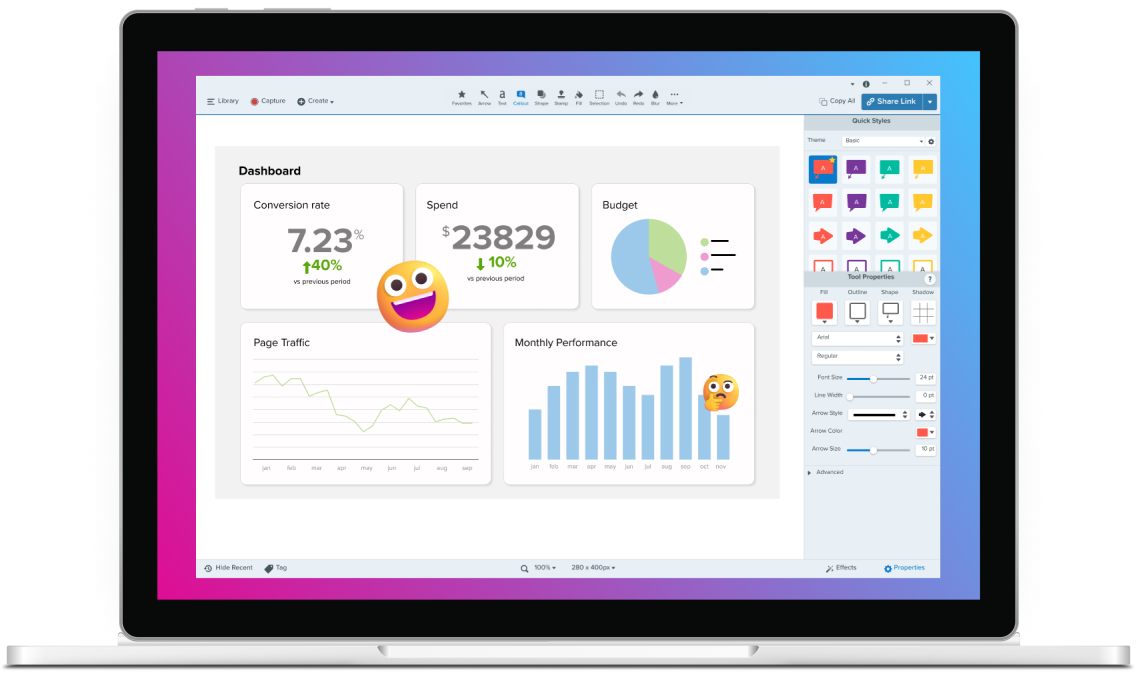
Camtasia by TechSmith is an AI-powered video creation and screen recording platform trusted by more than 35 million video creators worldwide. It combines a powerful screen recorder with a full-featured video editor, enabling users to capture their screen in up to 4K resolution, record camera and audio on separate multitrack timelines, and produce polished, professional-quality videos without requiring advanced editing skills. Camtasia includes a comprehensive suite of AI-powered features such as background noise removal, video background removal without a green screen, AI avatar generation, AI script generation, AI voice generation, and automatic audio transcription. Additional editing tools include custom cursor effects, video cropping, speed adjustment, royalty-free music integration, and support for annotations, callouts, and transitions. The platform is available for both Windows and macOS and supports export to a wide range of formats. Camtasia is widely used for corporate training, software marketing, customer education, how-to tutorials, and team communication. With AiDOOS, organizations can accelerate Camtasia deployment and adoption by accessing skilled video production specialists and instructional designers on demand, ensuring teams get maximum value from the platform from day one.
Challenges It Solves
- Creating professional-quality training and tutorial videos without advanced editing skills or expensive equipment
- Poor audio quality in screen recordings due to background noise from fans, keyboards, and ambient sound
- Difficulty repurposing video content across multiple platforms with different aspect ratio requirements
- Time-consuming video production workflows that slow down corporate training and content delivery
Screenshots






Watch Demo
Use Cases
Corporate Training
Training teams use Camtasia to create engaging onboarding videos, process walkthroughs, and systems training content that employees actually watch and retain.
Software Marketing
Marketing teams use Camtasia to produce polished product demos, explainer videos, and feature walkthroughs that showcase software capabilities to prospects.
Customer Education
Customer success teams create how-to videos and tutorial libraries with Camtasia to help customers understand and adopt products faster.
Team Communication
Teams replace long email threads and repetitive meetings with short, clear screen-recorded video updates that keep everyone aligned.
Pricing
Custom pricing — built for your team
Camtasia pricing is tailored to your organisation's size, integrations, and requirements. AiDOOS generates your proposal instantly — scoped & ready in seconds.
Key Features
Record screen, camera, and audio on separate tracks in up to 4K resolution for precise post-production control.
Automatically remove unwanted background noise from mic and voice recordings without distorting vocals.
Remove or blur video backgrounds in one click with AI — no green screen required.
Generate professional AI presenters, scripts, and natural-sounding voiceovers without filming.
Apply motion blur, kinetic, and elevation cursor effects to make tutorials clearer and more engaging.
Access built-in royalty-free music and video assets directly within the editor for copyright-safe content.
What Reviewers Say
What works well
- Combines screen recording and video editing in a single, easy-to-use application suitable for non-professionals
- AI-powered features like noise removal, background removal, and avatar generation reduce production time significantly
- Trusted by more than 35 million video creators with a long track record since 1987
- Available on both Windows and macOS with support for 4K recording and multitrack editing
Common concerns
- Desktop-based software rather than fully cloud-native, which may limit collaboration for distributed teams
- Advanced AI features are only available on higher-tier paid plans
- Can be resource-intensive on older hardware, particularly when editing 4K footage
Reviews
No reviews yet for Camtasia
AiDOOS-verified review data is collected after deployment. Deploy this product and be among the first to share your experience.
Enterprise Readiness
Identity & Access
Data Security
SLA & Availability
Compliance & Portability
Integrations
YouTube
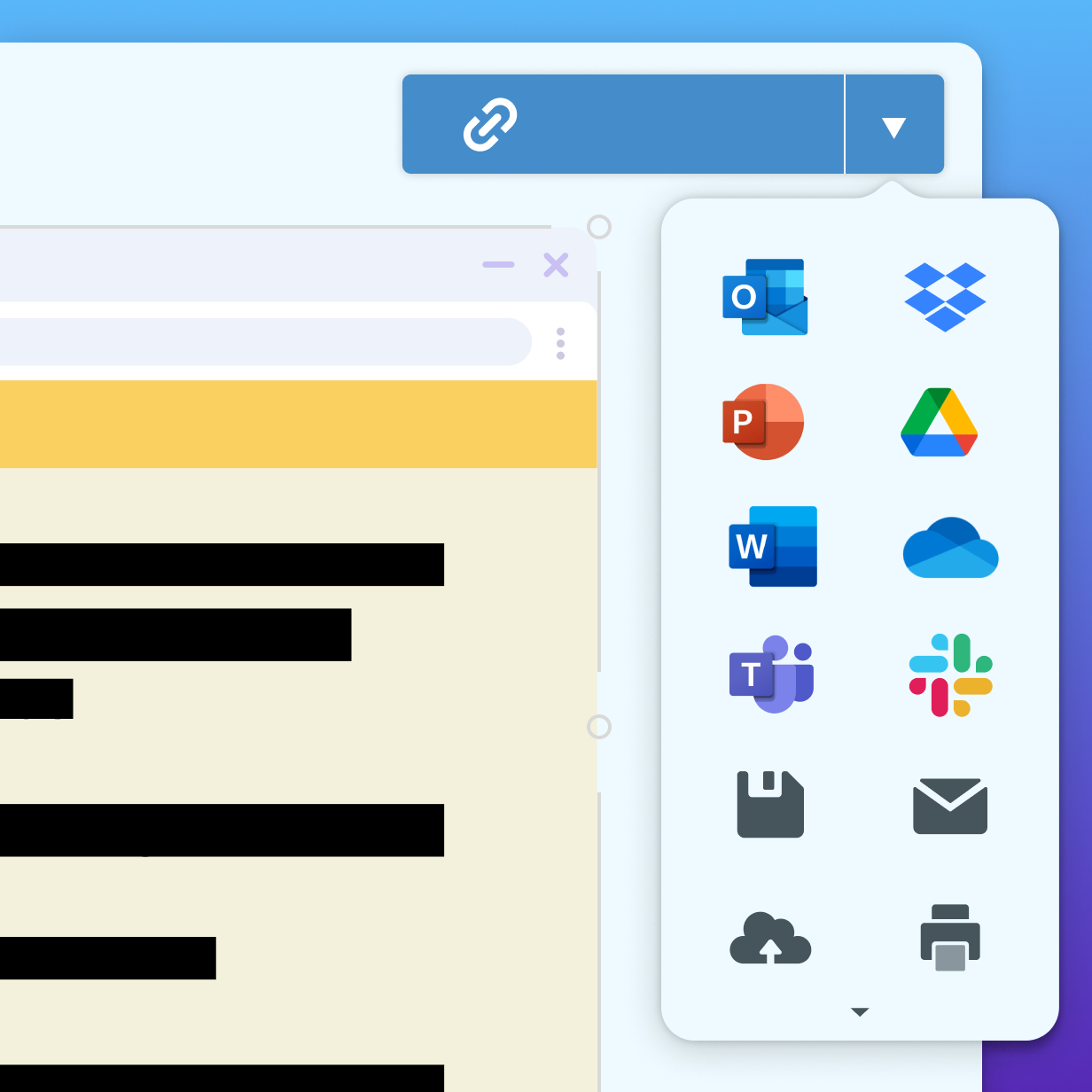
Export and publish videos directly to YouTube from Camtasia.
Screencast
Share and review videos using TechSmith's Screencast platform directly from Camtasia.
Google Drive
Save and share Camtasia project files via Google Drive.
Microsoft PowerPoint
Import PowerPoint presentations into Camtasia for use in video creation.
Audiate
TechSmith's Audiate integrates with Camtasia for AI-powered text-based audio and voiceover editing.
Snagit
TechSmith's Snagit screen capture tool integrates with Camtasia for enhanced visual content creation.
Governance & Compliance
EU AI Act
No data available
Data Processing Agreement
No data available
Sub-processors
No data available
Right to Erasure
No data available
Change Notifications
No data available
NIST AI RMF
No data available
AiDOOS Managed Deployment
Deploy Camtasia in 72 hours
AiDOOS handles setup, CRM integration, SSO config, and user provisioning. Your team goes live — not your IT department.
Prerequisites
- Windows 10 (64-bit) 20H2+ or macOS 14.0+ operating system
- Valid Camtasia license or subscription plan
- Internet connection for AI features and asset library
- Minimum hardware meeting TechSmith processor and RAM requirements
Configuration Options
- Plan selection: Essentials, Create, or Pro tier
- Integration with Screencast for video sharing and review
- Audiate connection for text-based audio editing
- AI feature configuration including voice generation and noise removal
How Camtasia Compares
| Product | AI & Analytics | Ease of Use | Enterprise Features | Pricing | Integrations | Mobile Experience | Quick Setup | Customer Support | Rating | Price/mo |
|---|---|---|---|---|---|---|---|---|---|---|
|
C
Camtasia This product
|
Good | Excellent | Fair | Good | Fair | Poor | Excellent | Good | — | $Custom/user |
|
AP
Adobe Premiere Pro
|
Good | Fair | Excellent | Poor | Excellent | Fair | Fair | Good | — | $54.99/user |
|
LO
Loom
|
Good | Excellent | Good | Good | Good | Good | Excellent | Good | — | $12.50/user |
|
OB
OBS Studio
|
Poor | Fair | Fair | Excellent | Good | Poor | Fair | Poor | — | $0/user |
A Virtual Delivery Center for Camtasia
Pre-vetted experts and AI agents in the loop, assembled as a delivery pod. Pay in Delivery Units — universal pricing across roles, seniority, and tech stacks. No hiring, no contracting, no procurement cycle.
- Plans from $2,000 — Starter Pack, 10 Delivery Units, 90 days
- Refundable on unused Delivery Units, anytime — no questions asked
- Re-delivery guarantee on acceptance miss
- Pre-flight delivery sizing — you see the plan before you commit
How a Virtual Delivery Center delivers Camtasia
Outcome-based delivery via AiDOOS’s VDC model. Why VDC vs traditional consulting? →
Outcome-Based
Pay for results, not hours
Milestone-Driven
Clear deliverables at each phase
Expert Network
Access to certified specialists