Looking to implement or upgrade Vyond?
Schedule a Meeting
AI Video Creation

Vyond

AI-powered video creation platform for business communication without design experience

Category
Software
Ideal For
SMBs
Deployment
Cloud
Integrations
None+ Apps
Security
Cloud-based security infrastructure with standard data protection protocols
API Access
Yes - API available for enterprise integrations

About Vyond

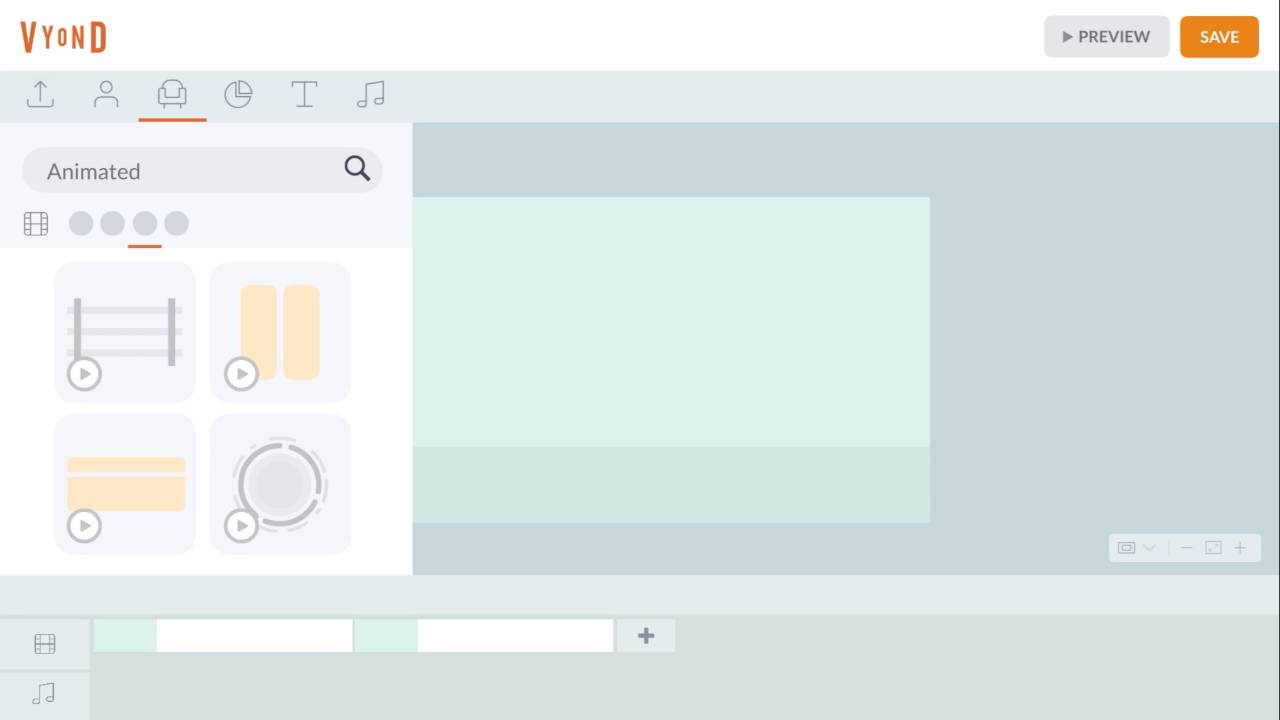
Vyond is an AI-driven video creation platform that democratizes professional video production for businesses of all sizes. The platform combines intuitive templates, AI-powered instant video generation (via Vyond Go), and drag-and-drop editing to transform complex business messages into engaging video content. Users can create marketing videos, training modules, explainer content, and internal communications without requiring prior design or video editing expertise. Vyond's AI capabilities automate video generation from text prompts, significantly reducing production time from hours to minutes. Through AiDOOS integration, enterprises gain enhanced deployment flexibility, streamlined governance of video assets across teams, improved scalability for high-volume content creation, and optimized workflows that reduce time-to-market for critical business communications. The platform supports multiple use cases spanning employee onboarding, customer education, product demos, and internal announcements.

Challenges It Solves

  • Time-consuming video production delays critical business communications and training rollouts
  • High production costs and need for professional designers create budget constraints for content teams
  • Lack of video creation skills prevents non-technical teams from producing engaging marketing materials
  • Inconsistent brand messaging across video content impacts corporate identity and customer perception
  • Complex editing software requires extensive training, reducing team productivity and adoption rates

Proven Results

75
Reduction in video production time compared to traditional methods
60
Decrease in outsourcing costs by enabling in-house video creation
85
Increase in content team productivity with simplified creation tools

Key Features

Core capabilities at a glance

AI-Powered Instant Video Maker (Vyond Go)

Generate professional videos from text prompts in minutes

Create polished videos without design or editing experience required

Extensive Template Library

Pre-built templates for diverse business communication scenarios

Accelerate production with industry-specific and customizable video templates

Drag-and-Drop Video Editor

Intuitive visual editing with no learning curve

Empower teams to edit and customize videos with ease

AI Script Assistant

Intelligent script generation and optimization

Improve messaging quality with AI-assisted copywriting suggestions

Brand Kit Management

Maintain consistent branding across all video content

Ensure brand consistency with centralized color, font, and logo controls

Multi-Language Support & Localization

Create videos in multiple languages for global audiences

Expand reach to international markets with automated translation features

Ready to implement Vyond for your organization?

Real-World Use Cases

See how organizations drive results

Employee Training & Onboarding
Create engaging training videos to streamline employee onboarding, reduce training time, and improve knowledge retention. Vyond enables HR teams to develop standardized training content that can be updated quickly.
70
Faster employee onboarding with improved knowledge retention
Marketing & Product Promotions
Generate compelling marketing videos and product demos in days instead of weeks. Teams can test messaging variations rapidly and optimize campaigns based on performance metrics.
68
Increased marketing campaign velocity and conversion rates
Internal Communications
Streamline company announcements, policy updates, and executive communications through engaging video formats. Improve message clarity and employee engagement compared to text-based communications.
72
Enhanced employee engagement and message comprehension
Customer Education & Support
Develop how-to videos, FAQ content, and customer onboarding materials to reduce support tickets. Self-service video content enables customers to solve problems independently.
55
Reduced support costs through self-service video resources
Explainer Videos & Thought Leadership
Create professional explainer videos to simplify complex concepts and establish industry authority. Ideal for SaaS companies, consultants, and technology firms communicating value propositions.
64
Improved lead quality and sales cycle acceleration

Integrations

Seamlessly connect with your tech ecosystem

S

Slack

Explore

Share and collaborate on videos directly within Slack channels for seamless team communication

M

Microsoft Teams

Explore

Integrate video creation workflow into Teams for unified workplace communication

G

Google Workspace

Explore

Connect with Google Drive and Gmail for streamlined video distribution and storage

S

Salesforce

Explore

Embed videos in Salesforce for enhanced customer communications and sales enablement

H

HubSpot

Explore

Create marketing videos directly from HubSpot for integrated campaign management

L

LinkedIn

Explore

Publish videos directly to LinkedIn for professional networking and thought leadership

Y

YouTube

Explore

Export and manage video distribution across YouTube channels seamlessly

Z

Zapier

Explore

Automate video creation workflows through Zapier integration with 5000+ applications

Implementation with AiDOOS

Outcome-based delivery with expert support

Outcome-Based

Pay for results, not hours

Milestone-Driven

Clear deliverables at each phase

Expert Network

Access to certified specialists

Implementation Timeline

1
Discover
Requirements & assessment
2
Integrate
Setup & data migration
3
Validate
Testing & security audit
4
Rollout
Deployment & training
5
Optimize
Performance tuning

See how it works for your team

Alternatives & Comparisons

Find the right fit for your needs

Capability Vyond Headshotpro Study Crumb Caricaturer.Io
Customization Excellent Excellent Good Good
Ease of Use Excellent Excellent Excellent Excellent
Enterprise Features Good Good Fair Good
Pricing Good Fair Excellent Good
Integration Ecosystem Good Good Good Good
Mobile Experience Good Good Good Fair
AI & Analytics Excellent Excellent Good Excellent
Quick Setup Excellent Excellent Excellent Excellent

Similar Products

Explore related solutions
Headshotpro

Headshotpro

HeadshotPro + AiDOOS: AI-Powered Professional Headshots for Businesses HeadshotPro transforms how o…

Explore
Study Crumb

Study Crumb

EssayToolBox: Streamlined Online Essay Creation & Editing Suite EssayToolBox is a comprehensive, fr…

Explore

Caricaturer.Io

Caricaturer.Io

Transform Portraits into Striking Caricatures with Caricaturer.io Caricaturer.io empowers businesse…

Explore

Frequently Asked Questions

Do I need video editing experience to use Vyond?
No. Vyond is designed for users of all skill levels. The drag-and-drop editor and AI-powered Vyond Go feature enable anyone to create professional videos without prior design or editing experience.
How quickly can I create a video with Vyond?
With Vyond Go, you can generate a complete video from a text prompt in minutes. Traditional template-based creation typically takes 15-45 minutes depending on customization needs and complexity.
Can Vyond integrate with our existing enterprise tools?
Yes. Vyond supports integrations with Slack, Teams, Salesforce, HubSpot, LinkedIn, and 5000+ apps via Zapier. AiDOOS enhances enterprise deployments with customized API integrations and workflow optimization.
Is Vyond suitable for team collaboration?
Absolutely. Vyond supports multi-user collaboration with role-based permissions, allowing teams to work together on projects while maintaining content governance and brand consistency.
What video quality and formats does Vyond support?
Vyond exports videos in HD quality across multiple formats (MP4, WebM, etc.) suitable for web, social media, presentations, and internal communications. Bitrate and resolution are customizable for various platforms.
How does Vyond help with brand consistency?
The Brand Kit feature centralizes brand assets including colors, fonts, logos, and templates. This ensures all videos maintain consistent branding, reducing manual oversight and improving professional appearance.