D
Looking to implement or upgrade Dynasign Online?
Schedule a Meeting
Digital Signage

Dynasign Online

Centralized digital signage and content management for dynamic audience engagement

Category
Software
Ideal For
Enterprises
Deployment
Cloud
Integrations
None+ Apps
Security
Role-based access control, secure content distribution, authentication protocols
API Access
Yes - for third-party content integrations and custom workflows

About Dynasign Online

Dynasign Online is a cloud-based content management service platform that enables businesses and institutions to efficiently manage and distribute dynamic content across digital signage networks and mobile tablet screens. The platform provides a centralized hub for content creation, scheduling, and real-time distribution, allowing organizations to deliver consistent, impactful messaging across multiple locations and devices simultaneously. Dynasign Online streamlines digital communications workflows, reducing deployment time and operational complexity. AiDOOS enhances Dynasign Online's capabilities through expert integration services, ensuring seamless connectivity with existing enterprise systems, optimizing content delivery pipelines, and providing governance frameworks for multi-location deployments. Organizations leverage AiDOOS expertise to maximize platform scalability, implement best practices for content management, and accelerate time-to-value across their digital signage infrastructure.

Challenges It Solves

  • Managing consistent messaging across distributed physical locations and multiple device types
  • Creating and scheduling dynamic content efficiently without technical expertise
  • Measuring audience engagement and content performance across digital channels
  • Reducing time-to-deployment for campaigns and emergency communications
  • Maintaining content quality and compliance standards across all screens

Proven Results

64
Faster content deployment across multiple locations
48
Reduced operational complexity and manual effort
35
Improved audience engagement through targeted messaging

Key Features

Core capabilities at a glance

Centralized Content Management

Single dashboard for all signage and tablet content

Manage 100+ screens from one intuitive interface

Real-Time Content Distribution

Instant updates across all connected devices

Push emergency messages and updates instantly

Advanced Scheduling Engine

Time-based and event-triggered content scheduling

Automate campaigns across multiple time zones

Responsive Template Library

Pre-designed templates for rapid content creation

Deploy professional content without design expertise

Multi-Location Management

Centralized control with location-specific customization

Scale deployments from 5 to 5000+ locations

Analytics and Reporting

Track content performance and audience interaction

Measure ROI of digital signage investments

Ready to implement Dynasign Online for your organization?

Real-World Use Cases

See how organizations drive results

Retail Network Communications
Multi-location retail chains use Dynasign Online to broadcast promotional campaigns, pricing updates, and product announcements across store networks in real time.
72
Unified brand messaging across all retail locations
Healthcare Facility Wayfinding and Updates
Hospitals and medical centers deploy digital signage for patient wayfinding, appointment reminders, health alerts, and departmental announcements.
58
Improved patient experience and operational efficiency
Corporate Campus Communications
Large enterprises use the platform for employee communications, facility announcements, safety information, and event promotion across office locations.
65
Enhanced internal communications and employee engagement
Educational Institution Messaging
Universities and schools deploy Dynasign Online for student announcements, event promotions, campus alerts, and emergency communications.
55
Timely, targeted student and staff communications
Transportation and Hospitality Signage
Airports, hotels, and transit systems use the platform for wayfinding, schedule updates, service alerts, and promotional content.
68
Real-time operational updates and enhanced visitor experience

Integrations

Seamlessly connect with your tech ecosystem

M

Microsoft Azure

Explore

Cloud infrastructure integration for secure content hosting and multi-region deployment

G

Google Workspace

Explore

Integration with Google Calendar and Docs for content calendars and automated scheduling

S

Slack

Explore

Notifications and alerts for content approvals and scheduling status updates

Z

Zapier

Explore

Connect with 1000+ applications for automated workflow triggers and content updates

A

Analytics Platforms

Explore

Integration with Google Analytics and similar tools for audience engagement tracking

I

IFTTT

Explore

Conditional automation for content delivery based on external events and data

S

Salesforce

Explore

Sync customer data and messaging campaigns with CRM for targeted content delivery

Implementation with AiDOOS

Outcome-based delivery with expert support

Outcome-Based

Pay for results, not hours

Milestone-Driven

Clear deliverables at each phase

Expert Network

Access to certified specialists

Implementation Timeline

1
Discover
Requirements & assessment
2
Integrate
Setup & data migration
3
Validate
Testing & security audit
4
Rollout
Deployment & training
5
Optimize
Performance tuning

See how it works for your team

Alternatives & Comparisons

Find the right fit for your needs

Capability Dynasign Online LeadGenius CentrixOne Folderly
Customization Good Good Good Good
Ease of Use Excellent Good Excellent Excellent
Enterprise Features Good Excellent Good Excellent
Pricing Fair Fair Good Good
Integration Ecosystem Good Excellent Good Good
Mobile Experience Excellent Good Good Fair
AI & Analytics Fair Excellent Good Good
Quick Setup Excellent Good Excellent Excellent

Similar Products

Explore related solutions
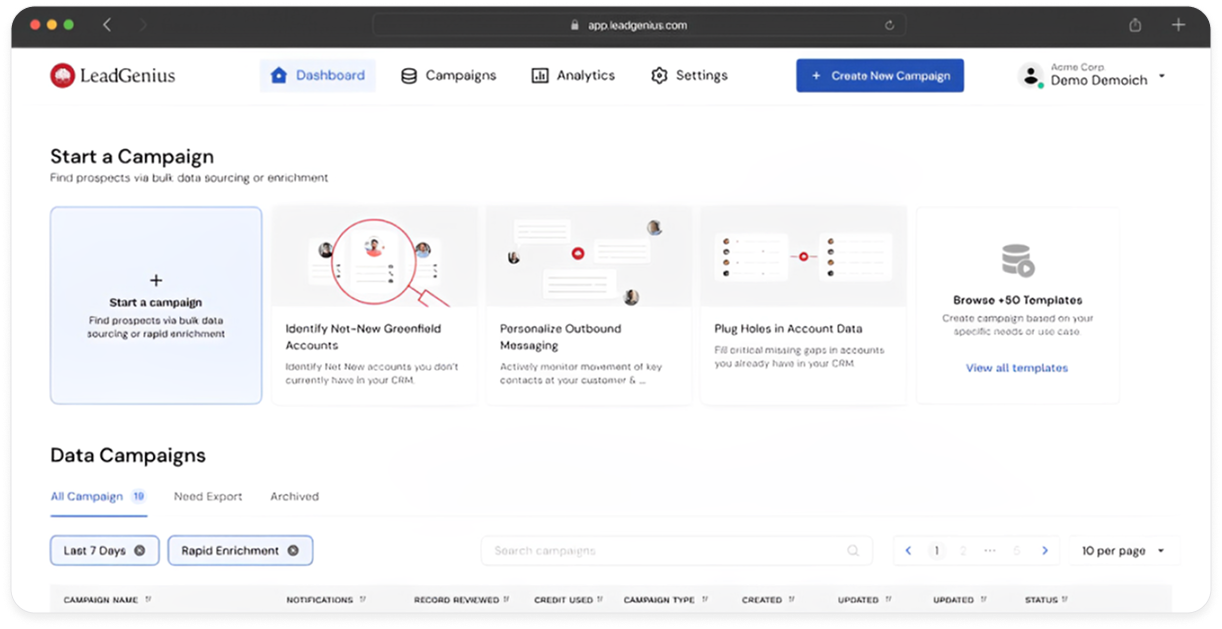
LeadGenius

LeadGenius

LeadGenius: Transforming B2B Sales & Marketing with Intelligence and Precision LeadGenius empowers …

Explore

CentrixOne

CentrixOne

CentrixOne: Accelerate Growth with All-in-One CRM and Marketing Automation — Powered by AiDOOS Cent…

Explore

Folderly

Folderly

Folderly: Elevate Your Email Deliverability with Confidence Folderly is a cutting-edge Email Delive…

Explore

Frequently Asked Questions

How many screens can Dynasign Online manage simultaneously?
Dynasign Online scales to manage hundreds or thousands of screens across multiple locations. AiDOOS can assist with infrastructure optimization and deployment scaling for enterprise-wide implementations.
What content formats are supported?
The platform supports images, videos, text, live feeds, and interactive content. Most common formats including MP4, PNG, JPEG, and HTML are fully compatible.
Can content be scheduled for specific times and locations?
Yes. Advanced scheduling allows time-based, location-specific, and event-triggered content delivery. AiDOOS expertise can help configure complex multi-location scheduling workflows.
Is mobile tablet management included?
Yes. Dynasign Online manages both fixed digital signage screens and mobile tablet devices from a single dashboard, enabling unified communications across all endpoints.
How does AiDOOS enhance Dynasign Online deployment?
AiDOOS provides integration services, governance framework setup, content pipeline optimization, and best practices consulting to maximize platform value and reduce deployment complexity.
What reporting and analytics capabilities are available?
The platform provides engagement metrics, content performance analytics, device status monitoring, and custom reports. AiDOOS can implement advanced BI integrations for deeper insights.