
Looking to implement or upgrade Audyo?
Schedule a Meeting
Text-to-Speech

Audyo

Transform written text into professional studio-quality audio in seconds

Category
Software
Ideal For
Content Creators
Deployment
Cloud
Integrations
None+ Apps
Security
Cloud-based data encryption, secure user authentication
API Access
Yes - enables programmatic audio generation and integration

About Audyo

Audyo is a cloud-based audio creation platform that democratizes professional audio production by allowing users to generate studio-quality audio content directly from text input. The platform eliminates the need for recording equipment, voice talent, or audio engineering expertise, making high-quality audio production accessible to teams of all sizes. Users simply type or paste text, select from multiple natural-sounding AI voices, and instantly receive broadcast-ready audio. Ideal for podcasts, e-learning modules, marketing videos, product demos, and audiobook creation, Audyo streamlines content production workflows. AiDOOS marketplace integration enhances deployment flexibility, enabling organizations to scale audio content production across distributed teams while maintaining consistent quality and governance standards. The platform's intuitive interface reduces time-to-production, allowing teams to focus on content strategy rather than technical execution.

Challenges It Solves

  • Audio production requires expensive equipment, professional voice talent, and specialized technical skills
  • Traditional recording and editing processes consume significant time and delay content delivery
  • Scaling audio content creation across multiple channels and departments remains costly and complex
  • Maintaining consistent audio quality and brand voice across diverse content types is challenging

Proven Results

85
Audio production time reduced by 85 percent
70
Cost savings on professional voice talent and equipment
64
Increased content production volume without hiring staff

Key Features

Core capabilities at a glance

AI Voice Selection

Choose from multiple natural-sounding voices and languages

Consistent brand voice across all audio content

Real-Time Audio Preview

Hear audio instantly as you edit text

Quick iterations without waiting for processing time

Batch Processing

Generate multiple audio files simultaneously

Process hundreds of documents in minutes

Text Editing & Refinement

Fine-tune scripts before audio generation

Perfect pronunciation and pacing control

Multiple Export Formats

Download audio in various quality and format options

Compatible with any platform or distribution channel

Accent & Tone Control

Customize voice characteristics for different audiences

Personalized audio experience for each use case

Ready to implement Audyo for your organization?

Real-World Use Cases

See how organizations drive results

Podcast Production
Create engaging podcast episodes without recording sessions. Generate intros, outros, and supplementary content instantly while keeping production schedules on track.
78
Podcast publication frequency increased significantly
E-Learning & Training
Convert training documentation and course materials into engaging audio lessons. Scale instructional content across organizations without hiring narrators.
82
Training completion rates improved with audio format
Marketing & Advertising
Generate voiceovers for video ads, social media content, and promotional materials. Test different messaging and voices rapidly without production delays.
71
Campaign launch timelines compressed by 70 percent
Product Documentation
Transform technical documentation and user guides into accessible audio format. Help users understand complex products through spoken explanations.
68
User support requests reduced through audio guides
Audiobook Publishing
Convert written books and long-form content into professionally narrated audiobooks. Expand reach to audio-first audiences without traditional publishing constraints.
75
Audiobook catalog expanded at minimal cost

Integrations

Seamlessly connect with your tech ecosystem

G

Google Docs

Explore

Direct integration enables seamless conversion of documents to audio without manual copying

Z

Zapier

Explore

Connect Audyo with 7000+ applications for automated audio generation workflows

W

WordPress

Explore

Embed AI-generated audio directly into blog posts and website content

Y

YouTube

Explore

Generate voiceovers and background audio for video content efficiently

S

Slack

Explore

Share and generate audio snippets directly within team communication channels

D

Dropbox

Explore

Auto-generate audio from documents stored in cloud storage systems

H

HubSpot

Explore

Create marketing audio content directly from sales and marketing materials

Implementation with AiDOOS

Outcome-based delivery with expert support

Outcome-Based

Pay for results, not hours

Milestone-Driven

Clear deliverables at each phase

Expert Network

Access to certified specialists

Implementation Timeline

1
Discover
Requirements & assessment
2
Integrate
Setup & data migration
3
Validate
Testing & security audit
4
Rollout
Deployment & training
5
Optimize
Performance tuning

See how it works for your team

Alternatives & Comparisons

Find the right fit for your needs

Capability Audyo DoMyShoot Flow.ai Dashworks
Customization Good Good Excellent Good
Ease of Use Excellent Excellent Excellent Excellent
Enterprise Features Good Good Good Excellent
Pricing Good Good Fair Good
Integration Ecosystem Good Good Excellent Excellent
Mobile Experience Fair Fair Good Good
AI & Analytics Good Excellent Excellent Excellent
Quick Setup Excellent Excellent Excellent Excellent

Similar Products

Explore related solutions

DoMyShoot

DoMyShoot

DoMyShoot: Effortless, AI-Powered Product Photography Transform your product images with DoMyShoot …

Explore

Flow.ai

Flow.ai

Transform Customer Engagement with Advanced Multichannel Chatbots Empower your business to deliver …

Explore
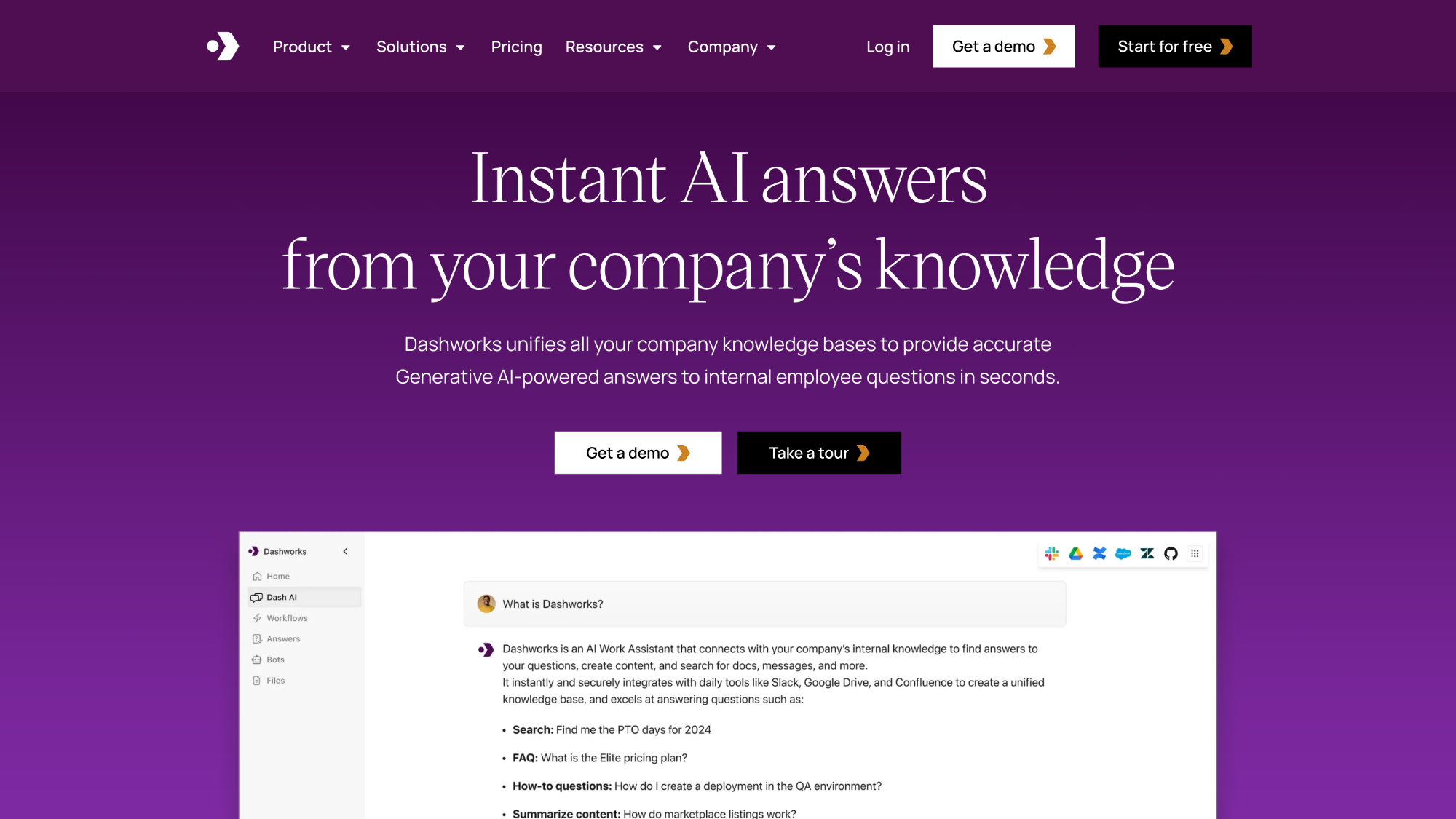
Dashworks

Dashworks

Dashworks: Your Unified AI Search & Answer Assistant for Teams Dashworks revolutionizes team produc…

Explore

Frequently Asked Questions

Do I need any technical skills or recording equipment to use Audyo?
No. Audyo is designed for non-technical users. Simply type or paste text, select a voice, and generate audio instantly. No microphones, editing software, or audio expertise required.
How many different AI voices are available?
Audyo offers dozens of natural-sounding voices across multiple languages and accents, allowing you to choose the perfect voice for your content and audience.
Can I use generated audio commercially?
Yes. Audio generated on Audyo can be used for commercial projects, podcasts, videos, marketing content, and professional distribution depending on your plan tier.
How long does it take to generate audio?
Most audio files generate in seconds. Processing time depends on content length, but Audyo provides real-time preview and batch processing for efficiency.
How does AiDOOS enhance Audyo deployment?
AiDOOS marketplace integration enables enterprise governance, scaled team access, simplified billing, and seamless integration with existing organizational tools and workflows.
What audio formats and quality options are supported?
Audyo supports multiple export formats and quality tiers, from standard web quality to high-fidelity audio suitable for professional podcasts and commercial production.